
Highlights
What you can do with it
- Removing a video background without a green screen
- Cleaning up footage for content or ads
- Handling background removal across formats
How to use it
- 1 Open Unscreen Pro and try the free preview
- 2 Upload the video you want to edit
- 3 Let the AI remove the background automatically
- 4 Review, adjust if needed, and choose a plan to export
Who it is for
Pros
- No green screen or manual masking needed
- Automatic detection across several formats
- Free preview before you pay
Limitations
- Complex edges and fine details may need touch up
- Free trial terms can change, and continued use needs a monthly plan
- Positioned as a replacement for a discontinued service, so stability is worth watching
What Unscreen is
Unscreen Pro is a video background removal tool, presented as an alternative after the original Unscreen was discontinued. It uses Veo 3.1 technology and advanced AI to detect and remove the background from a video automatically, with no green screen and no manual editing. It supports multiple video formats, and the page says it is trusted by over 1 million creators worldwide for a range of projects. Pricing is described as transparent: there are free previews and a free trial version, a Plus Premium plan at $4.99 per month, and a Pro Premium plan at $99 per month.
What you can do with it
- Remove a video background automatically without a green screen
- Work with several common video formats
- Preview results before you commit to a paid plan
- Handle background removal for different project types
Who it is for
- Video creators who need quick background removal
- Editors working without a green screen setup
- Anyone producing video content at volume
What to watch out for
Automatic removal can struggle with complex edges, fine details like hair, or busy backgrounds, so some clips may need touch up after the first pass. The free preview and free trial are limited, free trial terms can change, and continued use moves you to a monthly plan, with the Pro Premium tier priced far above the entry plan, so choose based on real volume. Because it is positioned as a replacement for a discontinued service, long term stability is worth watching, and the 1 million creators figure comes from the page itself. Test a few of your own clips before you rely on it for paid work.
FAQ
Is Unscreen free?
It offers free previews and a free trial version, with Plus Premium at $4.99 and Pro Premium at $99 per month.
Do I need a green screen?
No. It uses AI to detect and remove the background without a green screen or manual editing.
What technology does it use?
The page says it uses Veo 3.1 technology for automatic background removal.
Why it is free
What the official page says: 免费试用免费
Free limits, trial length and features are decided by the official site and can change at any time.
Product preview
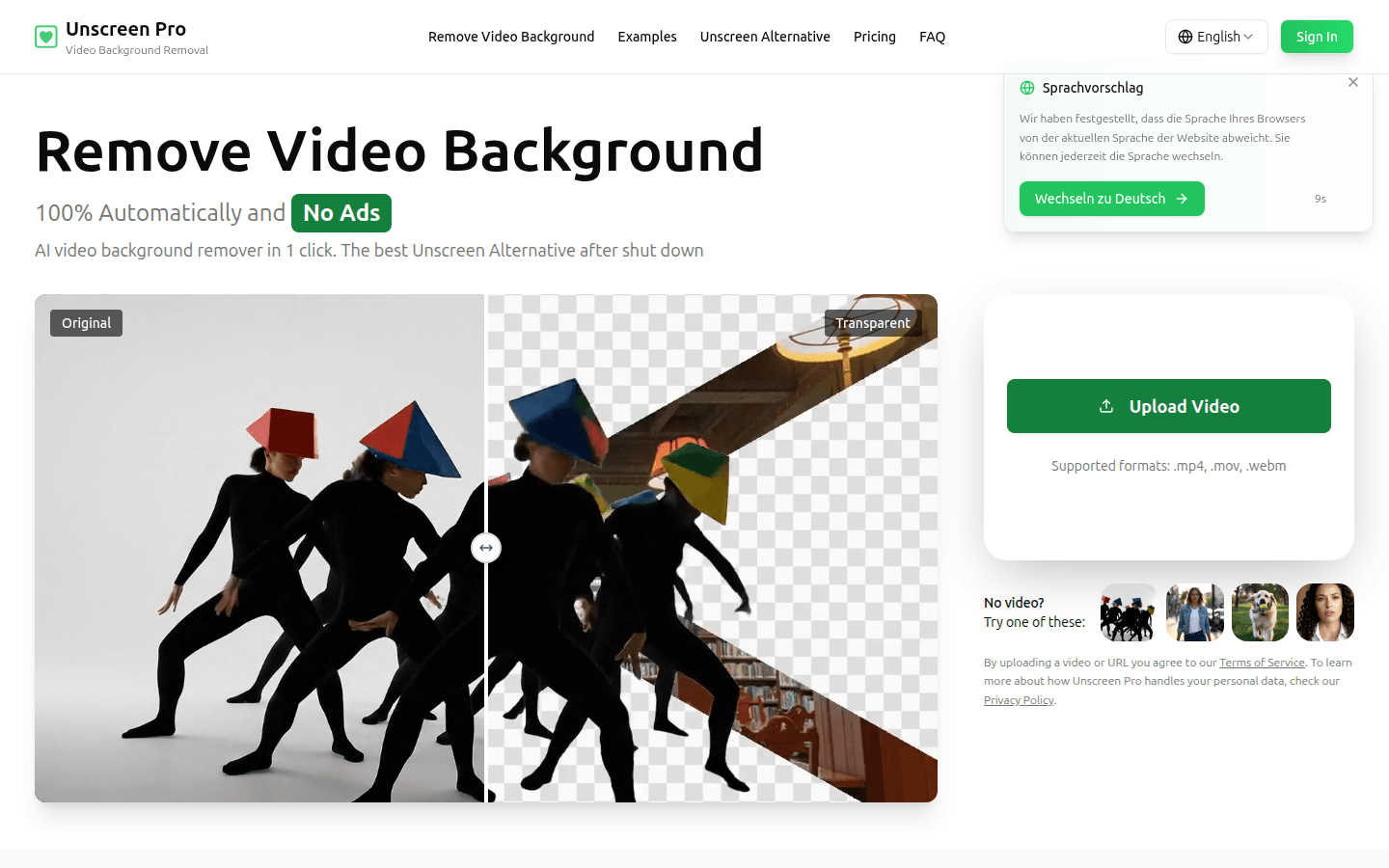
Screenshot archived from the listing page, for preview only.