
Unscreen
Free automatic video background removalRemove video backgrounds automatically
Highlights
What you can do with it
- Remove the background from a video clip
- Create background-free video for compositing
- Add removal to another tool via the API
How to use it
- 1 Open the Unscreen site
- 2 Upload a video or paste a URL
- 3 Let it analyze and remove the background
- 4 Download the background-free result
Who it is for
Pros
- Free and fully automatic
- Works from an upload or a URL
- API and plugins for integration
Limitations
- Free access and limits can change
- Accuracy varies with complex footage
- Depends on an external service you do not control
What Unscreen is
Unscreen is a tool that removes video backgrounds automatically. You upload a video or paste a URL, and it analyzes the clip and produces a high-quality, background-free result without complex technical steps. It supports multiple video formats, so common clips work without conversion. It also offers an API and plugins, which means you can fold background removal into other software. The service is free to use and is aimed at content creators who need quick cutouts.
What you can do with it
Here is what you can do with Unscreen:
- Remove the background from a video automatically
- Work from an uploaded file or a URL
- Use it across multiple video formats
- Add background removal to other tools via the API
Who it is for
It suits a few groups:
- Creators making background-free video
- Editors who need quick cutouts
- Developers adding removal to their own tools
What to watch out for
Unscreen is free, but free access and limits can change, and it depends on an external service you do not control. Accuracy varies with footage that has fine details like hair or complex motion, so results are not always clean. Export options and quality can depend on the plan and the clip. Keep your own copies of processed video, and test a short sample before committing to a longer project. Free tiers and usage limits can change, so check the current rules on the official page before relying on it long term. Processing speed depends on file size and network conditions, so retry later if a task stalls during peak hours. Save a backup of the original file before large batch jobs, and keep an exported copy of key results in case the page or service becomes temporarily unavailable.
FAQ
Is Unscreen free?
Yes, it is a free tool for automatic video background removal.
What inputs does it take?
You can upload a video or paste a URL.
Can I use it in other software?
Yes, it offers an API and plugins for integration.
Why it is free
What the official page says: 免费
Free limits, trial length and features are decided by the official site and can change at any time.
Product preview
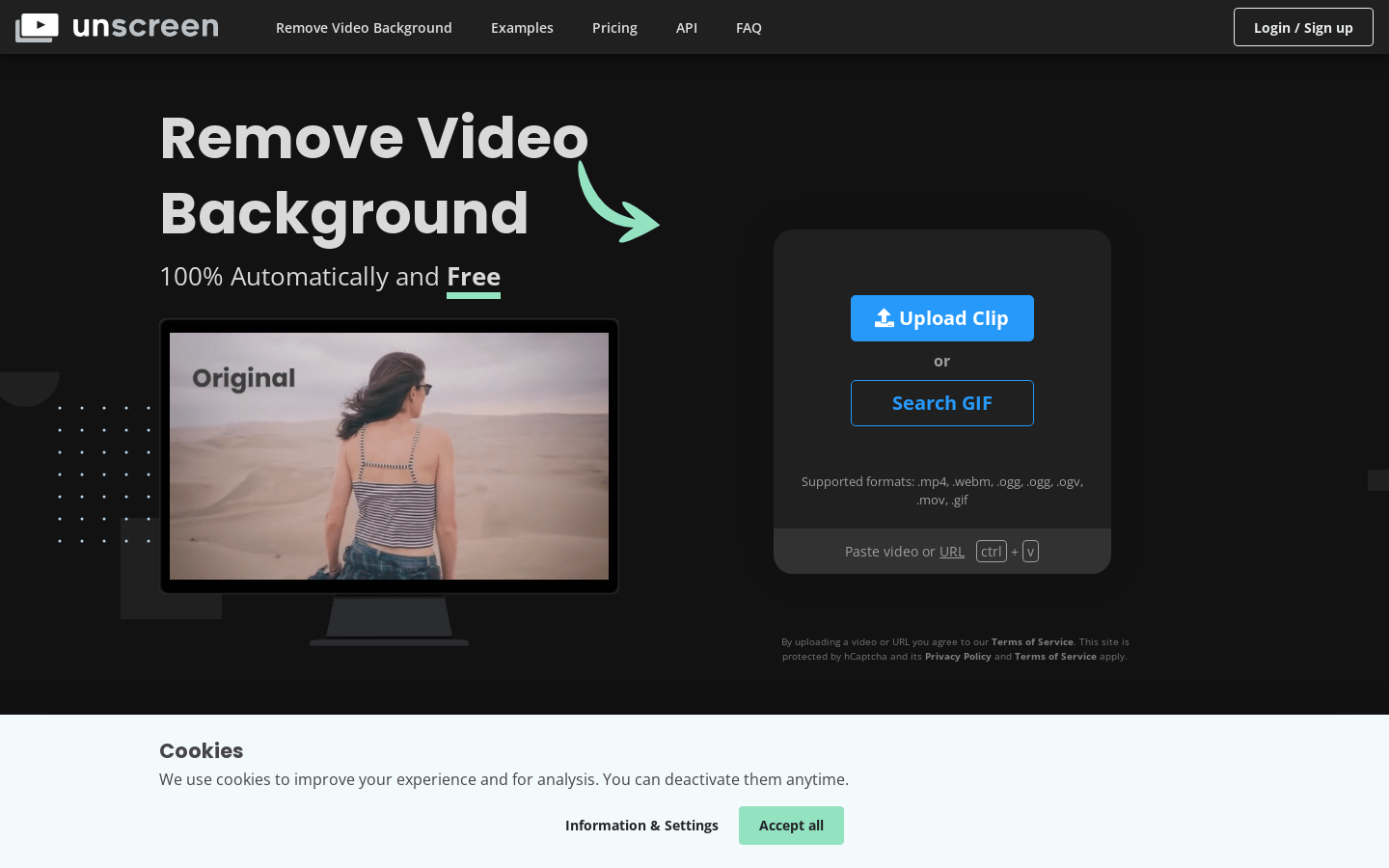
Screenshot archived from the listing page, for preview only.











