
UniJump
ChatGPT on any websiteFree browser extension for ChatGPT access
Highlights
What you can do with it
- Get writing help while typing on any page.
- Ask questions without leaving the site you are on.
- Try prompts and ideas as you read or research.
How to use it
- 1 Install the UniJump browser extension.
- 2 Connect your OpenAI account, with no separate sign-up.
- 3 Open any site and trigger ChatGPT from the page.
- 4 Use it for writing, answers, or quick experiments.
Who it is for
Pros
- Free and no registration needed.
- Works across any website you visit.
- Open-source for transparency.
Limitations
- It needs an OpenAI account, so usage follows that account's rules and limits.
- Free status and extension behavior can change with updates.
- It depends on the extension staying maintained and on ChatGPT being available.
What UniJump is
UniJump is a browser extension that puts ChatGPT on any website you visit. Instead of switching tabs, you trigger it from the page you are already on to get writing help, ask questions, or try ideas. It is free to use and needs no registration, though you do need an OpenAI account to connect. The extension's code is open-source, which the project points to as a way to keep things transparent on data and privacy. It is a small tool aimed at people who want AI help inline while they browse, read, and write, without breaking their flow to open another window.
What you can do with it
- Get writing assistance while typing on any page.
- Ask questions without leaving the site you are on.
- Try prompts and ideas as you read or research.
- Keep your work in one tab instead of jumping around.
Who it is for
- Writers who want help right where they type.
- Readers and researchers who ask a lot of questions.
- Anyone tired of switching tabs to reach ChatGPT.
What to watch out for
You need an OpenAI account, so your usage follows that account's rules and limits, not the extension's. Because the extension is free and open-source, features and maintenance can change over time, and it may lag behind new browser updates. It relies on ChatGPT being available, so if the upstream service has problems, the extension will too. Check the repository for how recent the last update is before you depend on it every day. For best results, start with a small test file and review the output carefully before working on anything important.
FAQ
Is UniJump free?
Yes, free to use with no registration.
Do I need an account?
You need an OpenAI account to connect.
Is the code open?
Yes, it is open-source.
Why it is free
What the official page says: no registrationfree to use
Free limits, trial length and features are decided by the official site and can change at any time.
Product preview
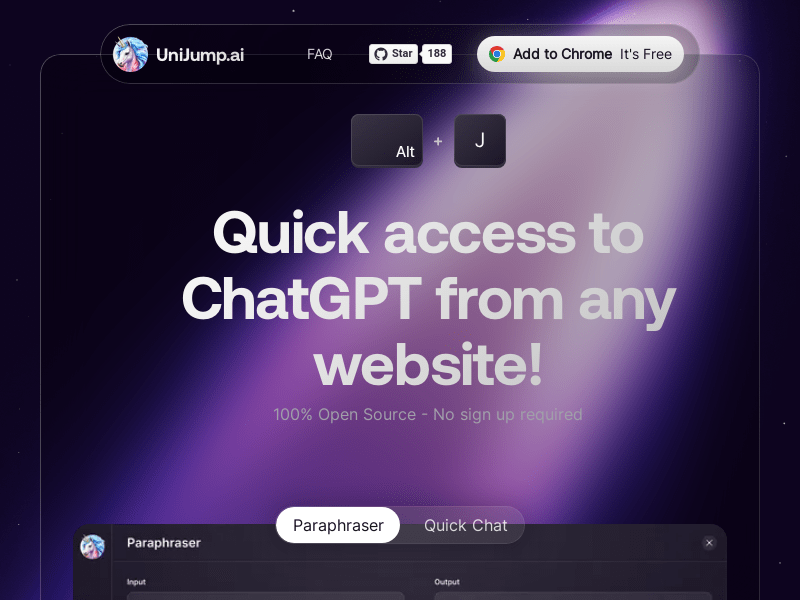
Screenshot archived from the listing page, for preview only.











