
Highlights
What you can do with it
- Turning a text prompt into a finished image in seconds
- Combining several reference images into one composition
- Producing high-resolution visuals for creative projects
How to use it
- 1 Open Uni and start a new image from a text prompt
- 2 Add reference images if you want multi-reference synthesis
- 3 Generate the image and review the result
- 4 Move to a paid tier if you need higher limits
Who it is for
Pros
- Free and watermark-free output
- Multimodal reasoning rather than plain diffusion generation
- Fast generation speed and high image resolution
Limitations
- Free plan limits and pricing can change
- Advanced features and higher limits sit on paid tiers
- Complex prompts may need several attempts to land right
What Uni is
Uni is an AI image generator built on a unified multimodal Transformer. According to its own description, it is a multimodal reasoning model rather than a simple diffusion generator, which means it is designed to understand user intent and produce visuals with high cultural and compositional accuracy instead of just copying surface style. It supports text prompts turned into images in seconds and offers multi-reference synthesis so you can steer results with more than one input. The output is described as free and watermark-free, and the generator is positioned to give creative professionals professional-quality visuals without a subscription getting in the way. Plans range from a free version through entry-level, advanced, and professional tiers.
What you can do with it
- Turn a text prompt into a high-quality image in seconds
- Combine multiple reference images through multi-reference synthesis
- Generate high-resolution output for creative and design work
- Use the free version without a watermark on the result
Who it is for
- Designers and creative professionals who need visuals quickly
- Anyone who wants free image generation without a watermark
- Users who care about composition and cultural accuracy, not just style
- Teams that need several image variations in one sitting
What to watch out for
The free version has limits, and advanced features and higher limits sit on paid tiers, so plan around what your tier actually allows. Free plan rules and pricing can change, so check current terms before you build a workflow on it. Complex prompts may also need several attempts to land right, especially when you are combining references, because reasoning about composition is harder than copying a style. Budget time for iteration rather than expecting a perfect image from the first prompt, and keep your prompts specific about layout and subject so the reasoning model has something concrete to work with.
FAQ
Is Uni free to use?
It offers a free version and describes its output as free and watermark-free.
What model is behind it?
A unified multimodal Transformer with spatial, causal, and cultural reasoning capabilities.
Can I use reference images?
Yes, multi-reference synthesis is listed as one of its features.
Why it is free
What the official page says: 免费版免费
Free limits, trial length and features are decided by the official site and can change at any time.
Product preview
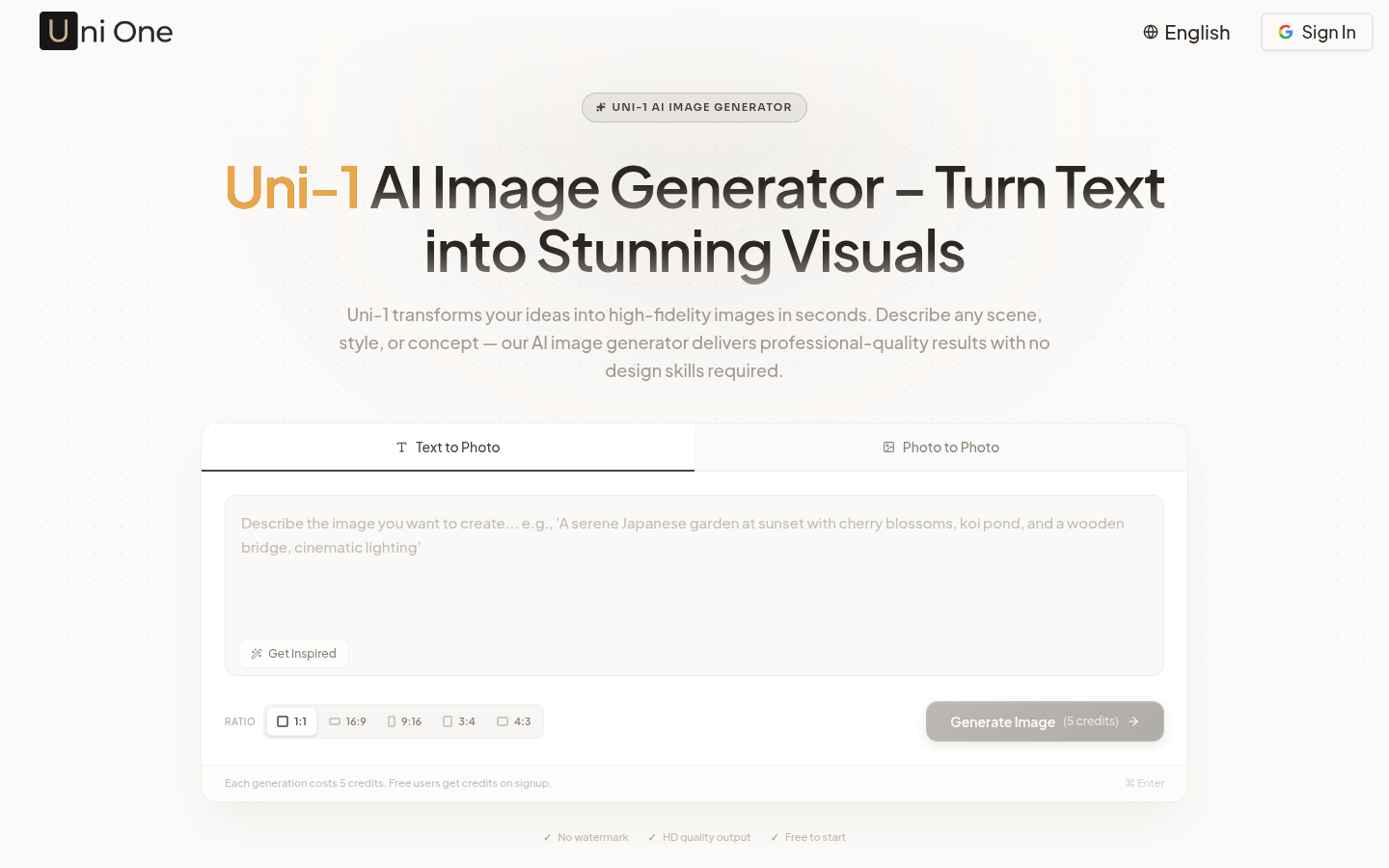
Screenshot archived from the listing page, for preview only.