
Unblur Image
AI deblurring tool for blurry photosClear up blurry images in seconds
Highlights
What you can do with it
- Fixing a blurry photo taken in low light or on the move
- Cleaning up out-of-focus shots before printing or sharing
- Trying the tool on a few images before deciding to pay
How to use it
- 1 Open unblur-image.io and log in to claim the free credits
- 2 Upload the blurry image you want to fix
- 3 Run the deblur process and wait for the result
- 4 Download the sharpened image if the result looks good
Who it is for
Pros
- Five free credits let you test five images right away
- Handles more than one kind of blur
- Runs in the browser, so no install is required
Limitations
- Only five free credits, then professional features may need payment
- Prices for extra credits are not listed, so the budget is unclear
- How much blur can be removed depends on the original image
What Unblur Image is
Unblur Image is an online tool that uses AI to remove blur from photos. You upload a blurry picture, and the system automatically detects and reduces the blur to restore clarity, detail, and sharpness. The site says it handles common blur types, including motion blur and out-of-focus blur, and that processing takes seconds. There is no software to install, since everything runs in the browser. It is positioned for both everyday users and professionals, covering everything from repairing personal photos to processing images that matter for work. New users get five free credits after logging in, which is enough to process five images. After those credits are used, professional features may require payment.
What you can do with it
- Fix motion blur in photos taken while moving
- Sharpen out-of-focus shots before sharing or printing
- Process images in the browser without installing an editor
- Test the quality on five free images before deciding to pay
Who it is for
- Anyone with blurry photos they want to clean up quickly
- Photographers retouching a small number of images
- Users who prefer a browser tool over desktop software
What to watch out for
Only five free credits are included, and the listing does not publish prices for extra credits, so the cost of heavier use is unclear. How much blur can be removed depends on the original image; heavily damaged photos may not return to full sharpness. Professional features are described as requiring payment after the trial, so check the current terms on the site before planning regular use. Features and interface details may change between versions, so review the latest notes on the page before you start.
FAQ
How many images can I fix for free?
New users get five free credits after logging in, which covers five images.
What kinds of blur does it handle?
The site mentions motion blur and out-of-focus blur, along with other types of blurry images.
Do I need to install anything?
No. It is an online tool, so you upload and process images directly in the browser.
Why it is free
What the official page says: 免费额度免费
Free limits, trial length and features are decided by the official site and can change at any time.
Product preview
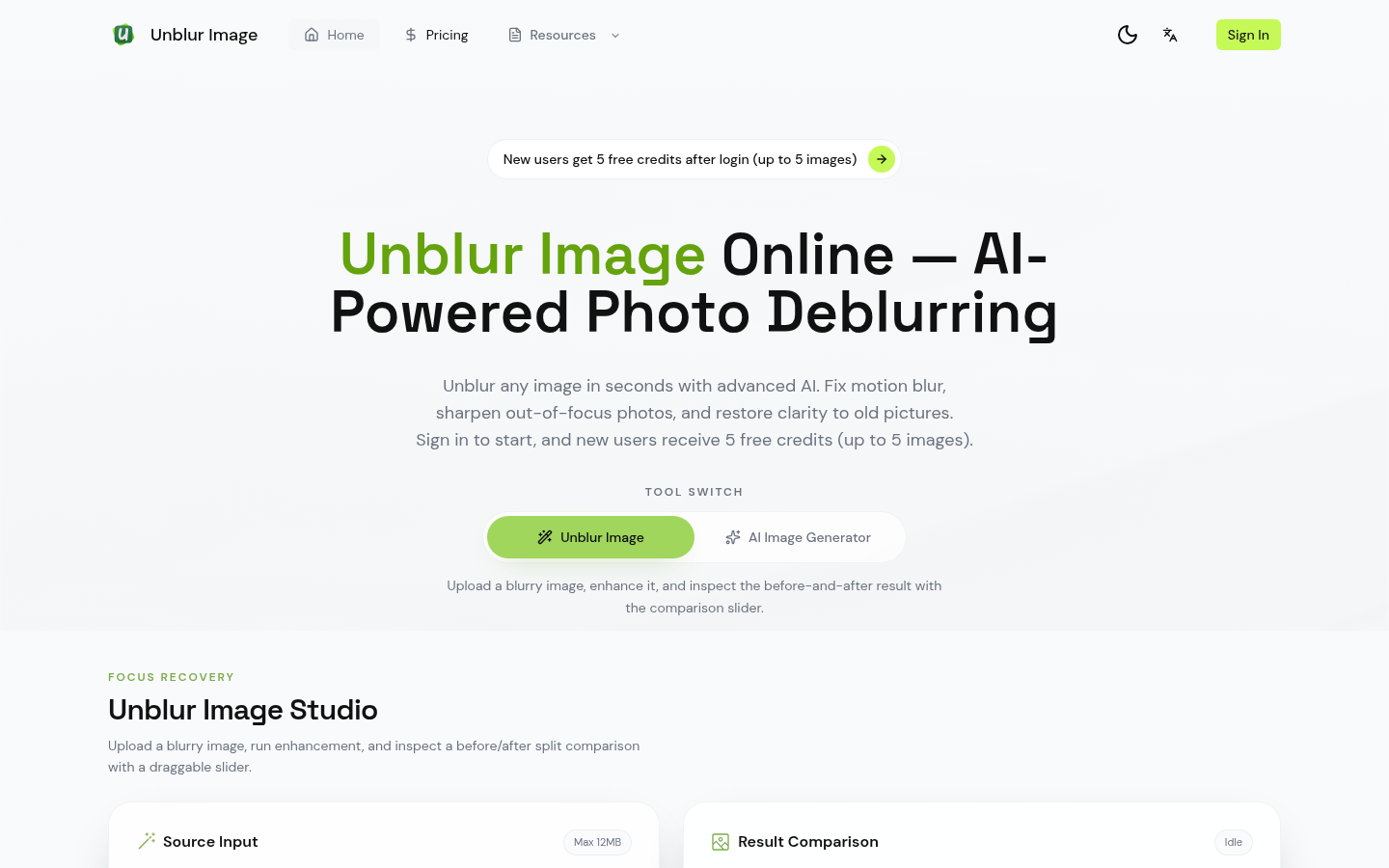
Screenshot archived from the listing page, for preview only.