
uList
Free list and task management appTo-dos, notes, and shared lists
Highlights
What you can do with it
- Build a study plan and revision checklist
- Track project tasks with a team
- Manage household shopping and chores
How to use it
- 1 Install uList on your phone
- 2 Create an account and open a list
- 3 Add tasks or pick a template
- 4 Use Daily Planner to schedule tasks
- 5 Share the list for collaboration
Who it is for
Pros
- Free to use per the listing
- Templates plus real-time sharing
- Works across Android and iOS
Limitations
- Free features can change over time
- Mobile app only per the listing
- Monetization features may not suit everyone
What uList is
uList is a task and list management app built to improve personal efficiency. You can create to-do lists, shopping lists, and notes, and the app adds template downloads and creation, real-time collaboration on shared lists, and scheduling that helps you plan the next three days. It runs on Android and iOS, and the team says it has provided a free, user-friendly list tool since 2016. Templates can even carry affiliate links, which the listing frames as a way to monetize content. It is aimed at students, professionals, and households that want simple lists they can share.
What you can do with it
- Create to-dos, shopping lists, and notes
- Download or build reusable templates
- Share lists and collaborate in real time
- Plan the next three days with scheduling
Who it is for
- Students managing study tasks and checklists
- Professionals tracking project work
- Households sharing shopping and chores
What to watch out for
Free features can change over time, so confirm what is included before you build your routine around the app. The listing describes mobile apps for Android and iOS, so desktop users may find access limited. Monetization through affiliate links will not suit everyone and depends on the programs you join. As with any list tool, the app only helps if you keep it updated, and shared lists need everyone in the group to actually use them. When quality matters, export a small draft first to confirm the result before producing the final file. Generated suggestions are for reference only, so verify anything that affects professional judgment or important data. Behavior may vary across browsers and devices, so test before production use and consult the help docs if errors appear.
FAQ
Is uList free?
The listing describes it as a free and user-friendly list management tool.
What can I create?
To-do lists, shopping lists, notes, and templates, with scheduling and real-time collaboration.
Which devices does it support?
The listing says Android and iOS.
Why it is free
What the official page says: 免费
Free limits, trial length and features are decided by the official site and can change at any time.
Product preview
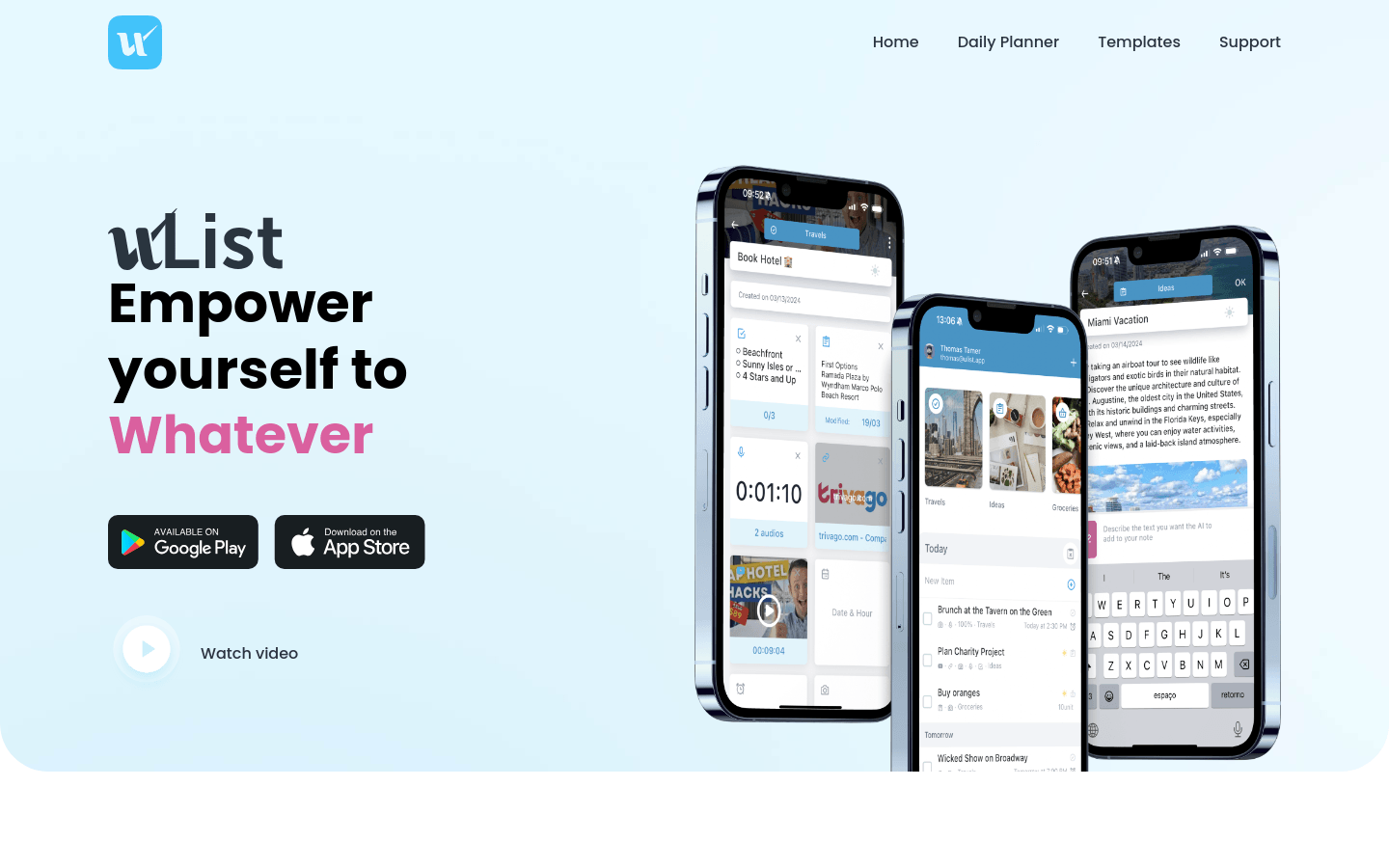
Screenshot archived from the listing page, for preview only.











