UGC Maker AI
AI UGC ad generatorHigh-conversion UGC ads in minutes
Highlights
What you can do with it
- Turning product photos into marketing videos
- Producing UGC-style ads for an event
- Creating visual content for social channels
How to use it
- 1 Open the UGC Maker AI website
- 2 Pick a module such as video or image generation
- 3 Enter a prompt or upload an image
- 4 Generate, preview, and adjust
- 5 Download for marketing use
Who it is for
Pros
- No shooting or heavy editing required
- Templates help beginners get usable results
- Fast generation for testing many ideas
Limitations
- The free trial limits how much you can produce
- Ad quality still depends on source images
- Generated people and scenes should be checked before publication
What UGC Maker AI is
UGC Maker AI is a platform for producing user-generated-style advertising content with AI. It targets brands, marketers, and content creators who need a steady supply of video and image ads but do not want to arrange shoots or spend hours in an editor. You upload images or type a short prompt, and the platform generates coherent video, product showcase material, or eye-catching visuals within minutes. Built-in prompt templates keep results stable for people without professional experience, and extra features such as old photo restoration and comic styles add range.
What you can do with it
- Turn product images into video ads and marketing material
- Generate copyright-free images from prompts or uploads
- Restore old photos or apply comic styles
- Use built-in templates to keep output consistent
Who it is for
- Brand owners who need large volumes of ad material
- Marketers testing creative for campaigns and events
- Content creators producing visual content at pace
What to watch out for
The free trial limits production volume, so evaluate quickly. Output quality depends on the source images you provide, so clean product photos give better ads. If an ad includes AI-generated people or voices, make sure the content is clearly presented and follows advertising and platform rules, since misleading creative can be rejected or penalized. Always review generated footage before it goes live. Features and interface details may change between versions, so review the latest notes on the page before you start. For team use, agree on naming and editing conventions in advance to avoid version conflicts or duplicated work. Processing speed depends on file size and network conditions, so retry later if a task stalls during peak hours.
FAQ
What does UGC Maker AI create?
It generates UGC-style video and image advertisements, product showcase videos, and visual content from prompts or uploaded images.
Is there a free trial?
Yes, the platform offers a free trial to help enterprises and creators test quality before paying.
Do I need editing skills?
No, built-in professional prompt templates are designed so users without professional experience can still get stable results.
Why it is free
What the official page says: free trial
Free limits, trial length and features are decided by the official site and can change at any time.
Product preview
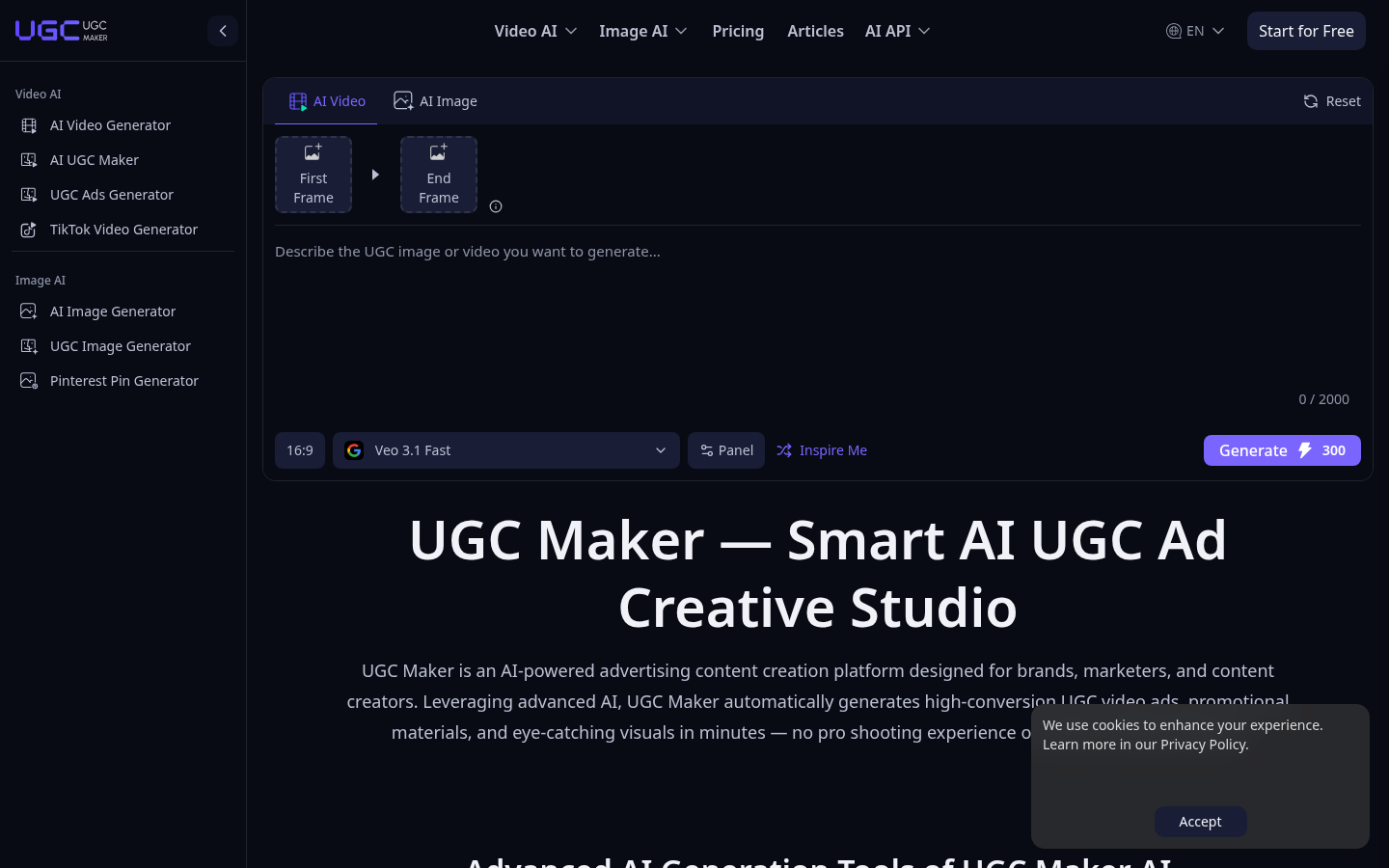
Screenshot archived from the listing page, for preview only.











