
TXTOVID
Free AI text-to-video generator on HappyHorse 1.1Describe a scene, get a video in minutes
Highlights
What you can do with it
- Marketers write product copy and generate promo videos for social
- A creator turns a landscape photo into a travel video
- A corporate team builds a promo video from logo and event photos
How to use it
- 1 Visit txtovid.com and register or log in
- 2 Choose text-to-video, image-to-video, reference image-to-video, or video editing
- 3 Describe the scene or upload images as first frames
- 4 Set length, aspect ratio, and resolution
- 5 Generate, then download, share in the community, or remix public prompts
Who it is for
Pros
- A genuinely free first render to test the model
- Reference image mode helps keep a subject consistent
- Community prompts make it easy to learn what works
Limitations
- Only the first 3 seconds are free; later output is billed per second
- Render time varies from one to five minutes with system load
- Reference image-to-video is capped at nine images
What txtovid is
txtovid is a free AI text-to-video generator powered by the HappyHorse 1.1 model, served through Alibaba Cloud Model Studio. It is known for physically realistic motion and smooth output up to 1080P. The first 3-second video is free, and after that the service bills by the second through prepaid top-ups or monthly and annual packages. It suits individuals and enterprises that need video content quickly.
What you can do with it
- Text-to-video from plain language or film terminology.
- Image-to-video using JPEG, PNG, BMP, or WEBP up to 20MB as the first frame.
- Reference image-to-video with up to nine images and prompts up to 2500 characters.
- Video editing on clips from one to fifteen seconds for style, object, or weather changes.
- Choose 16:9, 9:16, or 1:1 at 720P or 1080P.
- Share videos in the community and reuse public prompts.
Who it is for
- Content creators who need fast turnaround.
- Marketers producing promo videos from product copy.
- Corporate teams building short promotional pieces.
- Educators turning lesson content into video.
What to watch out for
The free tier covers only the first three seconds, so anything longer costs credits. Render times stretch with length, resolution, and server load. Reference image mode caps at nine images, which limits complex multi-subject consistency. Processing speed depends on file size and network conditions, so retry later if a task stalls during peak hours. Run one full task end to end first, then expand once you are comfortable with the workflow and the result quality. Generated suggestions are for reference only, so verify anything that affects professional judgment or important data.
FAQ
What is free?
The first 3-second video is free. After that, billing is per second with prepaid or subscription options.
What resolutions are available?
You can choose 720P or 1080P with 16:9, 9:16, or 1:1 aspect ratios.
How long does generation take?
Typically one to five minutes depending on length, resolution, and system load.
Why it is free
What the official page says: 免费
Free limits, trial length and features are decided by the official site and can change at any time.
Product preview
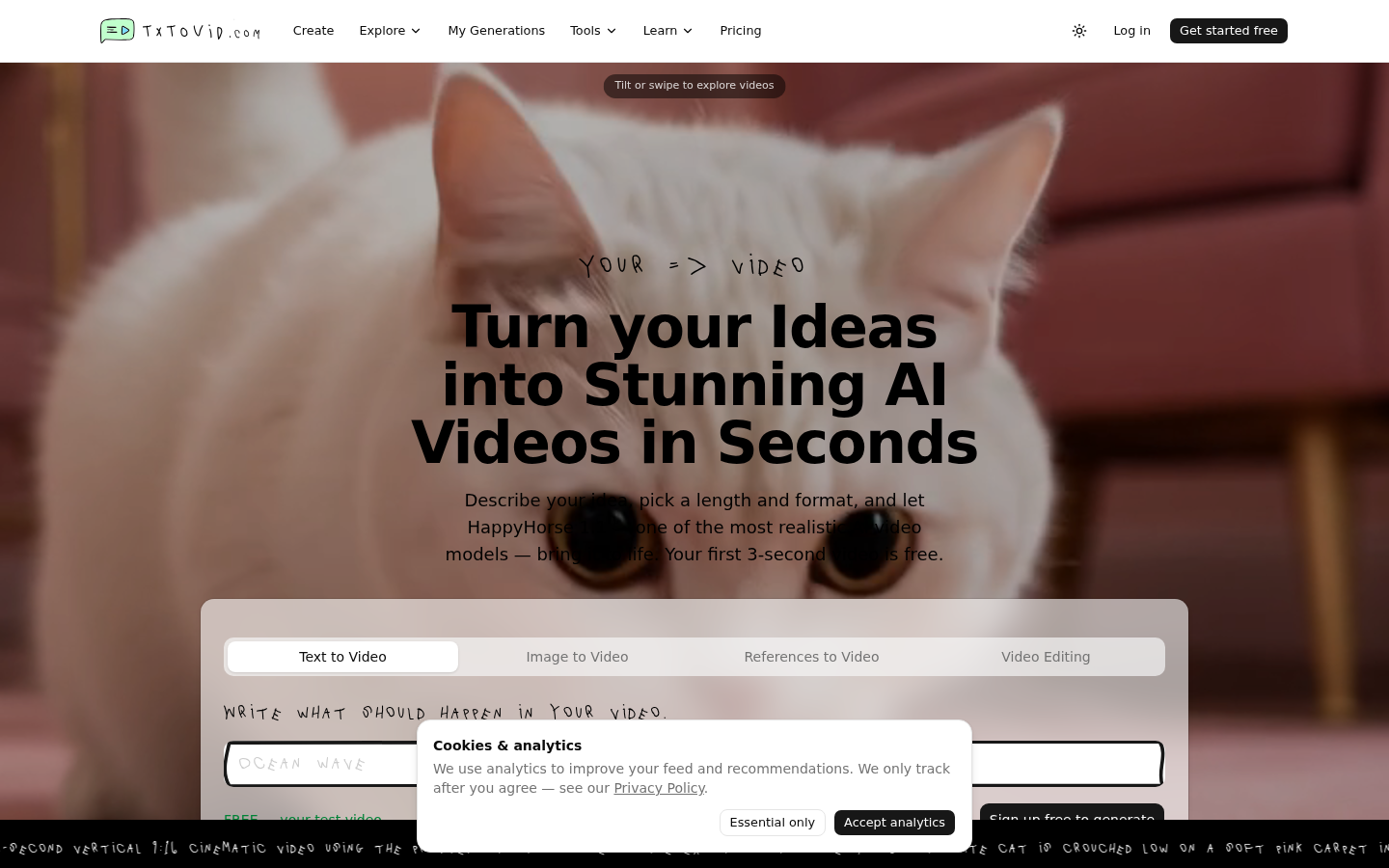
Screenshot archived from the listing page, for preview only.











