
TwoSlash
Free Chrome extension AI writing helperGenerate, improve, and translate as you type.
Highlights
What you can do with it
- Draft a social post without leaving the tab
- Improve grammar in an email before sending
- Fix a spreadsheet formula faster
How to use it
- 1 Add TwoSlash to Chrome.
- 2 Open the page or field where you write.
- 3 Trigger the extension and describe the task.
- 4 Insert the generated or improved text.
Who it is for
Pros
- Free to add to Chrome
- Works inside the pages you already use
- Covers writing, formulas, and translation
Limitations
- It is a Chrome extension, so browser support matters
- Free features and limits can change
- Suggestions still need human review
What TwoSlash is
TwoSlash is an AI assistant plugin for the Chrome browser. Rather than opening a separate website, you add it to the browser and call it up inside the page where you are already writing. It handles three broad jobs: generating content, improving what you wrote, and translating it. The specific uses named in the listing include social media content, better email replies, improved grammar and writing, and optimized Google Sheets formulas. Adding it to Chrome is described as free, which makes it a low-friction way to get AI help inside your normal workflow.
What you can do with it
- Generate social media content and email replies.
- Improve grammar and phrasing in existing text.
- Translate content without leaving the page.
- Optimize Google Sheets formulas with AI help.
Who it is for
- People who write in the browser every day.
- Social media managers drafting posts quickly.
- Anyone who wants fast grammar and translation help.
What to watch out for
It is a Chrome extension, so browser support matters and other browsers are not covered by the listing. Free features and any usage limits can change, so check the store page before relying on it for daily work. AI suggestions still need human review, particularly for translations and formulas where a small error has outsized consequences. Free tiers and usage limits can change, so check the current rules on the official page before relying on it long term. Processing speed depends on file size and network conditions, so retry later if a task stalls during peak hours. Start with a small sample to confirm the output meets your expectations before processing the full batch.
FAQ
Is TwoSlash free?
The listing says you can add it to Chrome for free.
What can it do?
Generate, improve, and translate content, plus help with Google Sheets formulas and grammar.
Where does it run?
As a browser extension, so it works inside the pages you are already on.
Why it is free
What the official page says: for free
Free limits, trial length and features are decided by the official site and can change at any time.
Product preview
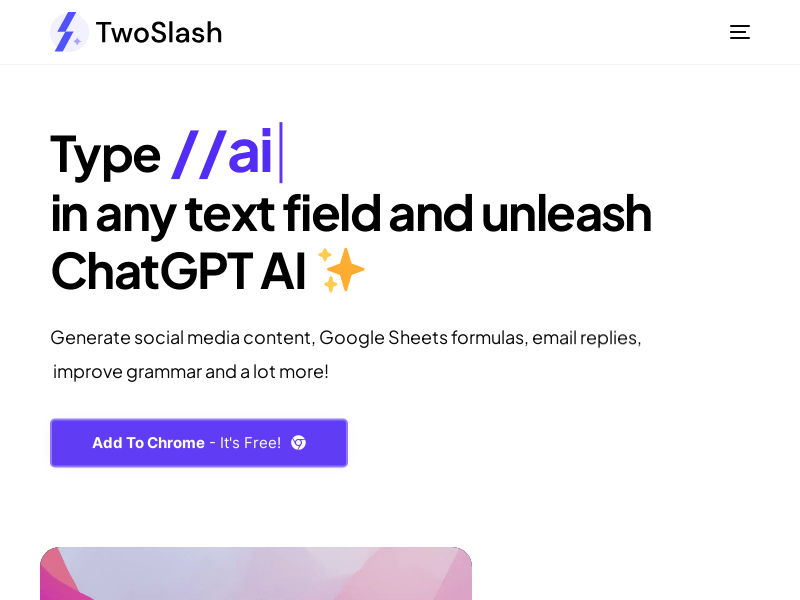
Screenshot archived from the listing page, for preview only.











