
Twogether AI
AI photo with anyonePhotorealistic photos with anyone
Highlights
What you can do with it
- Make a group photo with family who live far away
- Create a birthday or holiday image to share
- Produce a campaign visual with a brand ambassador
How to use it
- 1 Open the site and sign in with a Google account.
- 2 Choose or upload the person you want in the shot.
- 3 Pick a photo style and background.
- 4 Adjust placement, preview, then download or share.
Who it is for
Pros
- No design skills needed for a usable image
- Styles and backgrounds are quick to swap
- Free trial lets you test quality first
Limitations
- Pricing is not published, so budgeting is guesswork
- Generating images of real people raises consent issues you must handle
- Free trial terms and output quality can change
What Twogether AI is
Twogether AI is an online tool that generates photorealistic images of you with another person. You sign in with a Google account, select or upload the person you want in the picture, choose a style and a background, and the tool composes both subjects into one shot. The stated purpose is bridging distance, so people who live far apart or cannot meet can still appear together in a photo. A free trial is offered, although the website does not publish pricing, and the product mentions a signed service agreement around privacy and use.
What you can do with it
- Create a photo with a friend or relative who is not present.
- Swap styles and backgrounds to change the mood.
- Adjust placement and size of each person with simple controls.
- Download the result or share it to social media.
Who it is for
- Families and friend groups who want a shared image across distance.
- Social media users who enjoy novel pictures.
- Small teams that need a lightweight visual for a campaign.
What to watch out for
Generating an image of a real person without their agreement is a consent problem, and in some places a legal one, so only use faces you have rights to. The site does not publish pricing, so you cannot plan a budget from the listing alone. Output quality depends on the source photos, and free trial terms, style options, and privacy handling can all change. Treat generated images as entertainment or concept work rather than documentary evidence of an event that never happened. Start with a small sample to confirm the output meets your expectations before processing the full batch.
FAQ
Can I use a celebrity's face?
The site lets you create images with any person, real or imagined. Using someone's likeness without permission can create legal and ethical problems, so get consent where you can.
How much does it cost?
A free trial is offered, but specific pricing is not currently available on the website.
How do I sign in?
You log in with a Google account and agree to the service terms and privacy policy.
Why it is free
What the official page says: free trial
Free limits, trial length and features are decided by the official site and can change at any time.
Product preview
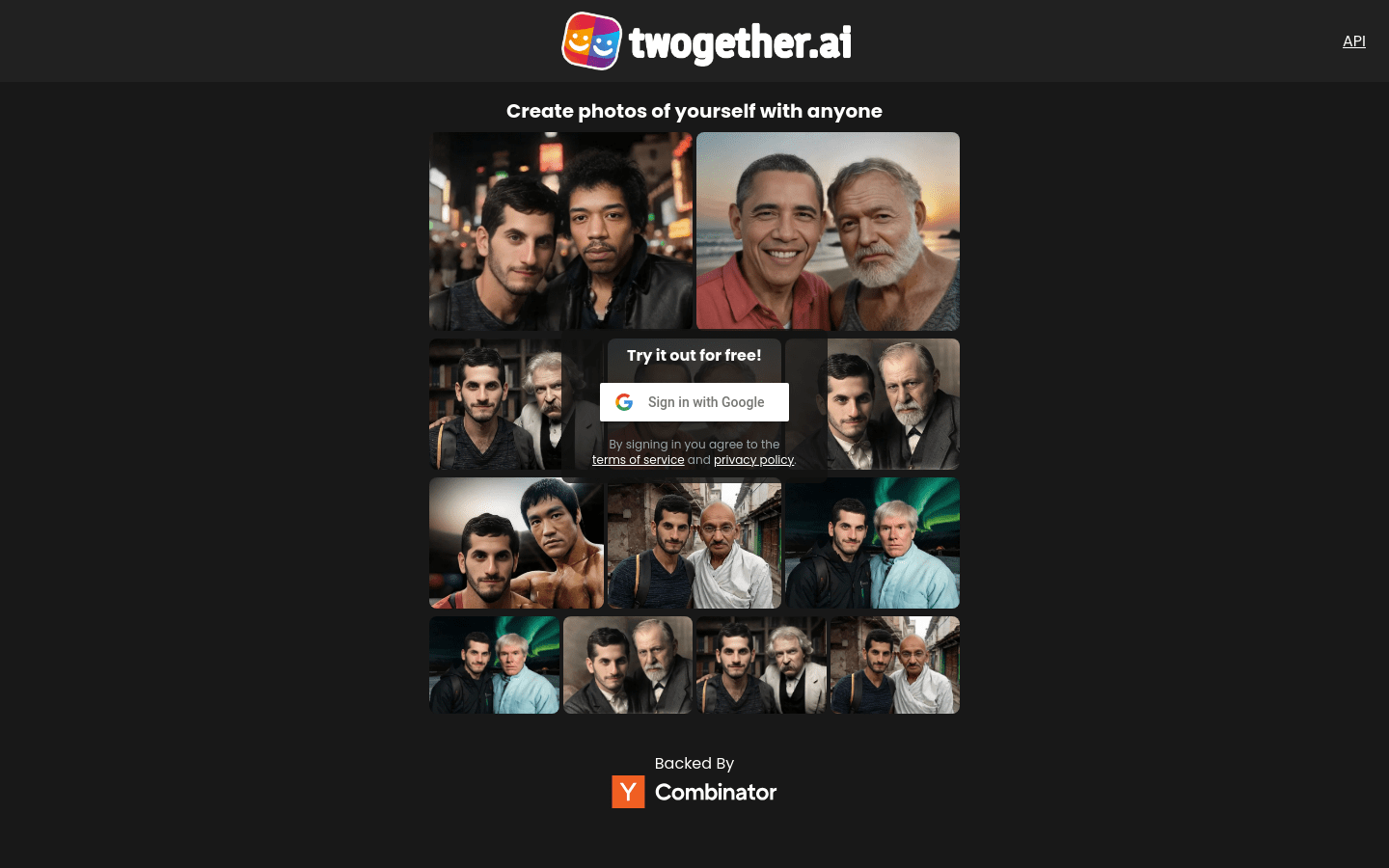
Screenshot archived from the listing page, for preview only.











