
Tweetgrok
AI tweet generatorKeywords in, funny tweets out
Highlights
What you can do with it
- Producing a quick funny post for a slow day
- Breaking a creative block on a social account
- Testing different angles on the same topic
- Filling a content calendar with light posts
How to use it
- 1 Open the Tweetgrok page
- 2 Type a few keywords about your topic
- 3 Click start to generate tweets
- 4 Review the options and pick one
- 5 Edit it before posting to fit your voice
Who it is for
Pros
- Very quick from keywords to draft text
- Free to use according to the listing
- Removes the pressure of a blank compose box
- Useful for generating several angles at once
Limitations
- Humor is subjective and output can miss
- Generated text needs editing to sound like you
- Free tools can change or add limits
- Repetitive AI style posts can feel formulaic
What Tweetgrok is
Tweetgrok is a free AI tool for generating humorous tweets. The listing describes the flow as entering a few keywords about your topic, clicking start, and getting tweet text back. The stated purpose is to help users create more engaging posts, find inspiration, and improve their social media performance, which positions it as a creativity aid rather than a scheduling or analytics tool. The description says it uses ChatGPT for the generation, and it emphasises a simple interface so there is no long setup or account work described. The page presents itself around the funny tweet generator specifically, so the tone of the output is meant to be light rather than formal or promotional. Nothing in the material mentions analytics, scheduling, or publishing, so the tool stops at producing draft text for you to post yourself.
What you can do with it
- Turn a few keywords into several tweet options.
- Get a funny angle on a topic you have to post about.
- Break a creative block on a slow posting day.
- Fill gaps in a content calendar with light posts.
Who it is for
- Social media managers who post often and run dry.
- Creators who want a lighter tone on their feed.
- Anyone stuck for a caption or a one liner.
- Accounts testing whether humorous content lands.
What to watch out for
Humor is subjective, and what reads as funny to one audience falls flat or offends another, so read every option before posting and cut anything that could be misread by a stranger. Generated text also tends to share a similar cadence, and a feed full of it starts to sound machine written, so edit for your own voice and vary the phrasing between posts. The listing describes the tool as free, and free web tools can change their limits, add sign in walls, or disappear without notice, so do not build a posting schedule that depends on one page staying online. Output length may also exceed platform limits, so check character counts before you publish. Finally, jokes that touch on real people, brands, or sensitive topics carry reputational risk, so keep the target broad and the tone kind, and be ready to delete anything that ages badly.
FAQ
What does Tweetgrok do?
It generates humorous and interesting tweets based on topics or keywords you provide.
Is it free?
The listing describes it as a free AI tool.
How do I use it?
Enter a few keywords and click start, then review the generated tweets.
Should I post the output as is?
Edit it first. Generated humor often needs adjusting to fit your voice and audience.
Why it is free
What the official page says: 免费
Free limits, trial length and features are decided by the official site and can change at any time.
Product preview
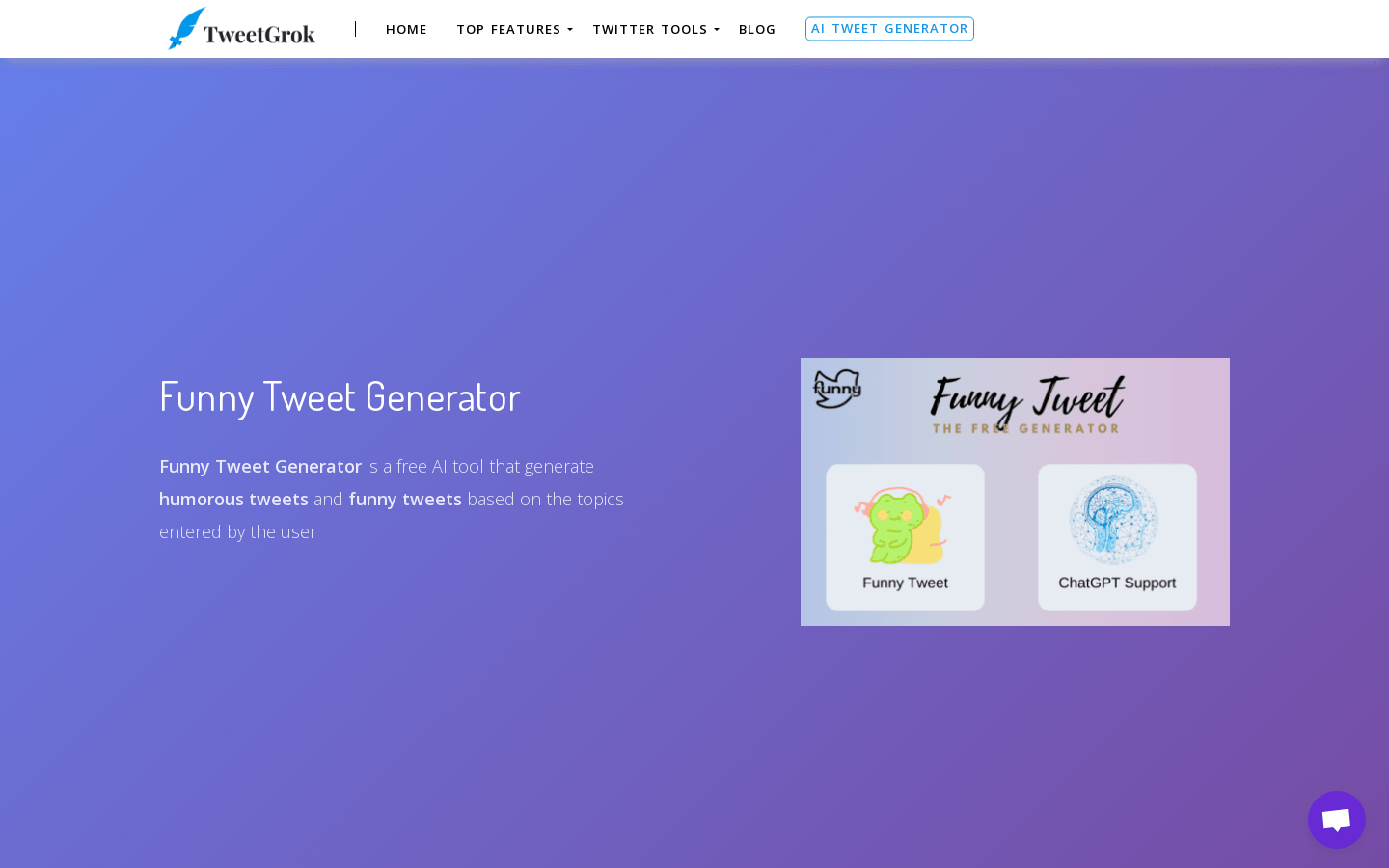
Screenshot archived from the listing page, for preview only.











