
TurboScribe
AI transcription for audio and video, 98+ languages.Unlimited transcription in 98+ languages, with speaker labels.
Highlights
What you can do with it
- Transcribe meeting minutes to text.
- Turn interview recordings into transcripts.
- Convert speeches into readable text.
How to use it
- 1 Open TurboScribe and start a free trial.
- 2 Upload your audio or video file.
- 3 Pick the language and let it transcribe.
- 4 Review speaker labels and edit errors.
- 5 Export as PDF, DOCX, SRT, and more.
Who it is for
Pros
- Unlimited transcription on the plan.
- Many languages and export formats.
- Speaker labels help readability.
Limitations
- A paid plan after the free trial.
- Accuracy is high but not perfect.
- Audio quality affects results.
What TurboScribe is
TurboScribe is an AI transcription service for audio and video. It offers unlimited transcriptions, support for 98+ languages, and the site claims 99% accuracy, plus speaker identification so multi-person recordings stay readable. You can export results to formats such as PDF, DOCX, VTT, SRT, JSON, CSV, and TXT, which covers documents and subtitles alike. It costs 10 dollars per month or 120 dollars per year and offers a free trial. It is aimed at people who turn meetings, interviews, and speeches into text on a regular basis.
What you can do with it
- Transcribe audio and video to text.
- Separate speakers in a recording.
- Export to PDF, DOCX, SRT, and more.
Who it is for
- People transcribing meetings and calls.
- Journalists and researchers with interviews.
- Anyone turning speech into text.
What to watch out for
After the free trial, use needs a paid plan at the listed monthly or yearly price, and pricing can change over time. Accuracy is high but not perfect, so names, technical terms, and accents can still trip it up, and you should review the transcript before you rely on it. Poor audio quality, background noise, or overlapping speakers will lower accuracy. Check that your needed export format and language are covered on the plan you choose. Behavior may vary across browsers and devices, so test before production use and consult the help docs if errors appear. Features and interface details may change between versions, so review the latest notes on the page before you start. Save a backup of the original file before large batch jobs, and keep an exported copy of key results in case the page or service becomes temporarily unavailable.
FAQ
How much does TurboScribe cost?
It lists 10 dollars per month or 120 dollars per year, with a free trial.
How many languages does it support?
The site states support for 98+ languages.
What can I export?
PDF, DOCX, VTT, SRT, JSON, CSV, and TXT, among others.
Why it is free
What the official page says: free trial
Free limits, trial length and features are decided by the official site and can change at any time.
Product preview
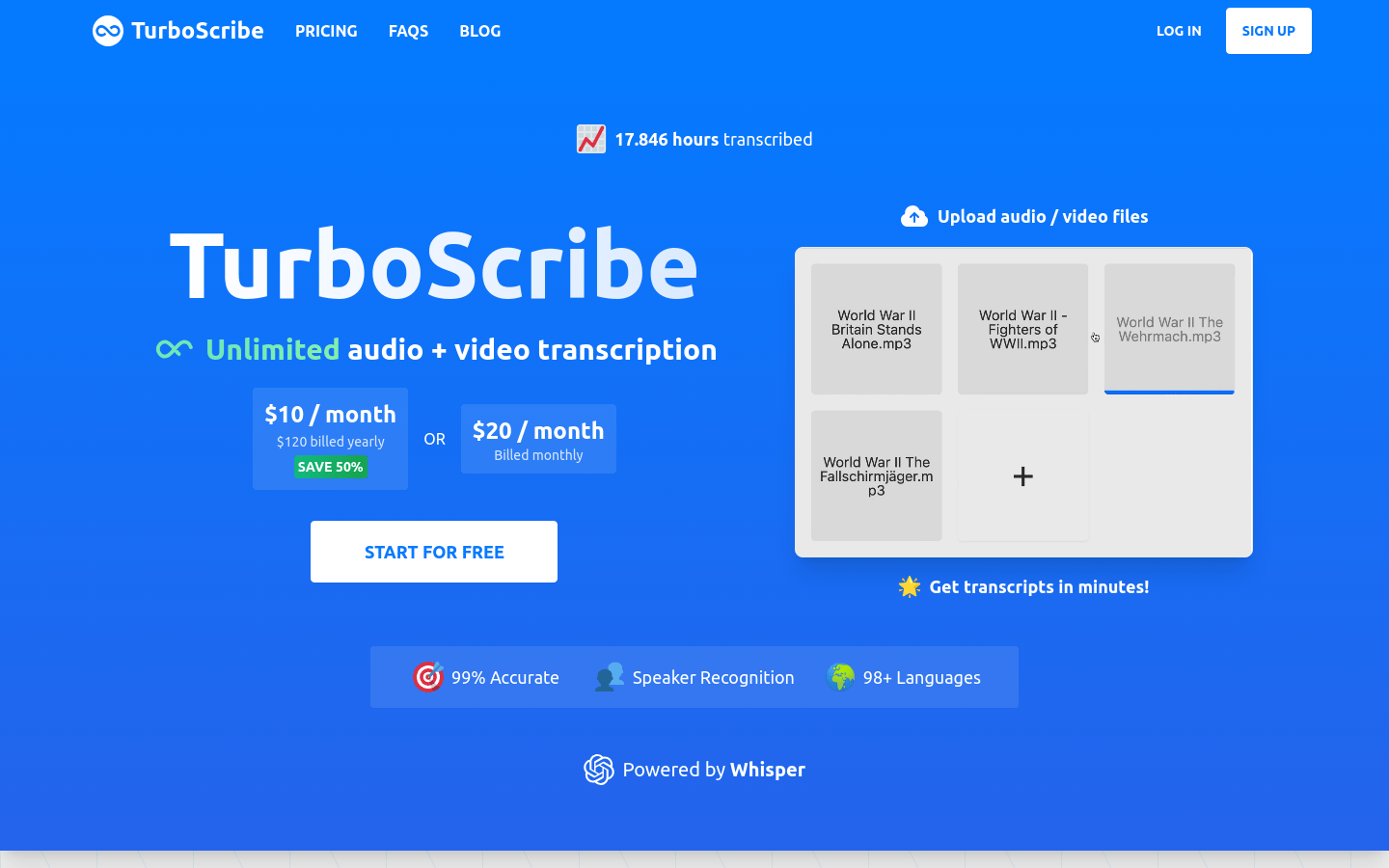
Screenshot archived from the listing page, for preview only.











