TTSynth.com
Online text to speechFree multilingual TTS with MP3 download
Highlights
What you can do with it
- A marketing manager records voiceover for a promotional video
- A content creator converts scripts to speech across devices
- An e-learning developer builds audio tracks for a course
- Someone adds spoken output to material for accessibility
How to use it
- 1 Open the TTSynth.com page in your browser
- 2 Type or paste the text you want spoken
- 3 Select the language and the voice you prefer
- 4 Generate the speech and listen to the preview
- 5 Download the result as an MP3 file
Who it is for
Pros
- Free online use with no install step
- Several languages and accents in one place
- Simple MP3 download for reuse elsewhere
- Useful for accessibility and audio versions of text
Limitations
- Voice quality varies by language and accent
- Free online tools can add limits or change access
- Long documents need splitting into manageable chunks
- Text with names or jargon may be mispronounced
What TTSynth.com is
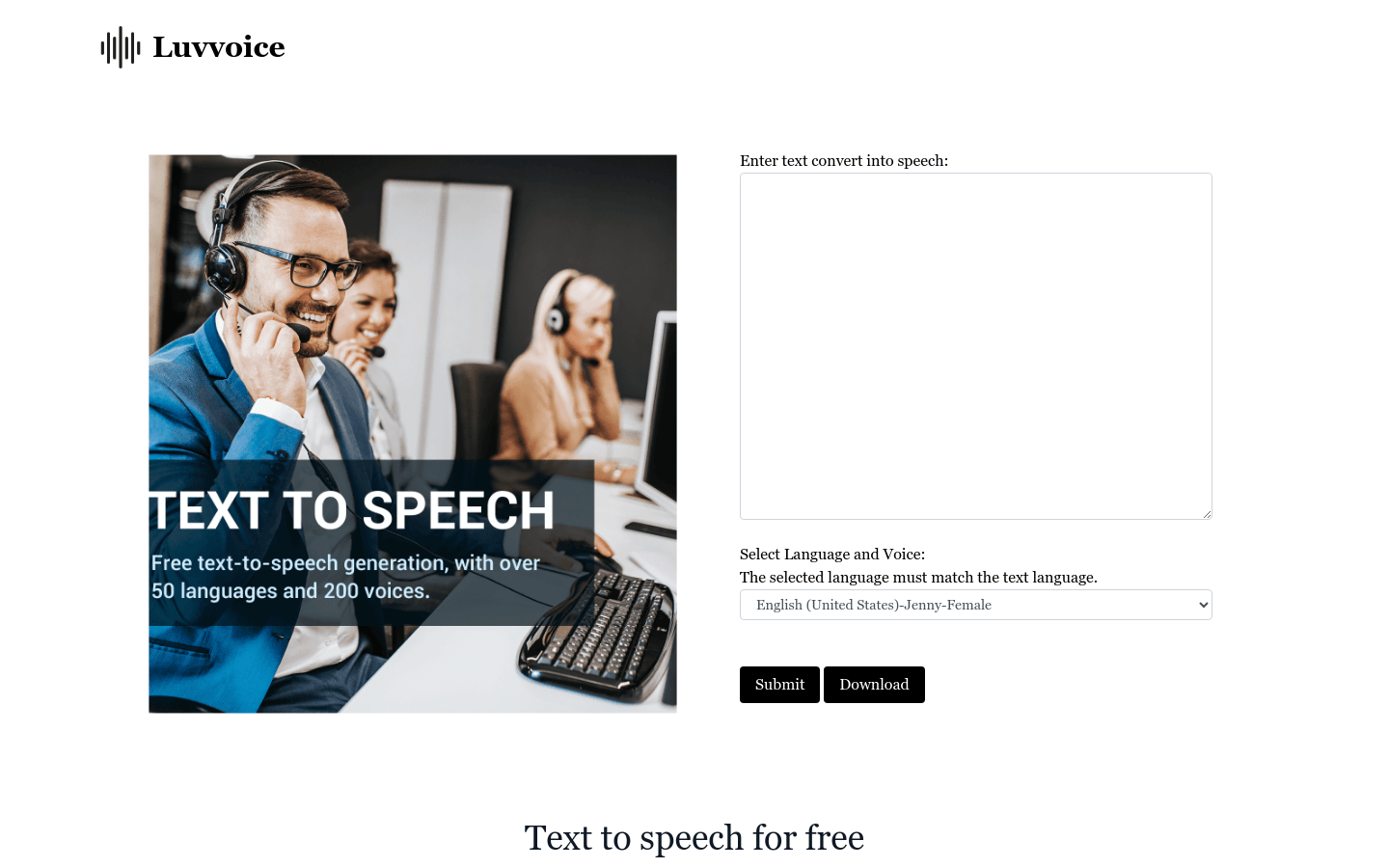
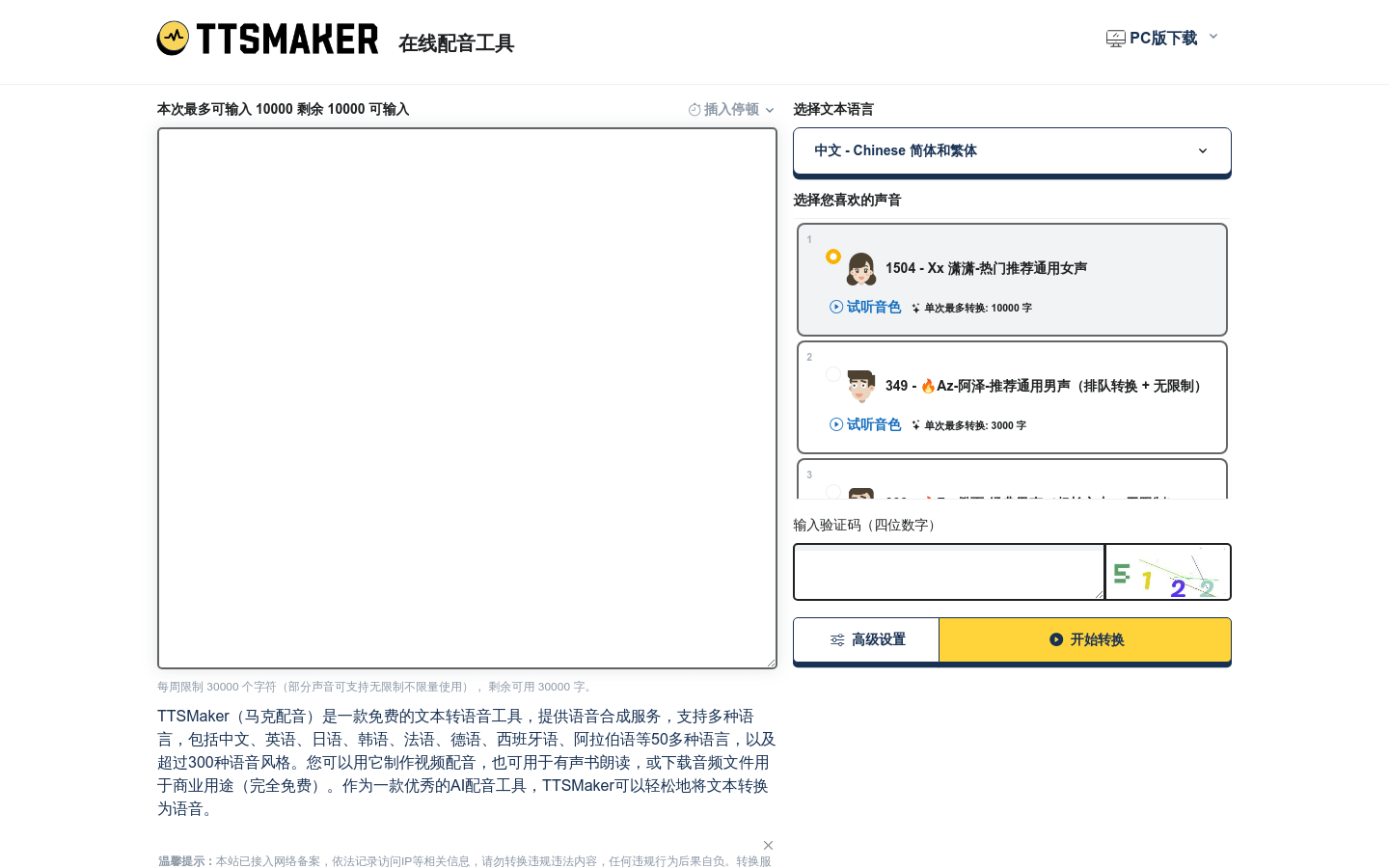
TTSynth.com is a free online text to speech generator. The listing describes it as a service that uses AI to turn written text into natural sounding speech, with support for multiple languages and accents so a global audience can use it. There is no software to install: you open the page, paste your text, choose a language and a voice, and generate the audio. Output can be downloaded as an MP3, which makes it easy to drop into a video, a slide deck, or a course page. The material also says the service places weight on data security for user information, which matters if you are reading sensitive copy. Typical uses listed are education, marketing, and accessibility, where spoken output reaches people who cannot or prefer not to read a screen.
What you can do with it
- Convert pasted text into spoken audio in the browser.
- Choose between several languages and accents.
- Preview how a voice sounds before committing to it.
- Download the finished audio as an MP3 file.
Who it is for
- Marketers who need quick voiceover without booking a studio.
- Content creators who want audio versions of their scripts.
- Course builders adding narration to learning material.
- Anyone who would rather listen to a long page of text.
What to watch out for
Text to speech still struggles with unusual names, technical jargon, and mixed language sentences, so expect to tweak spelling or punctuation to get the pronunciation you want. Voice quality and the number of available voices differ by language, and some accents sound more robotic than others. Very long documents usually need to be split into smaller chunks, both for processing and for easier reuse. The listing presents the service as free, and free online tools can change their limits or add sign in requirements over time, so download anything important rather than leaving it only in the browser. As with any hosted tool, it depends on the site staying reachable when you need it.
FAQ
Is TTSynth.com free?
The listing describes it as a free online text to speech generator.
What formats can I download?
The material says users can convert text to speech and download TTS MP3 files.
Do I need to install anything?
No, it offers seamless online access without downloads or installations.
Which languages are supported?
The listing says it supports multiple languages and accents for a global user base.
Why it is free
What the official page says: 免费
Free limits, trial length and features are decided by the official site and can change at any time.
Product preview
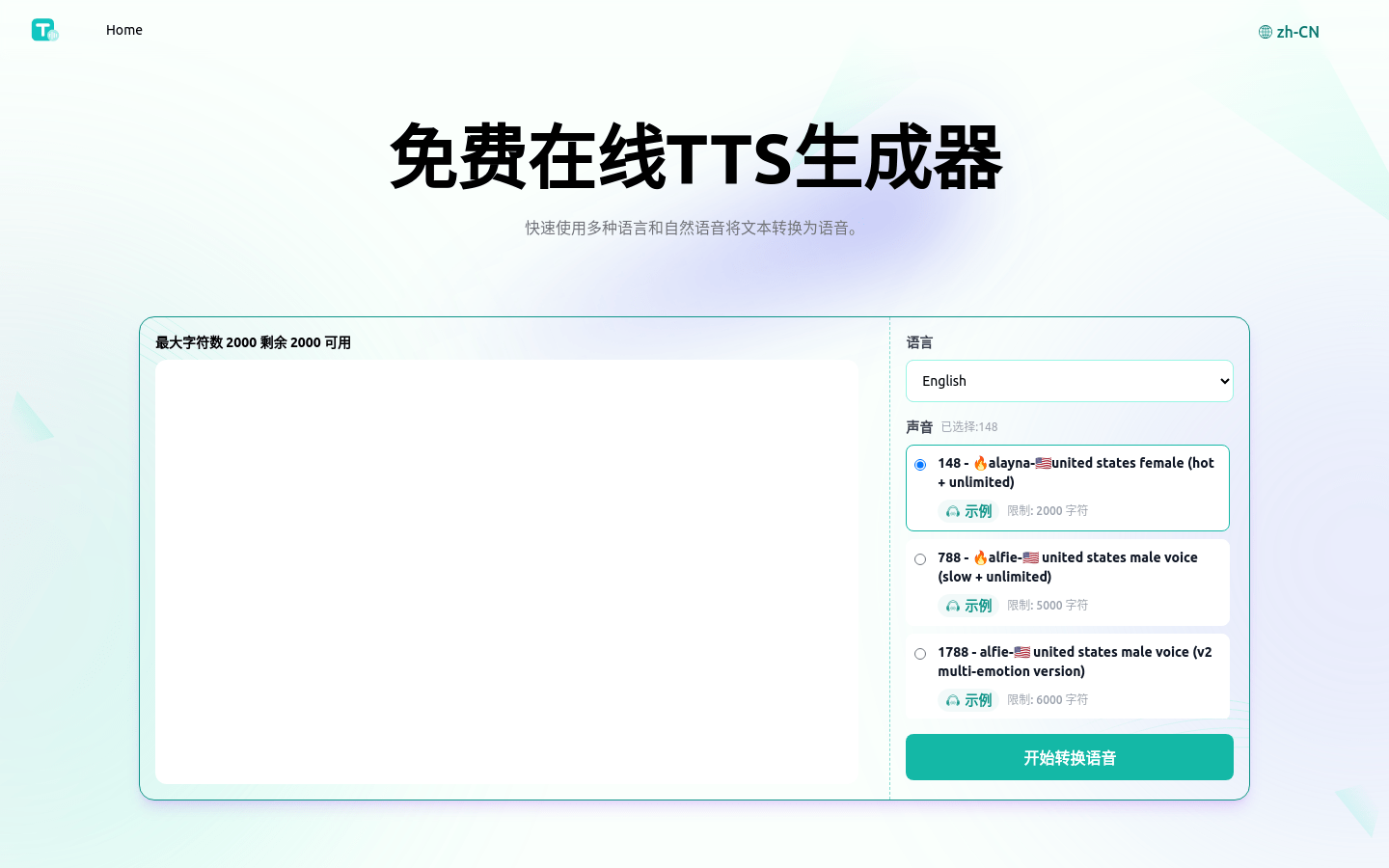
Screenshot archived from the listing page, for preview only.