ttsMP3.com
Free text to speech in 28+ languagesPaste text, download an MP3
Highlights
What you can do with it
- Narrate an e-learning module
- Add a voice track to a presentation
- Improve website accessibility with audio
How to use it
- 1 Open the site
- 2 Paste your text
- 3 Pick a language and voice
- 4 Generate, listen, and download the MP3
Who it is for
Pros
- Free and simple to use
- Wide language coverage
- MP3 download for reuse
Limitations
- Long text may need splitting into chunks
- Voice quality varies by language
- Free limits and site terms can change
- No advanced editing features
What ttsMP3.com is
ttsMP3.com is a free multi-language text-to-speech tool that supports more than 28 languages and accents. You paste in text and it converts that text into natural-sounding speech, which you can then play in the browser or download as an MP3 file for use elsewhere. The stated use cases are e-learning, presentations, YouTube videos, and improving website accessibility, which is a sensible spread: it covers producing new audio content and making existing text easier for people to consume. Since it runs in the browser and is free to use, it works for both occasional needs and regular narration work.
What you can do with it
- Convert pasted text into speech in more than 28 languages
- Choose between different accents and voices
- Listen to the result online before committing
- Download an MP3 for use in a course, video, or site
Who it is for
- Teachers and course builders producing e-learning audio
- Presenters adding narration to slides
- Site owners adding audio to improve accessibility
- YouTube creators who need a quick voice track
What to watch out for
Long documents usually need splitting. Text-to-speech tools impose input limits, so a full script becomes several chunks you stitch together afterward, and the joins can be audible if you are not careful. Voice quality also varies by language, with some accents sounding more natural than others, so audition before recording a whole module. The tool is free, but free limits and site terms can change, and there are no advanced editing features such as pauses, emphasis control, or multi-voice dialogue. For anything that needs fine control over delivery, expect to use a more capable tool.
FAQ
How many languages are supported?
More than 28 languages and accents.
Can I download the audio?
Yes, you can listen online or download the result as an MP3 file.
What is it used for?
E-learning, presentations, YouTube videos, and improving website accessibility.
Why it is free
What the official page says: 免费
Free limits, trial length and features are decided by the official site and can change at any time.
Product preview
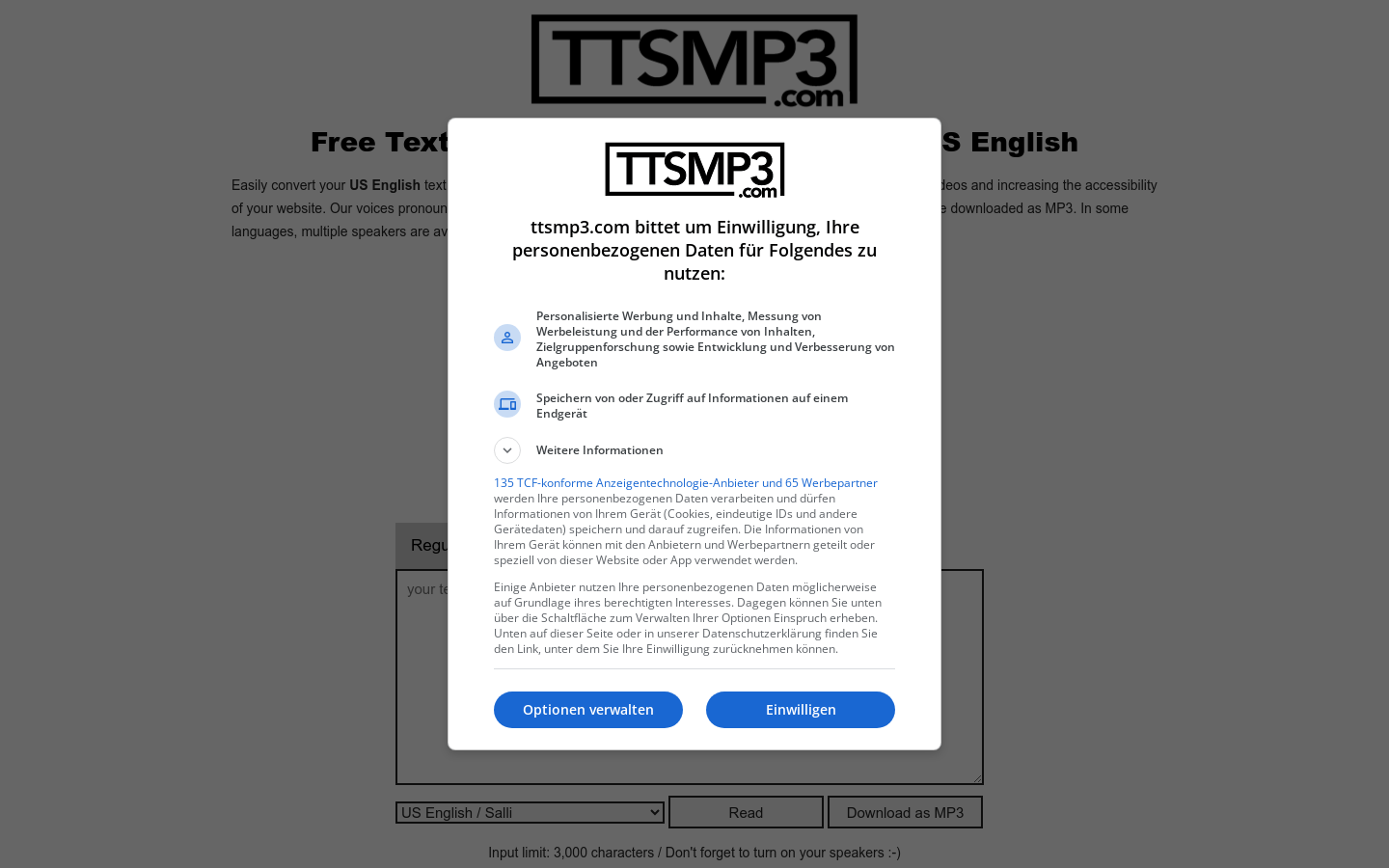
Screenshot archived from the listing page, for preview only.