
TTS Generator AI
Free online text to speech MP3 converterPaste text, get a natural voice file
Highlights
What you can do with it
- Adding narration to a YouTube video
- Turning written study material into audio
- Producing a voice-over for a short advertisement
How to use it
- 1 Create a free account
- 2 Paste the text you want converted
- 3 Pick a voice style and language
- 4 Click convert and wait for the file
- 5 Download the MP3 and use it
Who it is for
Pros
- Works with several input formats including PDF
- Several voices and languages to choose from
- Free entry point with no cost for the first voice-over
Limitations
- The free offer is framed around a first voice-over, so ongoing free use may be limited
- Voice quality varies by language and style
- Long documents take longer to convert and may need splitting
What TTS Generator AI is
TTS Generator AI is an online text-to-speech tool. You paste in written content, pick a voice style, and the site produces an audio file you can download as MP3. The emphasis is on natural-sounding output rather than the flat robotic speech older tools produced, which is what makes it usable for narration rather than just accessibility testing. Input handling is broad: the tool accepts several text formats, from a simple text file through to a PDF, so you do not have to strip a document down before converting it. Several languages and voice styles are available. You create a free account to begin, and the first voice-over is offered at no cost, which makes it easy to judge the voices before committing.
What you can do with it
- Convert written text into a natural-sounding MP3
- Feed in plain text files or PDFs without reformatting
- Choose from multiple voice styles and languages
- Produce narration for video content
- Turn written material into audio for listening
Who it is for
- Video creators who need narration for YouTube, TikTok or Reels
- Students and readers who prefer to listen to long material
- Anyone who wants written content available in audio form
What to watch out for
The free offer is framed around a first voice-over, so do not assume unlimited free conversion; check what ongoing free use includes before you build a routine around it. Voice quality varies by language and by style, and some languages sound noticeably better than others, so test the specific voice you need rather than the demo. Long documents take longer to convert and may need splitting into sections. Finally, generated speech still benefits from a listen-through: names, technical terms and numbers are the places where pronunciation most often goes wrong.
FAQ
Is it free?
The site advertises a free online tool and a first voice-over at no cost.
What input formats are supported?
Multiple text formats, ranging from simple text files to PDFs.
What can I use the audio for?
The site lists narration for video, audiobooks, advertising and educational training.
Why it is free
What the official page says: for free
Free limits, trial length and features are decided by the official site and can change at any time.
Product preview
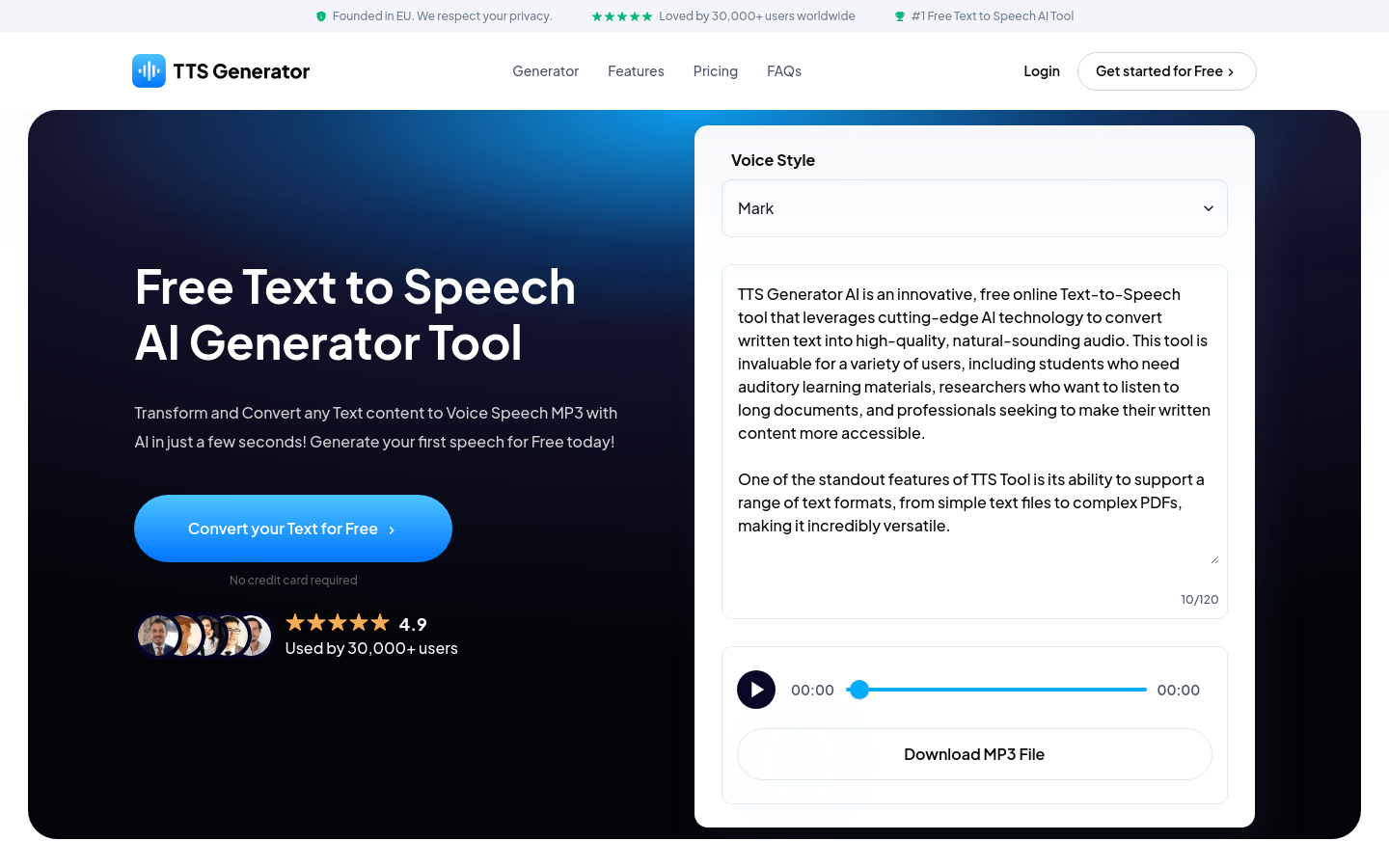
Screenshot archived from the listing page, for preview only.











