
Trymusic AI song generator
AI text to song generatorTurn lyrics into music in seconds
Highlights
What you can do with it
- A video creator making background music that avoids copyright claims
- A podcast host generating intro and outro themes
- A songwriter turning lyrics into a first draft arrangement
How to use it
- 1 Visit the TryMusic AI site
- 2 Enter lyrics or a description of the music you want
- 3 Click generate and wait a few seconds
- 4 Listen to the result and download it if you are happy
- 5 Fine tune rhythm, style, instruments and arrangement if needed
Who it is for
Pros
- No music training or studio gear needed
- Free trial to test the output style
- Fine adjustment gives real control over the result
- Extra tools for vocals, audio and lyrics
Limitations
- Free trial only, with the payment model not clearly stated
- The site presents output as copyright-free, but verify licensing yourself
- Generated arrangements may need mixing work before release
- Vocal quality and language support are not detailed
What TryMusic AI is
TryMusic AI is a song generator that turns text or lyrics into music. You type a description or a set of lyrics, click generate, and get a song back in seconds. The listing then adds real editing depth: fine adjustment of rhythm, style, instruments and arrangement, longer tracks that keep a consistent style, cover versions in new styles, audio enhancement, vocal extraction and an AI lyric generator. The site presents the output as original and copyright-free with full ownership for the user. A free trial is offered, and the audience spans professional musicians, content creators and hobbyists.
What you can do with it
- Turn a written description into a finished sounding track.
- Convert lyrics into an arrangement for a first listen.
- Extend a track while keeping the style coherent.
- Reimagine an existing song in a different style.
- Upload audio for enhancement, mixing or a full reconception.
- Extract vocals or create an instrumental version.
- Generate lyrics from a prompt when you are stuck.
Who it is for
- Video creators who need background music without copyright claims.
- Podcast hosts building intro, outro and bed music.
- Songwriters prototyping an arrangement from lyrics.
- Hobbyists making music without training or studio equipment.
What to watch out for
A free trial is offered but the payment model is not clearly stated, so confirm costs before you build a channel around the tool. The site presents tracks as original and copyright-free with full ownership, and that is the vendor's claim, not a guarantee; read the licence terms yourself and keep records before commercial release, especially for client work or monetised video. Generated arrangements often need mixing and mastering work before they sound finished. Vocal quality and language support are not detailed, so test with your own lyrics before committing. Finally, if you upload existing audio, make sure you have the rights to it.
FAQ
What does TryMusic AI do?
It converts text or lyrics into a complete song in seconds.
Is there a free trial?
Yes, a free trial is offered, though the exact payment model is not clearly stated.
Can I adjust the result?
Yes, you can fine tune rhythm, style, instruments and arrangement.
Who is it for?
Video creators, podcast hosts, songwriters and people making music without training.
Can I use the music commercially?
The site presents tracks as original and copyright-free with full ownership, but check the licence terms yourself before commercial release.
Why it is free
What the official page says: free trial
Free limits, trial length and features are decided by the official site and can change at any time.
Product preview
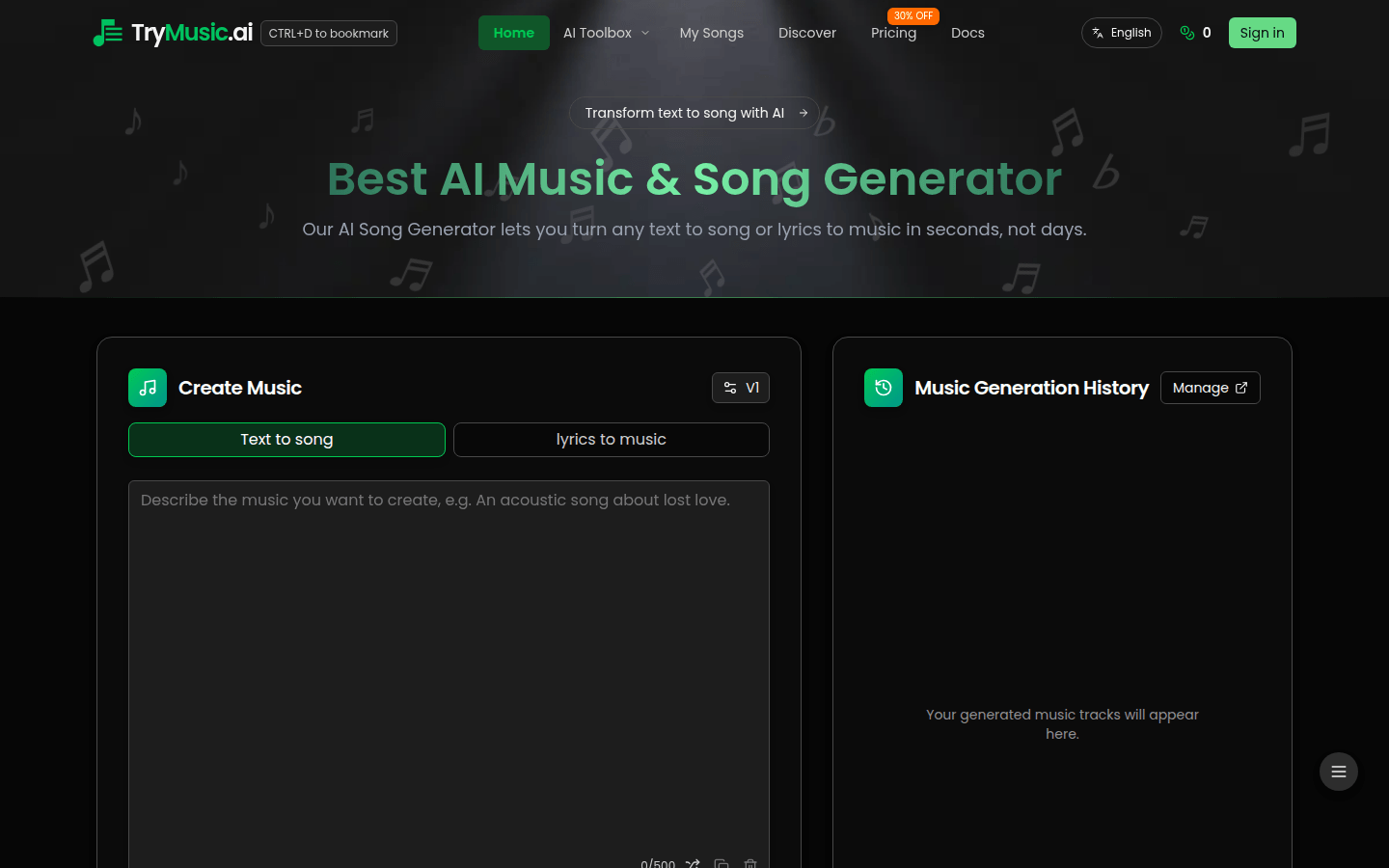
Screenshot archived from the listing page, for preview only.










