
TryCase
One-time Linux test environments for code changesRun, verify, and record app changes in a safe sandbox
Highlights
What you can do with it
- A developer verifies a code fix and shows proof via video and screenshots
- A coding agent runs end-to-end tests and returns logs
- QA reproduces a bug and records video and logs for the developer
How to use it
- 1 Install the TryCase skill in your coding agent session
- 2 Confirm the skill is available and run the update command
- 3 Start the environment, upload the repo, and run commands
- 4 Test in the browser and collect screenshots, video, and logs
- 5 If it fails, have the agent fix it and retest until it passes
Who it is for
Pros
- Safe, disposable environment that does not touch your machine
- End-to-end testing with a real browser
- Video and log proof for every run
- Fits into coding agent workflows
Limitations
- Pricing is not spelled out and trial or plan terms can change
- Needs command-line comfort and agent setup
- Real environments can be slower than local checks
- Best for change verification, not full test suites
What TryCase is
TryCase is a tool built for large language model workflows that gives developers a one-time testing environment. You can run an application in a real, disposable Linux desktop, upload a code repository, execute commands such as installing dependencies and starting the app, and interact with a browser to simulate clicks and form fills for end-to-end checks. It records video and screenshots and captures logs so you can prove a fix worked, and if a test fails you can let a coding agent repair the code and retest until it passes. It is designed to slot into coding agents through a simple skill install. Pricing is mentioned on the page but not spelled out, and a paid or free trial model may apply. It targets developers, coding agents, and QA staff.
What you can do with it
- Run an app in a disposable Linux desktop without touching your machine
- Upload a repo and run install and start commands
- Do end-to-end checks by driving a real browser
- Capture video, screenshots, and logs as proof, then iterate
Who it is for
- Developers who need to verify changes before they ship
- Coding agents that need a real environment to run and test
- QA staff reproducing bugs and documenting them with video and logs
- Teams that want proof a fix works, not just a claim
What to watch out for
It needs command-line comfort and agent setup, so it is not a one-click tool for everyone, and you should be ready to follow install and login steps. Real environments can be slower than quick local checks, and complex apps may take time to boot and test, so plan for waits on big jobs. Pricing is not spelled out on the page, and any trial or plan terms can change, so confirm current details before you build a workflow around it. It is best for verifying changes and capturing proof, not for replacing a full automated test suite in your pipeline.
FAQ
What is TryCase?
It provides one-time Linux testing environments so you can run apps, verify changes, and capture results.
What results does it return?
It can return screenshots, videos, and logs from the test run.
Who is it for?
Developers, coding agents, and quality assurance staff who need to verify changes.
Why it is free
What the official page says: free trial
Free limits, trial length and features are decided by the official site and can change at any time.
Product preview
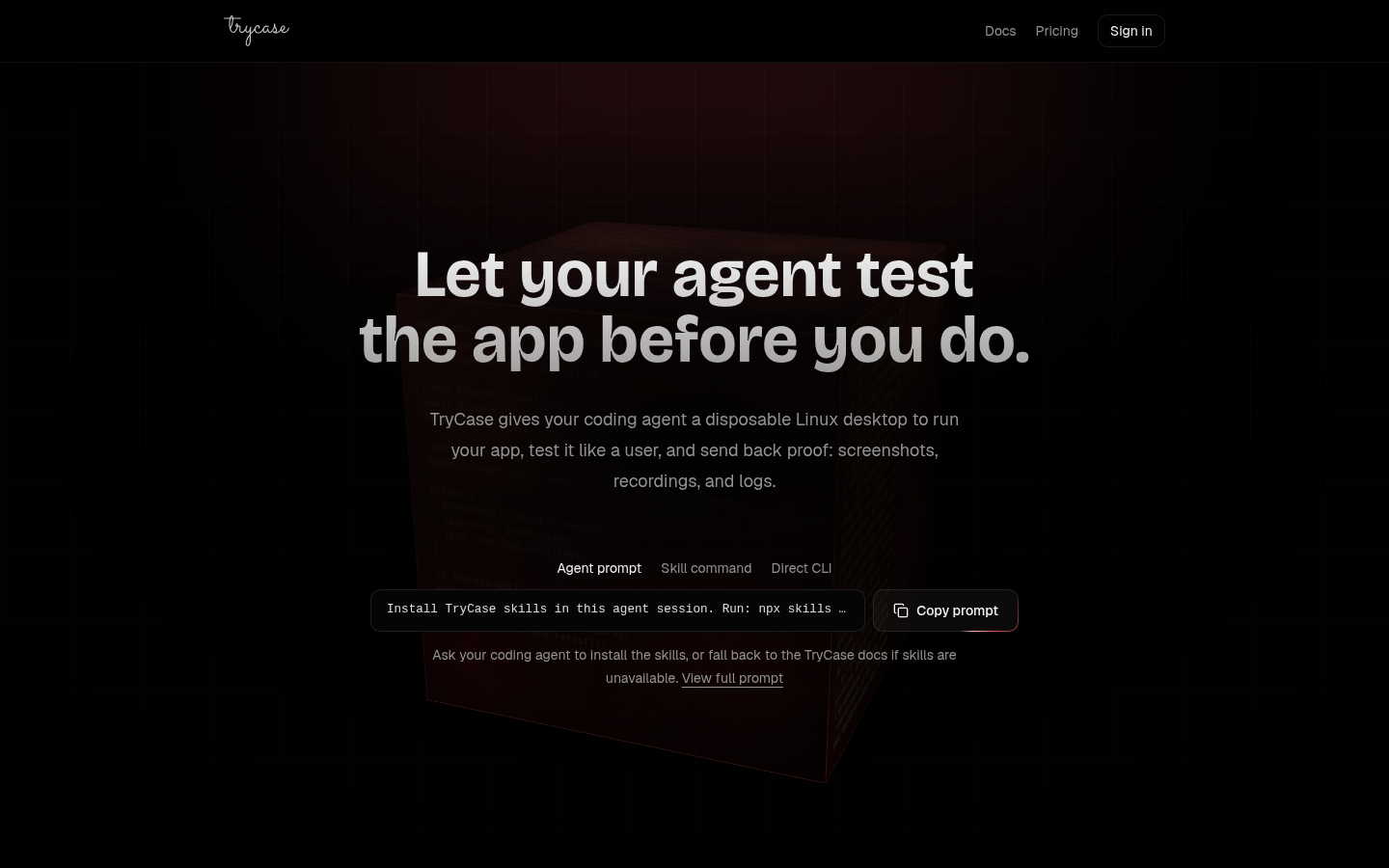
Screenshot archived from the listing page, for preview only.











