
Try Nano Banana AI Free Online
Free online AI image editorNatural language editing with strong character consistency
Highlights
What you can do with it
- Fast image edits for fashion design work.
- Generating professional looking images from photographer shots.
- Product photography edits for an e commerce catalogue.
How to use it
- 1 Open the site in your browser.
- 2 Upload the image you want to edit or start from a text prompt.
- 3 Describe the change you want in plain language.
- 4 Check the result and refine the instruction if needed.
- 5 Save or export the edited image.
Who it is for
Pros
- Free to use with no install.
- Fast turnaround makes iteration practical.
- Consistency across edits saves rework.
Limitations
- Free access and the speed claims come from the site and can change.
- Uploading private images to an online tool raises privacy questions.
- Results need checking, because natural language edits can miss intent.
- Commercial use terms should be confirmed before you sell anything.
What Try Nano Banana AI is
Try Nano Banana AI is a free online image editing tool built on an AI architecture the listing describes as breakthrough. The headline feature is character consistency: when you edit an image, the subject keeps the same look instead of drifting into a different person between generations, which is the usual failure mode of AI image tools. Processing is claimed at one to two seconds using Google Gemini technology, and the editing model is natural language rather than manual work, so you describe the change you want instead of building masks and layers. It also supports multi image fusion and multimodal input, and the listed audiences are fashion designers, photographers, and e commerce teams that need fast, professional looking output without a retouching session.
What you can do with it
- Edit images by describing the change in plain language.
- Keep a subject consistent across multiple edits.
- Fuse elements from more than one image.
- Turn a rough photo into something that looks professionally finished.
Who it is for
- Fashion designers iterating quickly on product images.
- Photographers producing polished finals under time pressure.
- E commerce teams editing catalogue photos at volume.
What to watch out for
Free access and the one to two second speed claim both come from the site rather than from independent testing, and either can change, so run your own images through it before you plan a workflow around it. Uploading private or client images to an online tool also means those files leave your machine, so read the privacy terms and avoid sending anything confidential. Natural language editing is imprecise by nature: the model interprets your instruction, and it can miss intent or change things you did not ask about, so check every result. Finally, if you plan to use the output commercially, confirm the licence terms on the site first.
FAQ
Is it free?
The listing describes it as a free online AI image editing tool, though access and limits can change, so check the site.
How fast is it?
The listing claims one to two second processing using Google Gemini technology. Treat that as a vendor claim until you test it on your own images.
Do I need editing skills?
No. Editing is done with natural language instructions, so you describe the change rather than working with layers and masks.
Why it is free
What the official page says: 免费
Free limits, trial length and features are decided by the official site and can change at any time.
Product preview
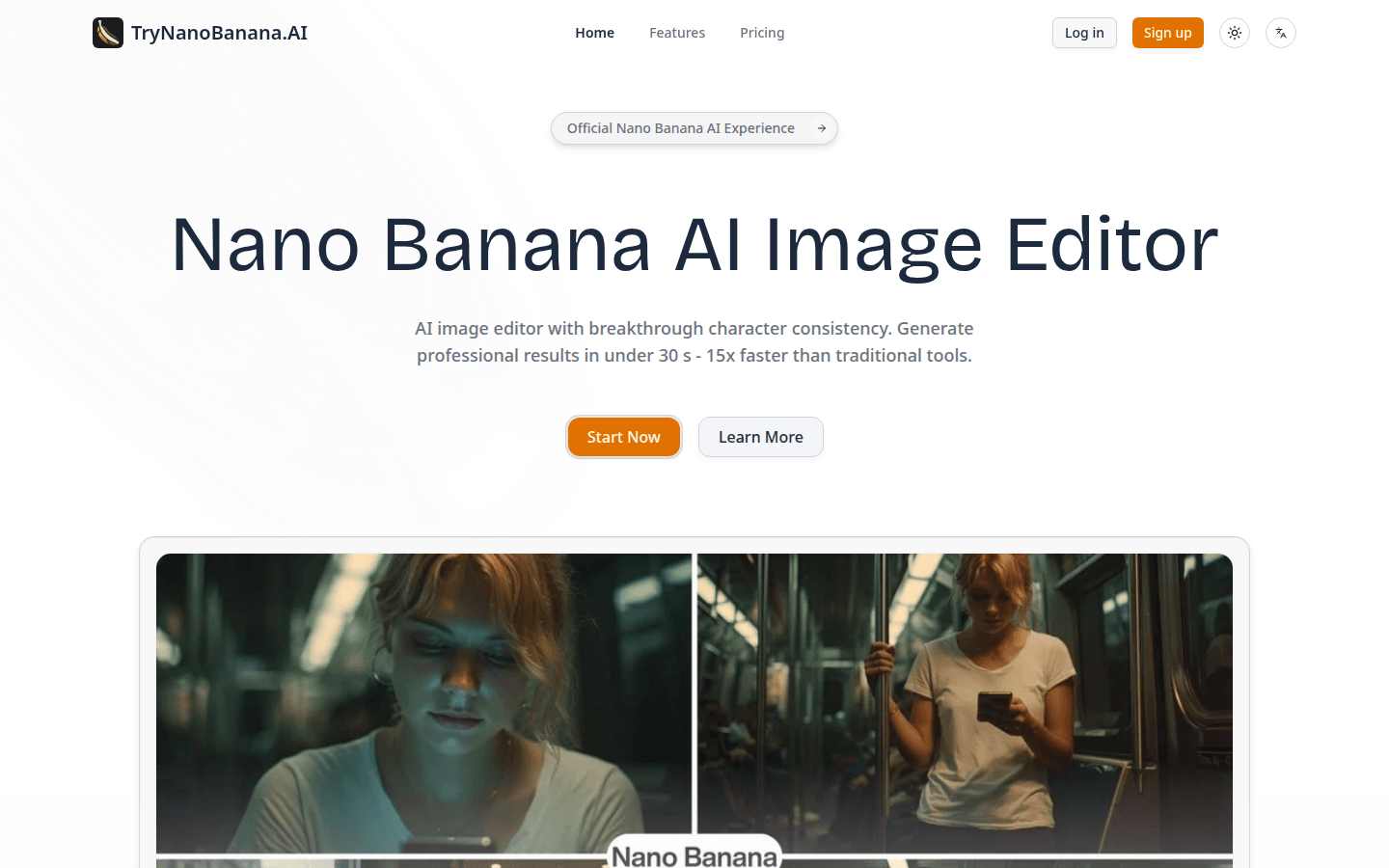
Screenshot archived from the listing page, for preview only.











