Try Minimax H3
Multi-modal AI video model for film-style shotsText, images, and references into 2K video with sound
Highlights
What you can do with it
- Creators pre-visualize movie shots from a script
- Ad agencies turn product images and copy into video ads
- Bloggers make short funny videos from text and images
How to use it
- 1 Write a text prompt or upload a first or last frame image
- 2 Add reference images, videos, or audio if you need them
- 3 Wait for the model to render video and audio, usually 1 to 3 minutes
- 4 Preview and download the MP4
Who it is for
Pros
- New users get a free quota to try it
- Native 2K output saves an enlargement step
- Synchronized sound and effects are generated with the video
- Character consistency helps multi-shot work
Limitations
- After the free quota, use consumes points and costs money; free terms can change
- Clips are short, only 4 to 15 seconds
- Commercial use requires a paid subscription
- Rendering takes 1 to 3 minutes per generation
What Try Minimax H3 is
Try Minimax H3 is an online entry point to MiniMax H3, a general multi-modal video model from MiniMax. The model treats text, images, video, and audio as one input and is aimed at film and television style work, turning shooting instructions, pictures, and reference material into finished shots. The site says it outputs native 2K video with clear picture quality, clips run from 4 to 15 seconds with synchronized ambient sound and effects, and it supports six aspect ratios. New users get a free quota, and later use consumes points. Rendering usually takes one to three minutes per job.
What you can do with it
- Write a text prompt describing scene, action, camera, style, and sound
- Upload a first frame, last frame, or both for image-to-video
- Supply up to nine reference images, three videos, and three audio clips
- Pick from six aspect ratios including 16:9, 9:16, 1:1, 4:3, 3:4, and 21:9
- Keep character faces, clothing, and style consistent across shots
Who it is for
- Video creators pre-visualizing shots and camera movement
- Advertising marketers turning product images and copy into video ads
- Social media bloggers making short vertical clips
- Enterprise teams producing promotional and product videos
What to watch out for
The free quota is a trial, and after it runs out you spend points, so free terms can change and costs add up fast if you generate a lot. Each clip is short, only 4 to 15 seconds, so longer sequences need many generations stitched together elsewhere. Commercial use of the output requires a paid subscription, so read the license before you put a video in a client project. Rendering takes one to three minutes per job, and reference-heavy prompts will need careful setup to get consistent characters.
FAQ
What is MiniMax H3?
A general multi-modal video model from MiniMax that turns text, images, and references into video.
Is there a free quota?
Yes. The site says new users have a certain free quota, and later use consumes points.
How long are the videos?
Between 4 and 15 seconds, with synchronized ambient sound and effects.
Can I use the video commercially?
The site says videos from paid subscriptions can be used for commercial ads, client projects, and profitable content.
Why it is free
What the official page says: free to use
Free limits, trial length and features are decided by the official site and can change at any time.
Product preview
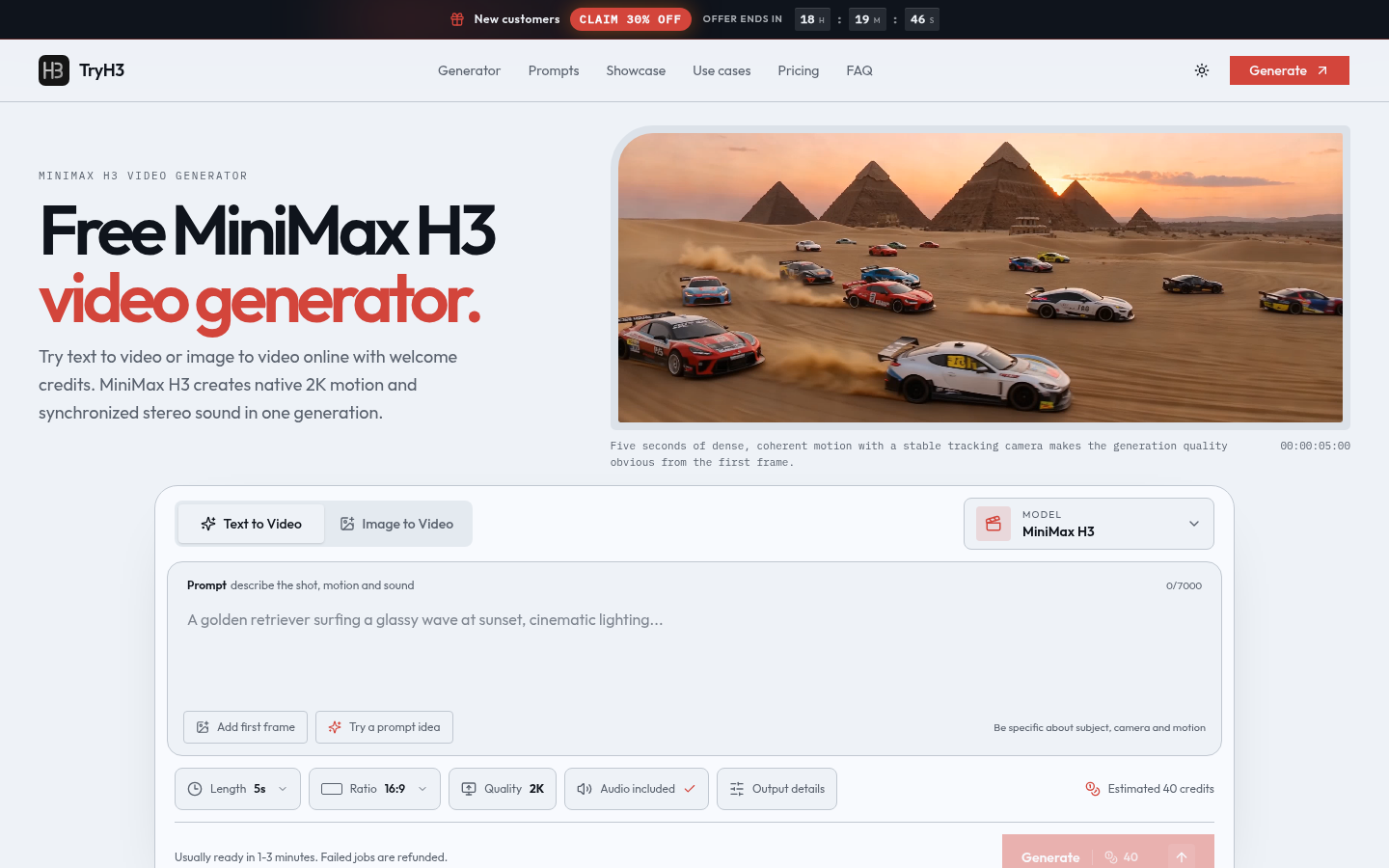
Screenshot archived from the listing page, for preview only.











