
Highlights
What you can do with it
- Prototyping an internal tool without setting up a full stack
- Building a simple website or web app for a project
- Testing a product idea before committing engineering time
How to use it
- 1 Describe the app or site you want in plain language
- 2 Let Trickle generate the first working version
- 3 Adjust data, layout, and AI features inside the workspace
- 4 Publish or share the result once it looks right
Who it is for
Pros
- Database, AI models, and analytics live in one tool
- Natural language building lowers the development threshold
- You can start with a free usage option
Limitations
- Free usage limits and plan terms can change over time
- Complex or unusual requirements may still need custom code
- Getting good results takes some learning and iteration
What Trickle is
Trickle is an all-in-one tool that helps users turn ideas from a rough concept into working applications and websites. It bundles the pieces you would normally assemble yourself: a database, AI models, analytics, and design templates. You describe what you want in natural language and the tool builds a first version in seconds. The stated goal is to lower the development threshold so that people who are not professional developers can still create something real. It is positioned for a wide audience, from individual developers who want to skip boilerplate work to enterprise teams that need to move fast. A free usage option is available, which makes it easy to test whether the workflow suits you before you invest more time.
What you can do with it
- Build a web application from a natural language description
- Use the built-in database and analytics without wiring up separate services
- Start from design templates instead of a blank canvas
- Move from idea to a working version in seconds, then refine it
Who it is for
- Individual developers who want to skip repetitive setup
- Small teams that need to prototype ideas quickly
- Non-developers who need a working web app without writing code
- Enterprise teams exploring faster internal tooling
What to watch out for
Free usage limits and plan terms can change over time, so check the current details before you depend on it for real work. Complex or unusual requirements may still need custom code, and no builder removes every edge case, so plan for a point where you outgrow the generated version. Building with AI also takes some learning: the quality of what you get out depends on how clearly you describe what you want in, so expect a few rounds of revision. Treat the first generated version as a draft rather than a finished product, and keep your data model simple at the start, because untangling it later is harder than designing it well the first time.
FAQ
Do I need to know how to code?
Trickle is aimed at lowering the development threshold, but complex projects may still need developer skills.
What is included in the tool?
A built-in database, AI models, analytics, and design templates in one workspace.
Is it free to use?
A free usage option is available.
Why it is free
What the official page says: 免费使用免费
Free limits, trial length and features are decided by the official site and can change at any time.
Product preview
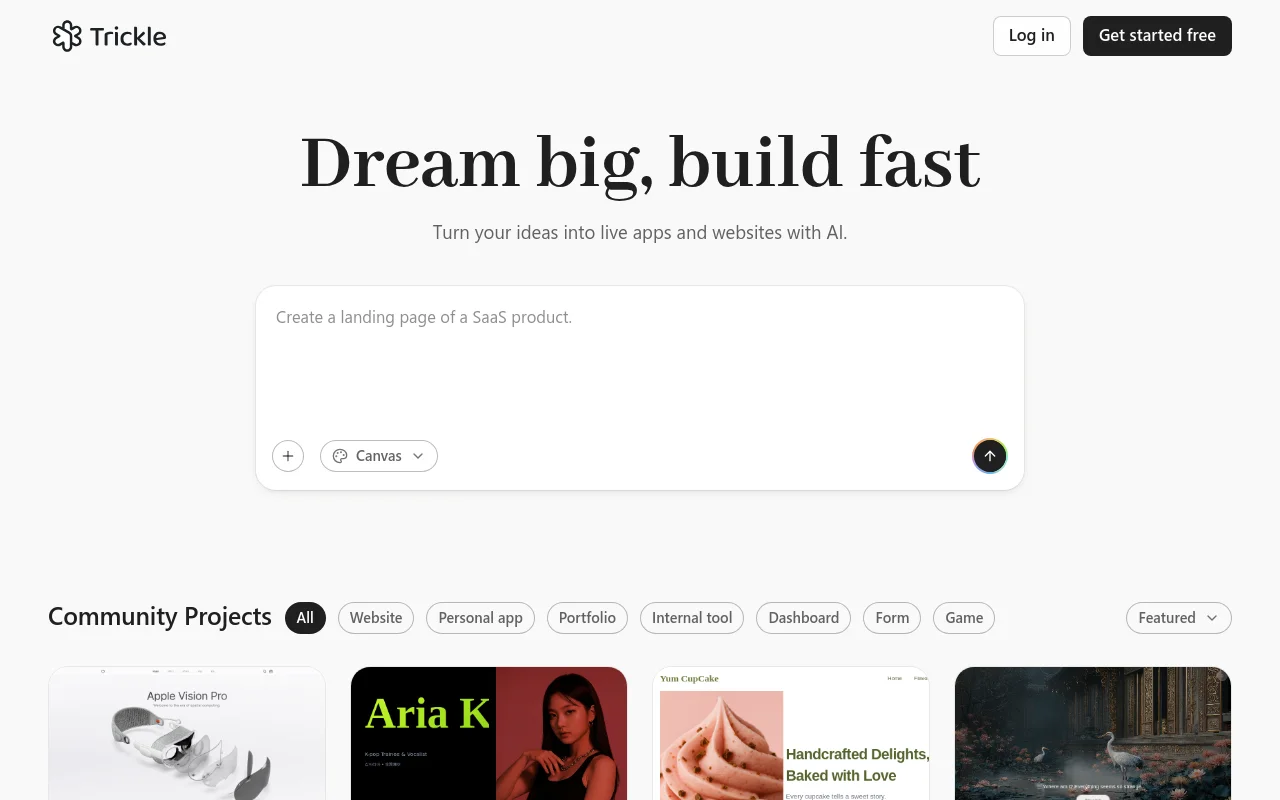
Screenshot archived from the listing page, for preview only.