
Trellis 2
Cloud based image to 3D model generatorMicrosoft Research turns one image into a 3D model
Highlights
What you can do with it
- Game developers turn concept art into usable 3D assets
- E-commerce teams convert product photos into 3D catalog models
- 3D printing hobbyists turn photos into printable models
How to use it
- 1 Open https://trellis2.app and register an account.
- 2 Upload a JPG, PNG, or WebP image, ideally 512x512 or larger with a clear subject.
- 3 Set the quality and style options, then click generate.
- 4 Watch the real-time preview while the model builds.
- 5 Download the GLB file and import it into Blender, Unity, or Unreal Engine.
Who it is for
Pros
- No GPU needed on your side because processing happens in the cloud
- Fast turnaround, usually 1 to 3 minutes per image
- Flexible output formats that fit common 3D pipelines
Limitations
- The free trial quota is limited, and unlimited conversions need paid credits
- Result quality depends on the input photo; low resolution or clutter shows in the model
- It only does image-to-3D, so you still need modeling software for editing
What Trellis 2 is
Trellis 2 is an image-to-3D generator from Microsoft Research. You upload a 2D image and get a 3D model back, usually within 1 to 3 minutes. Everything runs in the cloud, so no local GPU is required and any device with a browser can reach it. Output comes in GLB, 3D Gaussians, and mesh formats, and the GLB file drops into Blender, Unity, and Unreal Engine. The tool offers real-time preview plus quality and style settings, and it accepts JPG, PNG, and WebP images at 512x512 or larger. Access begins with a free trial quota, while credit packages and an advanced plan cover unlimited conversions.
What you can do with it
- Convert one photo into a GLB, 3D Gaussians, or mesh model
- Watch a real-time preview while the model builds
- Tune quality and style for the scene you have in mind
- Use the result in Blender, Unity, and Unreal Engine
Who it is for
- Game developers turning concept art into usable assets
- E-commerce teams that need product models for interactive catalogs
- 3D printing hobbyists and designers working from reference photos
What to watch out for
The free trial quota is limited, and volume use is tied to paid credits, so plan a budget if you convert often. Input quality matters more than anything else: the tool recommends images at least 512x512 with a clear, well lit subject and a simple background. It does one job, image-to-3D, so retopology, texturing, and animation still happen in your usual 3D software. Server load can also stretch the 1 to 3 minute window during busy periods, so plan iteration time rather than expecting instant turnaround on every render.
FAQ
Do I need a GPU?
No. It runs entirely on the cloud, so a browser on any device is enough to upload an image and download the model.
What formats can I export?
GLB, 3D Gaussians, and mesh formats. GLB is the one the site recommends for Blender, Unity, and Unreal Engine.
How long does a conversion take?
Usually 1 to 3 minutes, depending on the quality setting and the current server load.
Why it is free
What the official page says: free trial
Free limits, trial length and features are decided by the official site and can change at any time.
Product preview
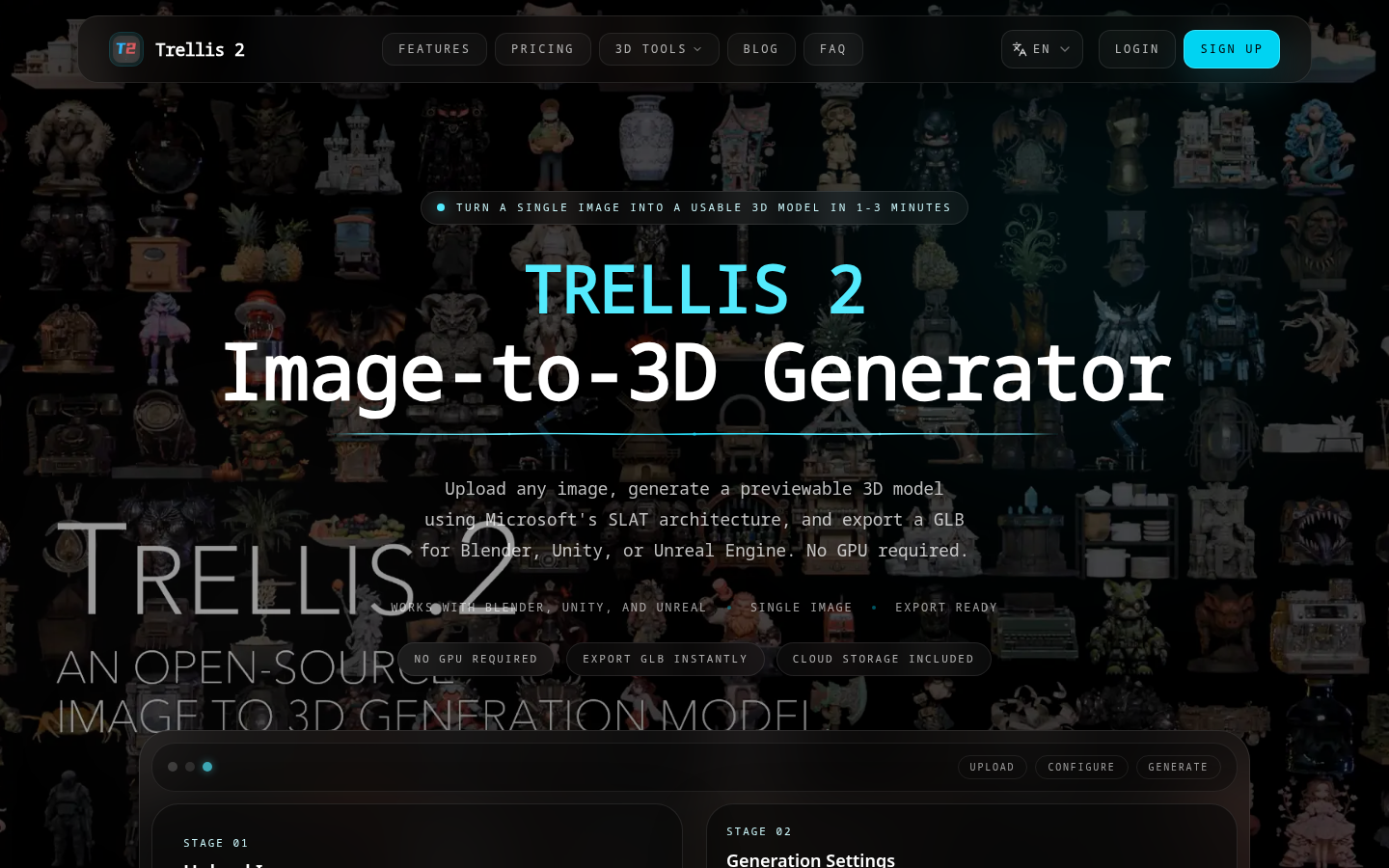
Screenshot archived from the listing page, for preview only.











