
TravelMap.Video
Animated travel map video makerTurn your route into a map video
Highlights
What you can do with it
- Share a trip route as a video
- Create travel videos for social media
- Show a geography case in a course
How to use it
- 1 Visit TravelMap.Video and log in
- 2 Double-click the map to add route points
- 3 Reorder the points to match your trip
- 4 Pick a route color and export the video
- 5 Save a JSON file if you want to edit later
Who it is for
Pros
- Simple click-to-add route building
- HD video export
- JSON files let you save and reload a map
Limitations
- Free trial only; the desktop app unlocks more
- Some features like audio need the desktop app
- Depends on an external service you do not control
What TravelMap.Video is
TravelMap.Video is an online platform for making animated travel map videos. It combines map data with animation so you can show a travel route and the places you visited as a moving video. You add route points by clicking the map, reorder them to match your trip, and pick a color for the route. You can then export the animation as a video file, with HD output available. It also lets you save and reload a map through JSON files. The service offers a free trial, and a desktop app adds features like audio.
What you can do with it
Here is what you can do with the tool:
- Add route points by clicking the map
- Reorder points and choose a route color
- Export the map animation as a video
- Save and reload a map through JSON files
Who it is for
It suits a few groups:
- Travelers who want to share a route as a video
- Travel bloggers making content for followers
- Educators showing a geography case in a course
What to watch out for
Only a free trial is offered, and some features like audio integration need the desktop app, so full use may cost money. Video quality and export options depend on the plan and your setup. The service depends on an external platform you do not control, so availability can change. Keep your own copies of exported videos and JSON files, since a browser session may not save your project. When quality matters, export a small draft first to confirm the result before producing the final file. Generated suggestions are for reference only, so verify anything that affects professional judgment or important data.
FAQ
Is there a free trial?
Yes, it offers a free trial plus a desktop app for more features.
How do I add a route?
You double-click the map to add route points, then reorder them.
Can I save my map?
Yes, you can export and import JSON files to save and reload a map.
Why it is free
What the official page says: free trial
Free limits, trial length and features are decided by the official site and can change at any time.
Product preview
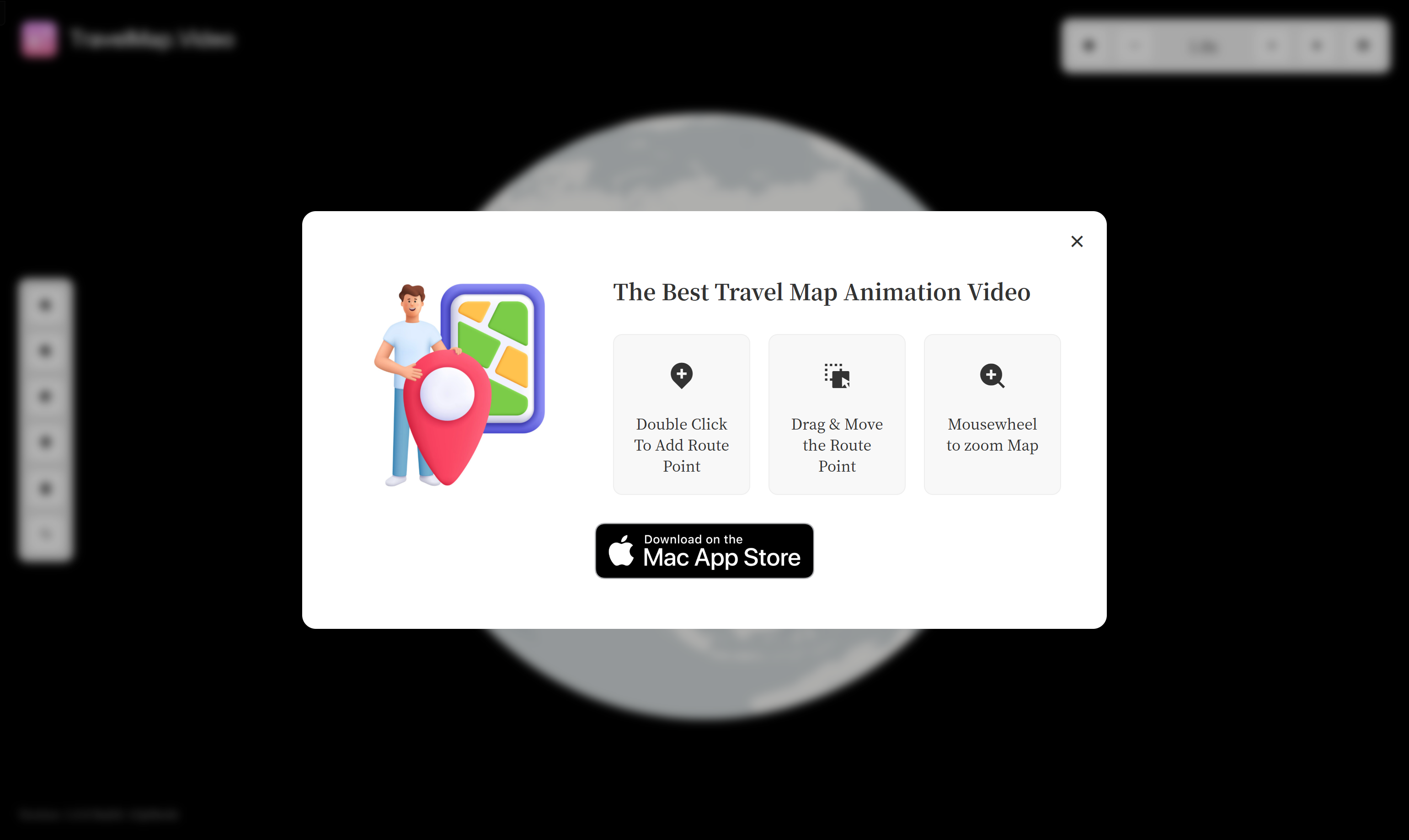
Screenshot archived from the listing page, for preview only.











