
Transmonkey
AI translation for documents, images, videoTranslate files in 130+ languages
Highlights
What you can do with it
- Translate business documents for different language markets
- Create multilingual teaching materials for students
- Add subtitles and dubbing to videos for international viewers
How to use it
- 1 Visit the Transmonkey site and choose documents, images, or video
- 2 Upload the file or paste the content you want translated
- 3 Select the source and target languages
- 4 Click translate and wait for the AI to process it
- 5 Preview the result, edit if needed, then download the file
Who it is for
Pros
- Broad language and file-format coverage in one place
- Keeps document layout so files stay usable
- Video tools cover subtitles, dubbing, and transcription
Limitations
- The free trial is limited and full use needs a paid subscription
- Accuracy depends on the language pair and file type
- Very large files near the character limit may take longer
What Transmonkey is
Transmonkey is an AI-driven translation platform that handles documents, images, and video across more than 130 languages. It uses large language models to deliver accurate results while preserving the original file format and layout. The platform supports over 30 file types, including PDF, Word, PNG, Excel, MP4, and PPTX, and accepts large files up to 1500K characters. Image translation removes the original text while keeping backgrounds, and video tools cover subtitles, dubbing, and transcription. Chrome and YouTube extensions let you translate in place. A free trial is offered alongside paid subscription plans.
What you can do with it
- Translate documents while keeping the original layout
- Translate images and remove original text cleanly
- Add subtitles, dubbing, or transcripts to video
- Translate directly in Chrome or on YouTube with extensions
Who it is for
- Teams that localize documents for different markets
- Educators building multilingual teaching materials
- Video creators serving international audiences
What to watch out for
The free trial is limited, and fuller use requires a paid subscription. Translation quality depends on the language pair and the complexity of the file, so important text still needs review. Very large files near the character limit can take longer to process. Because the service runs online and relies on upstream models, availability and speed can vary, so check the current terms before depending on it for time-sensitive work. Generated suggestions are for reference only, so verify anything that affects professional judgment or important data. Start with a small sample to confirm the output meets your expectations before processing the full batch. Save a backup of the original file before large batch jobs, and keep an exported copy of key results in case the page or service becomes temporarily unavailable.
FAQ
Is Transmonkey free?
It offers a free trial, with paid subscriptions for fuller use. Check the site for current limits.
How many languages does it support?
It supports translations in more than 130 languages.
Does it keep the file layout?
Yes. Document translation is designed to maintain the original layout and format.
Why it is free
What the official page says: free trial
Free limits, trial length and features are decided by the official site and can change at any time.
Product preview
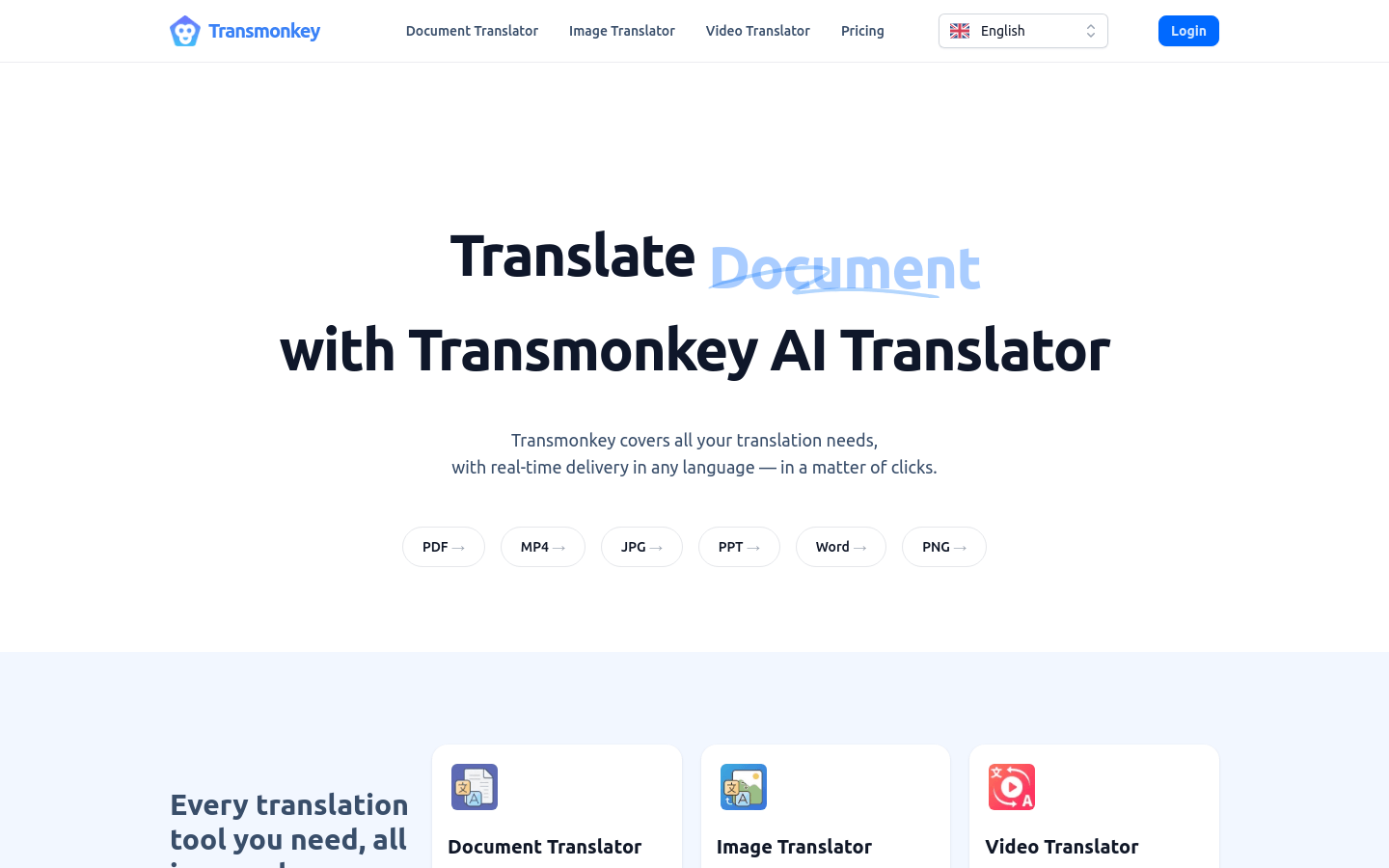
Screenshot archived from the listing page, for preview only.











