
TransLite
Lightweight macOS translation tool with a hotkeySelect text, press a shortcut, get a translation
Highlights
What you can do with it
- Translate a foreign colleague's message in Slack without leaving the app
- Turn Chinese content into professional English while writing email
- Translate selected text on a foreign-language web page
How to use it
- 1 Download the TransLite installer from the official website and install it
- 2 Open the app and set your target language and tone
- 3 Select the text you want translated in any application
- 4 Press the shortcut and let the translation paste automatically
- 5 Adjust or edit the translation as needed
Who it is for
Pros
- One hotkey translates without switching apps
- Automatic paste saves copy and paste steps
- Own API key option keeps text off their servers
- Low one-time price with a 7-day free trial
Limitations
- macOS only, so Windows and Linux users are excluded
- Machine translation still needs review for important messages
- Using your own API key means you pay the translation provider
- Trial terms and pricing can change, so confirm current details
What TransLite is
TransLite is a lightweight translation tool designed specifically for macOS. It sits in the menu bar, and its main function is instant translation through a keyboard shortcut: you select text anywhere, press the hotkey, and the result is pasted straight into the position where you are typing, with no tab switching or copy and paste. It automatically detects the source language, supports multiple languages, and works across applications such as Slack, Gmail, and LinkedIn. You can set the tone to formal, casual, or concise, and you can supply your own API key so your text does not pass through the tool's server. It costs a one-time $4.95 and offers a 7-day free trial.
What you can do with it
- Translate selected text anywhere with a single shortcut.
- Get the result pasted automatically into the app you are using.
- Detect the source language automatically and pick only the target.
- Adjust tone between formal, casual, and concise styles.
Who it is for
- Business people who communicate across languages every day.
- Students reading foreign-language papers and material.
- Cross-border e-commerce sellers handling multilingual customer messages.
- Anyone on a Mac who translates text many times a day.
What to watch out for
TransLite is macOS only, so if you use Windows or Linux it is not an option, and the one-time price and trial terms can change, so confirm them before you buy. Machine translation is a draft, and for contracts, academic work, or sensitive messages you should have the result reviewed, because tone and nuance do not always carry over and a mistranslation can cause real problems. If you use your own API key, you pay the translation provider separately and manage that account and its limits, so the $4.95 is not the whole cost in that mode. Automatic paste can overwrite text in the wrong field, so check where your cursor is before you trigger the shortcut.
FAQ
How does TransLite work?
You select text anywhere on your Mac, press the shortcut, and the translation is pasted into the current input position.
Does it support my apps?
It works across applications such as Slack, Gmail, and LinkedIn.
Is my text private?
You can use your own API key, and the product says your text will not pass through the tool's server.
What does it cost?
It is priced at a one-time payment of $4.95, with a 7-day free trial.
Why it is free
What the official page says: free trial
Free limits, trial length and features are decided by the official site and can change at any time.
Product preview
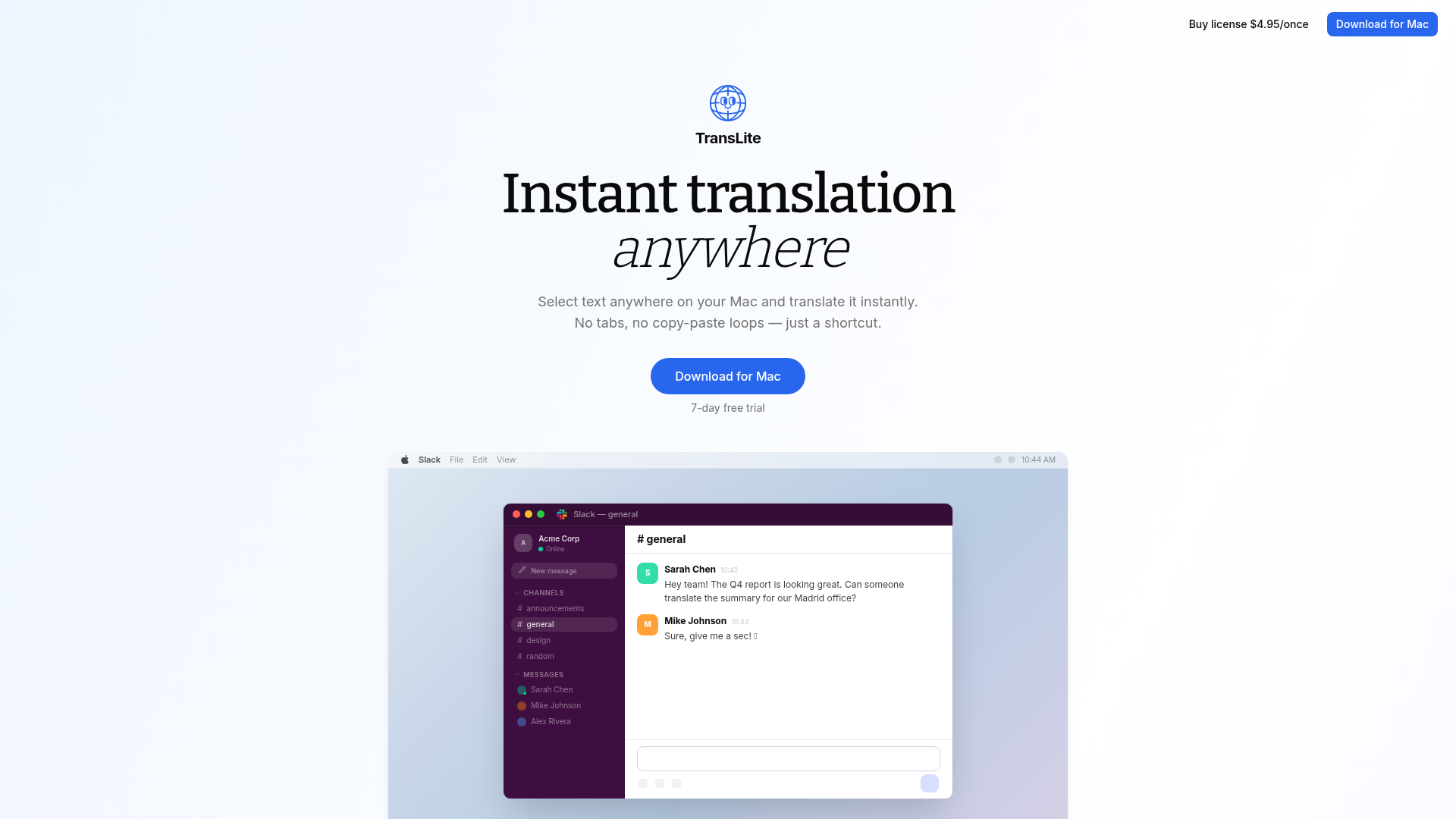
Screenshot archived from the listing page, for preview only.











