translateimage.io
AI image translation, 130+ languagesTranslate text in images, keep the layout
Highlights
What you can do with it
- An e-commerce seller localizes Amazon product images into Spanish
- A comic reader translates Japanese manga pages into Chinese
- A marketing team turns English ad creatives into several languages
How to use it
- 1 Open translateimage.io in your browser
- 2 Upload a JPG, PNG, or WebP file up to 10MB
- 3 Pick the target language and click translate
- 4 Preview the result and download the image
Who it is for
Pros
- Handles text embedded in images, not just plain text
- Layout and styling survive the translation
- Batch translation on higher tiers for large catalogs
Limitations
- Only a free trial; ongoing use needs a paid plan
- Standard uploads are capped at 10MB per image
- Accuracy drops on blurry photos or stylized fonts
What translateimage.io is
translateimage.io is an AI image translator. You give it a photo, screenshot, comic page, or product image, and it reads the text inside the picture and rewrites it in one of more than 130 languages. Because it works on images rather than plain text, the challenge is not just translating words but rebuilding the picture: the tool uses OCR and AI models to strip the original text and lay the translation back in, keeping fonts, gradients, shadows, and the general layout intact. There are dedicated modes for e-commerce listings, comics, and light novels, and higher tiers add batch processing. An image-to-text mode can also pull text out of images, PDFs, and scanned documents. A free trial is available before the paid plans.
What you can do with it
- Translate text inside photos, screenshots, comics, and product images
- Keep the original layout, fonts, and styling after translation
- Extract text from images, PDFs, and scans for translation
- Process several images at once with batch translation on higher tiers
Who it is for
- E-commerce sellers localizing product photos for new markets
- Comic and light novel readers who want pages in their own language
- Marketing teams adapting English creatives for global campaigns
What to watch out for
The free trial only covers a limited amount of use; regular work needs a paid plan. Standard uploads are capped at 10MB per image, so very large files may need resizing first. Translation quality tracks image quality: blurry photos, tiny text, or unusual fonts can produce errors that need manual fixing. Since the service runs in the cloud, availability and pricing can change, so keep local copies of important files.
FAQ
How many languages?
More than 130 target languages for text inside images.
Does the design stay the same?
It aims to preserve fonts, gradients, shadows, and layout.
What files can I upload?
JPG, PNG, and WebP images up to 10MB.
Is my data used for training?
The site says uploads are encrypted, deleted after translation, and never used for training.
Why it is free
What the official page says: free trial
Free limits, trial length and features are decided by the official site and can change at any time.
Product preview
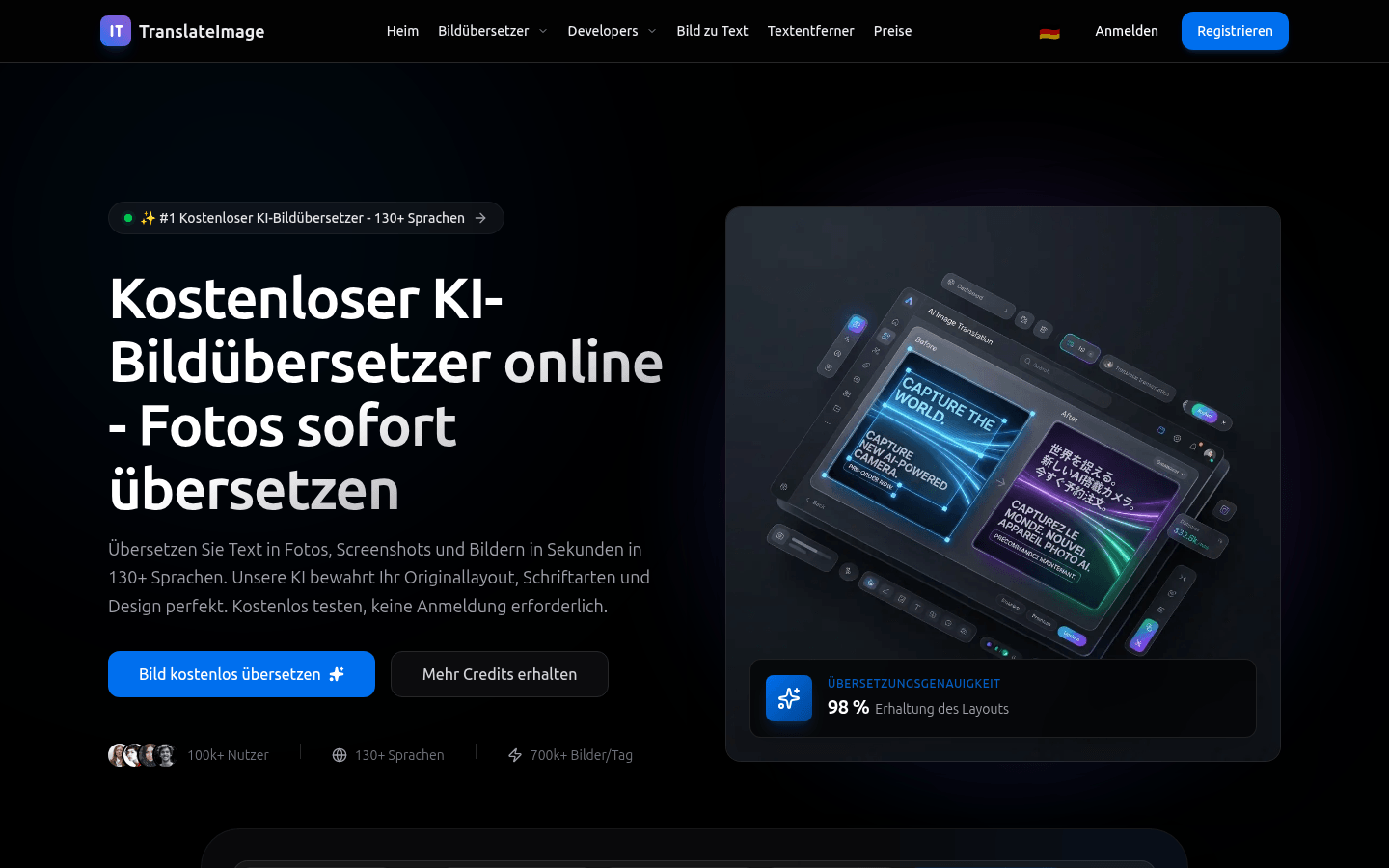
Screenshot archived from the listing page, for preview only.











