
TranscribeMe
Voice notes to text inside WhatsApp and TelegramRead voice messages instead of playing them
Highlights
What you can do with it
- Read long voice notes quickly without playing them
- Translate voice notes sent in another language
- Keep a written record of important audio messages
How to use it
- 1 Connect TranscribeMe to WhatsApp or Telegram
- 2 Receive a voice message in a chat
- 3 Let the tool convert the audio into text
- 4 Read, copy, or translate the result
Who it is for
Pros
- Works inside the two most common chat apps
- Translation is built into the workflow
- Audio is not stored, which helps privacy
Limitations
- Limited to WhatsApp and Telegram, not a general transcriber
- The free plan has usage limits
- Depends on those platforms keeping their interfaces stable
What TranscribeMe is
TranscribeMe is a small utility that turns voice messages into text inside WhatsApp and Telegram. Rather than playing a two minute audio note in a quiet room, you read it. The conversion happens in the chat context, and the same pipeline supports real-time translation with a language selector, which is useful when contacts send notes in a language you do not speak. The developer states that audio is not saved or stored.
What you can do with it
- Convert WhatsApp and Telegram voice notes into readable text
- Translate voice notes in real time
- Choose the language that matches the speaker
- Copy the text for records or replies
Who it is for
- People who receive long voice notes from family or colleagues
- Users in multilingual chats who need translation
- Anyone who would rather read than replay audio
- Professionals handling voice updates from clients
What to watch out for
The scope is narrow by design. This is not a general transcription service for meetings or interviews, it covers two messaging apps, so if your needs go beyond chat, look elsewhere. The free plan has limits, and the PLUS plan is where more features and higher volume live. Because the tool works inside WhatsApp and Telegram, changes to those apps can affect how well it functions, so keep expectations flexible and have a fallback for important messages. Free tiers and usage limits can change, so check the current rules on the official page before relying on it long term. Processing speed depends on file size and network conditions, so retry later if a task stalls during peak hours.
FAQ
Which apps does it support?
WhatsApp and Telegram voice messages.
Is my audio stored?
The tool states it does not save or store any audio files.
Is there a free plan?
Yes, there is a free plan and a PLUS plan with more features and services.
Why it is free
What the official page says: free plan
Free limits, trial length and features are decided by the official site and can change at any time.
Product preview
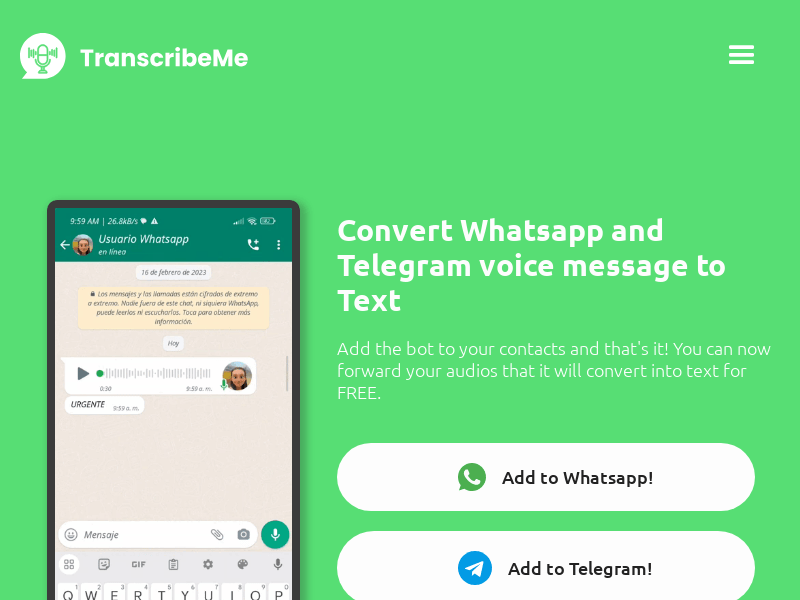
Screenshot archived from the listing page, for preview only.











