
Trainn AI
Customer education platform for SaaSTurn screen recordings into training your customers use
Highlights
What you can do with it
- BuildOps built a learning center on Trainn after having no self-service training.
- Posist built an academy so 12,000 customers could learn the product independently, with video translation.
- Companies like ServiceNow, WebEngage, SpotDraft, and Neutrinos use Trainn for customer education.
How to use it
- 1 Visit the site and sign up for an account.
- 2 Start the 14-day free trial of the Launch, Scale, or Enterprise plan.
- 3 Learn the basics through the Trainn Help Center videos.
- 4 Record your screen and convert it into a product video with AI voiceover and effects.
- 5 Create a no-code knowledge base or academy and set it public or private.
- 6 Embed resources into your product or send them to customers and partners.
- 7 Use video and learner analytics to track results and improve the program.
Who it is for
Pros
- AI speeds up video creation from simple screen recordings
- No design or development dependency for knowledge base and academy
- Multi-language videos serve customers in different regions
- 14-day free trial to test the platform
Limitations
- After the 14-day trial you need a paid plan, and pricing can change
- Good output still needs clear screen recordings and some editing
- Setting up an academy and content takes planning and time
- Advanced features and support vary by plan
What Trainn AI is
Trainn is a customer education platform built for SaaS companies. The problem it targets is simple: customers often churn because they never learn the product. Trainn helps teams create the training that drives adoption, onboarding, and retention. Its standout feature is AI content creation: you record your screen and the platform turns it into a professional product video with AI voiceover, zoom, spotlight effects, and subtitles within minutes. You can also launch a no-code knowledge base and a zero-code academy, and embed videos and interactive guides straight into your product. A 14-day free trial is offered for the Launch, Scale, and Enterprise plans.
What you can do with it
- Turn screen recordings into product videos with AI voiceover, zoom, spotlight, and subtitles.
- Build a help center or knowledge base without code, set public or private with SSO.
- Create a customer academy with tailored onboarding paths and interactive guides.
- Produce multi-language videos and track learner outcomes with advanced analytics.
Who it is for
- SaaS enterprises that need consistent, scalable customer education.
- Small and medium businesses that lack dedicated design and development staff.
- Partner teams that need training to support and sell more effectively.
What to watch out for
After the 14-day trial you move to a paid plan, and pricing and plan limits can change. Video quality still depends on clear screen recordings and some editing, so budget time for that. Building a full academy and content library takes planning rather than a few clicks. Feature depth and support levels differ by plan, so compare before you commit. Name and archive exported files consistently so you can find and reuse them, and keep a backup copy of key data.
FAQ
What is Trainn?
It is a customer education platform for SaaS companies covering videos, knowledge bases, and training.
Is there a free trial?
Yes, a 14-day free trial is offered for the Launch, Scale, and Enterprise plans.
Do I need coding skills?
No. The knowledge base and academy are no-code, and guides embed without coding.
Can I make videos in other languages?
Yes. It supports product and how-to videos in multiple languages.
Why it is free
What the official page says: free trial
Free limits, trial length and features are decided by the official site and can change at any time.
Product preview
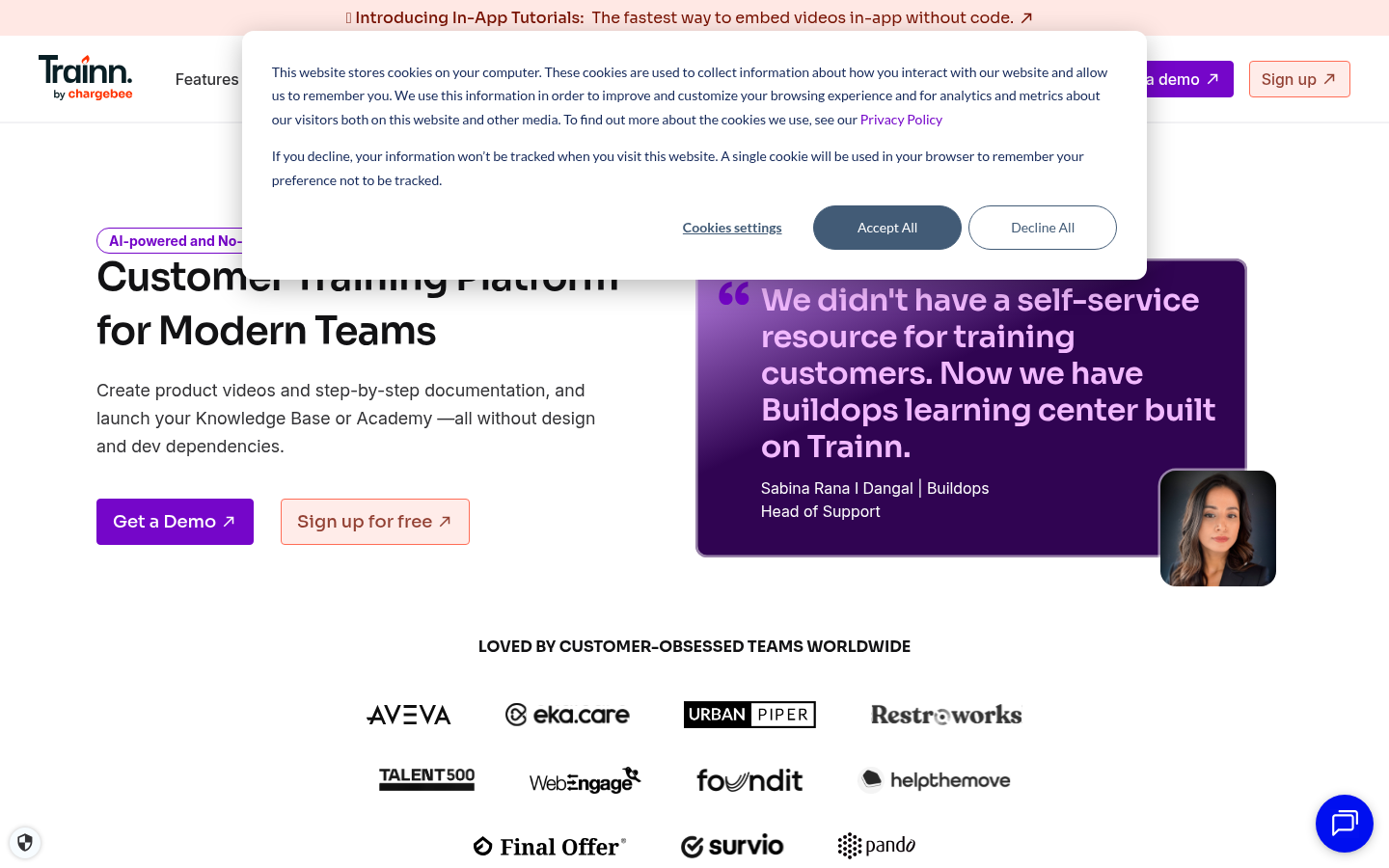
Screenshot archived from the listing page, for preview only.











