
Touchpoint
AI email template generator by TextmagicBrand-styled email templates without coding
Highlights
What you can do with it
- A company builds a product launch email with AI-generated headlines and brand styling
- A team uses quick tips to create an urgent Black Friday promotional email
- An organizer designs a professional webinar or event invitation email
How to use it
- 1 Log in to Touchpoint and connect your company website so branding is extracted
- 2 Chat with the AI and describe the content and style of the email you need
- 3 Customize the generated template: edit text, replace images, adjust layout, or refine HTML
- 4 Export the template to Textmagic with one click
- 5 On Textmagic, choose the audience, set sending options, send, and monitor results
Who it is for
Pros
- No coding or design background needed to produce a usable template
- Brand assets are pulled automatically instead of being matched by hand
- Editing stays flexible, from simple clicks down to HTML
- Direct export into Textmagic keeps design and sending in one flow
Limitations
- The free email allowance for new users is a starting offer and may change
- Full sending depends on Textmagic, so you are tied into that platform
- AI templates still need brand and copy review before they go out
- Complex custom layouts take more manual work than the quick path suggests
What Touchpoint is
Touchpoint is an AI email template generator made by Textmagic. Instead of starting from a blank canvas or hand-coding HTML, you describe the email in a chat and the AI builds a template in seconds. Connecting your company website lets it pull your logo, colors, and brand assets so the result matches your brand. The page says new users can send a first batch of emails for free, which makes it easy to try the design flow before paying.
What you can do with it
- Generate an email template from a short description of content and style
- Pull brand assets automatically from your website for a consistent look
- Edit text, replace images, adjust layout, or refine the HTML directly
- Export the finished template to Textmagic in one click and send it
Who it is for
- Enterprise marketers who need campaign and promotional email fast
- Content creators sending newsletters and updates to subscribers
- Entrepreneurs and small teams without a designer or developer on hand
What to watch out for
The free email allowance for new users is an introductory offer and may change, so confirm the current terms before you plan a campaign around it. Sending is handled through Textmagic, which means the workflow is tied to that platform rather than being fully independent. AI-generated templates are a starting point, and copy plus layout still need a human check before anything goes to a customer list. Heavily custom designs take longer than the quick tip path implies. For best results, start with a small test file and review the output carefully before working on anything important. Free tiers can change over time, so it is worth checking the current limits on the official page before you rely on the tool daily.
FAQ
Do I need design skills to use Touchpoint?
No. You describe the email in chat and the AI builds a template; edits are done with clicks, and HTML is optional.
How does it keep emails on brand?
You connect your website and the system extracts the logo, colors, and brand assets automatically.
Is there a free option?
The page says new users can send a first batch of emails for free. Later pricing is not spelled out on the information page.
How do I send the finished email?
Export the template to Textmagic with one click, then choose your audience and sending settings there.
Why it is free
What the official page says: for freefree trial
Free limits, trial length and features are decided by the official site and can change at any time.
Product preview
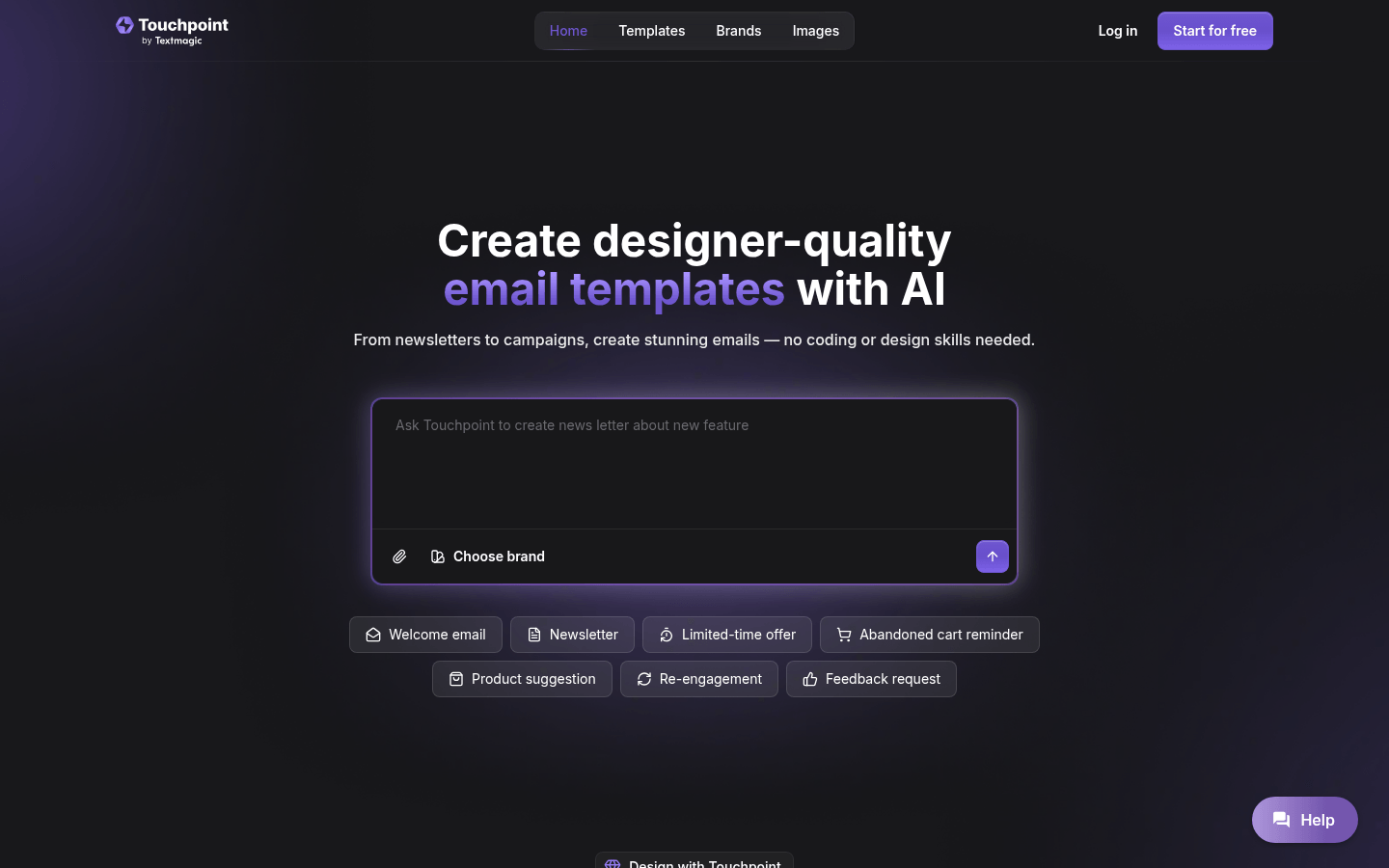
Screenshot archived from the listing page, for preview only.











