
Toucan Ai
Fast text-to-video storyboard generatorTurn a prompt into a video storyboard
Highlights
What you can do with it
- A travel creator drafts a movie-style storyboard for a video series.
- A marketing team iterates quickly on video ad concepts.
- A solo founder builds a shot list to hand to a freelance shooter.
- A creator tests the demo workflow before paying.
How to use it
- 1 Write a clear prompt describing scene, mood, and subject.
- 2 Choose an aspect ratio, duration, and style preset.
- 3 Generate the storyboard, then render video through APIMart with an API key.
- 4 Review the thumbnail, task ID, and storyboard summary, then export.
Who it is for
Pros
- Very fast prompt-to-storyboard conversion.
- Demo works with no account, so you can try instantly.
- Style presets and format controls cover major platforms.
- JSON or shot-list output drops straight into editing.
- Good for handing creative direction to a shooter or editor.
Limitations
- Rendering real video needs an APIMart API key and setup.
- Paid Creator and Team plans are on a waiting list right now.
- Storyboard quality depends on how detailed your prompt is.
- It plans shots rather than producing a finished edited video.
What Toucan Ai is
Toucan AI is a fast text-to-video generator that turns a written prompt into a structured video storyboard in seconds. Instead of a finished edit, it gives you shot descriptions, time codes, and annotations you can hand to a camera operator or editor. It offers style presets such as movie, documentary, social, and minimalist, each shaping rhythm, color guidance, and shot movement. You can choose an aspect ratio of 16:9, 9:16, or 1:1 and a duration from 5 to 30 seconds, then export the storyboard as JSON or a plain shot list. The demo needs no account and runs right away. Rendering actual video goes through APIMart and requires an API key, and the paid Creator and Team plans, listed at $19 and $79 per month, are currently on a waiting list.
What you can do with it
- Turn a plain-language prompt into a shot-by-shot storyboard.
- Pick a style preset to set the look and pacing.
- Choose an aspect ratio and length for YouTube, Reels, TikTok, or square.
- Export JSON or a shot list straight into your editing workflow.
- Try the whole flow in the demo before signing up.
Who it is for
- Content creators who need storyboards quickly.
- Marketers iterating on video ad concepts.
- Solo founders building shot lists without a video team.
- Editors and shooters who want a clear starting plan.
What to watch out for
Toucan AI plans shots rather than producing a finished edited video, so you will still need to shoot or render and edit the result. Rendering real video through APIMart requires an API key and some setup, which adds a technical step. The paid Creator and Team plans are on a waiting list at the moment, so access is not immediate. Storyboard quality depends heavily on how specific your prompt is, so vague input gives vague output. Pricing and availability can change, so confirm current details on the site before you plan a project around it.
FAQ
What does Toucan AI do?
It converts a text prompt into a structured video storyboard with shot descriptions, time codes, and annotations in seconds.
Do I need an account?
The demo version needs no account and runs immediately so you can test the workflow.
Can it render a full video?
Rendering goes through APIMart and requires an API key; the demo simulates the backend.
What do the paid plans cost?
The page lists a Creator plan at $19 per month and a Team plan at $79 per month, both currently on a waiting list.
Why it is free
What the official page says: 免费
Free limits, trial length and features are decided by the official site and can change at any time.
Product preview
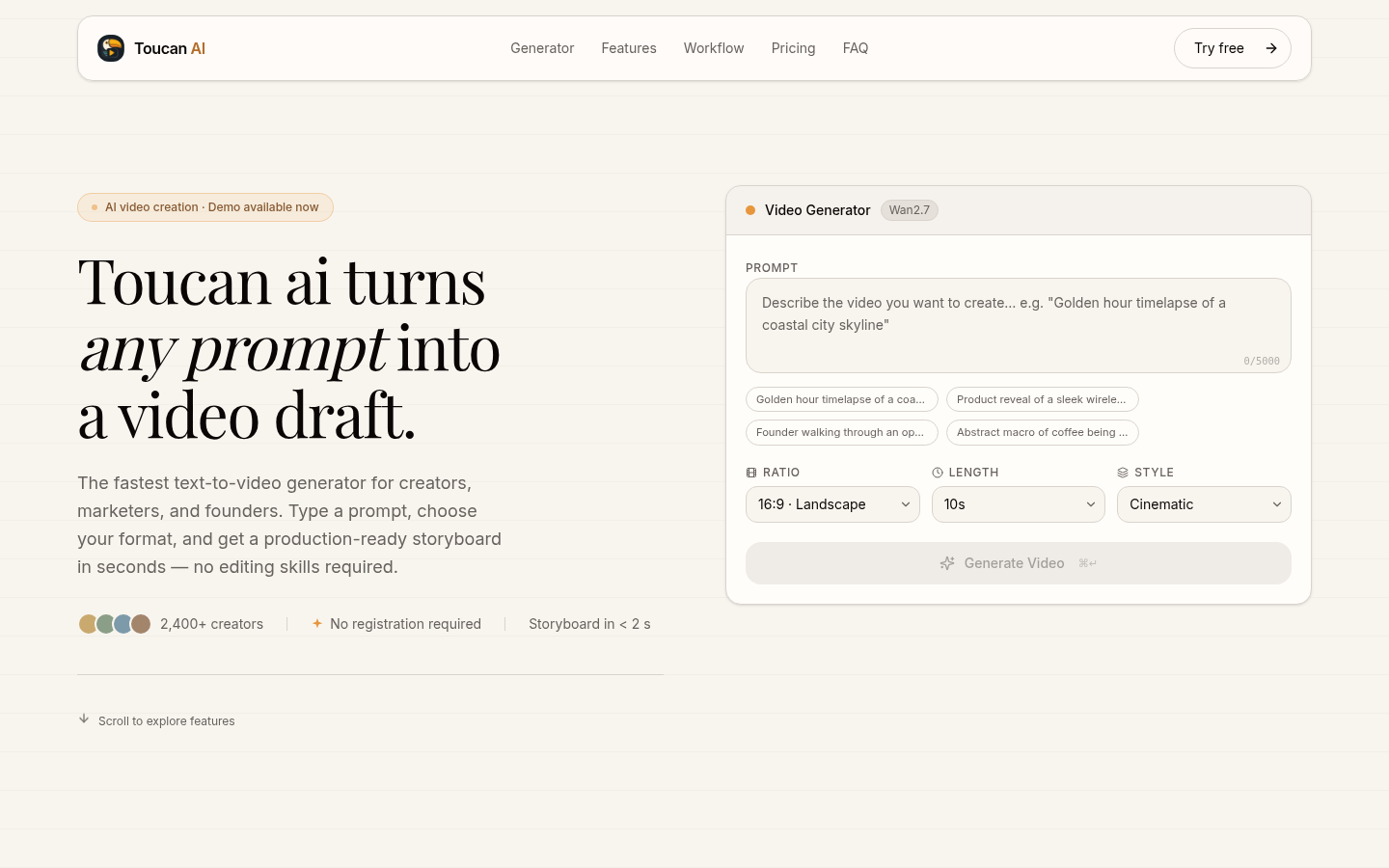
Screenshot archived from the listing page, for preview only.











