
TotalMedia
AI video tool suite for converting, enhancing, and compressing video.Convert, enhance, and compress video faster with AI across many formats.
Highlights
What you can do with it
- Restore an old family video so faces and details are clear again
- Upscale low-resolution footage to 4K before editing
- Compress large video batches for faster sharing and storage
How to use it
- 1 Open the TotalMedia site and sign in or register
- 2 Pick a tool such as Video Converter or Video Enhance
- 3 Upload the video you want to process
- 4 Set the format or enhancement options you need
- 5 Start processing, then download the finished file
Who it is for
Pros
- Handles conversion, enhancement, and compression in one suite
- Broad format support for many devices and platforms
- Batch tools and a built-in downloader speed up routine work
Limitations
- Free access is tied to lifetime or subscription plans, and update terms can change
- Heavy enhancement and super-resolution demand strong hardware and time
- Cloud features need a stable internet connection and may cap file size
What TotalMedia is
TotalMedia is an AI-driven video tool suite that brings format conversion, enhancement, and compression into one place. The maker says processing can run up to 120 times faster than normal and supports around 1000 formats, so a file can be adapted to almost any device or platform. Cloud-based enhancement works frame by frame to restore clarity, detail, and color, while batch compression reduces file size while keeping quality. The suite runs on both PC and mobile and includes a built-in downloader for gathering reference material, making it a single stop for many everyday video jobs.
What you can do with it
- Convert video between formats with one click for any device
- Enhance old or low-quality footage by sharpening detail and color
- Compress large batches of files for easier sharing and storage
- Upscale resolution and smooth motion with super-resolution and frame interpolation
- Download reference clips directly inside the tool
Who it is for
TotalMedia targets creators at every level. Professional video editors who need fast, reliable output can lean on its conversion and enhancement tools. Beginners benefit from a simple, guided flow that does not demand deep technical knowledge. Businesses and individuals who process large volumes of video can use batch compression and the downloader to save time. Everyday users can even repair old family recordings and bring memories back to life.
What to watch out for
Access is sold through lifetime or subscription plans rather than being fully free: lifetime buyers get free PC updates, and subscribers get updates only during their subscription period. These terms can change, so confirm the current plan before purchasing. Cloud-based features require a stable internet connection and may limit file size or add queue time. Heavy enhancement and super-resolution also demand capable hardware and patience, especially on long clips, so set expectations before processing a big project.
FAQ
Is TotalMedia free to use?
It is sold as lifetime or subscription plans. Lifetime buyers get free PC updates, and subscribers get updates during their subscription, so read the current plan before buying.
How many formats does TotalMedia support?
The maker states around 1000 formats, which is meant to cover most devices and platforms.
Can I use it on my phone?
Yes. The platform supports both PC and mobile, so you can process video on either.
Why it is free
What the official page says: 免费
Free limits, trial length and features are decided by the official site and can change at any time.
Product preview
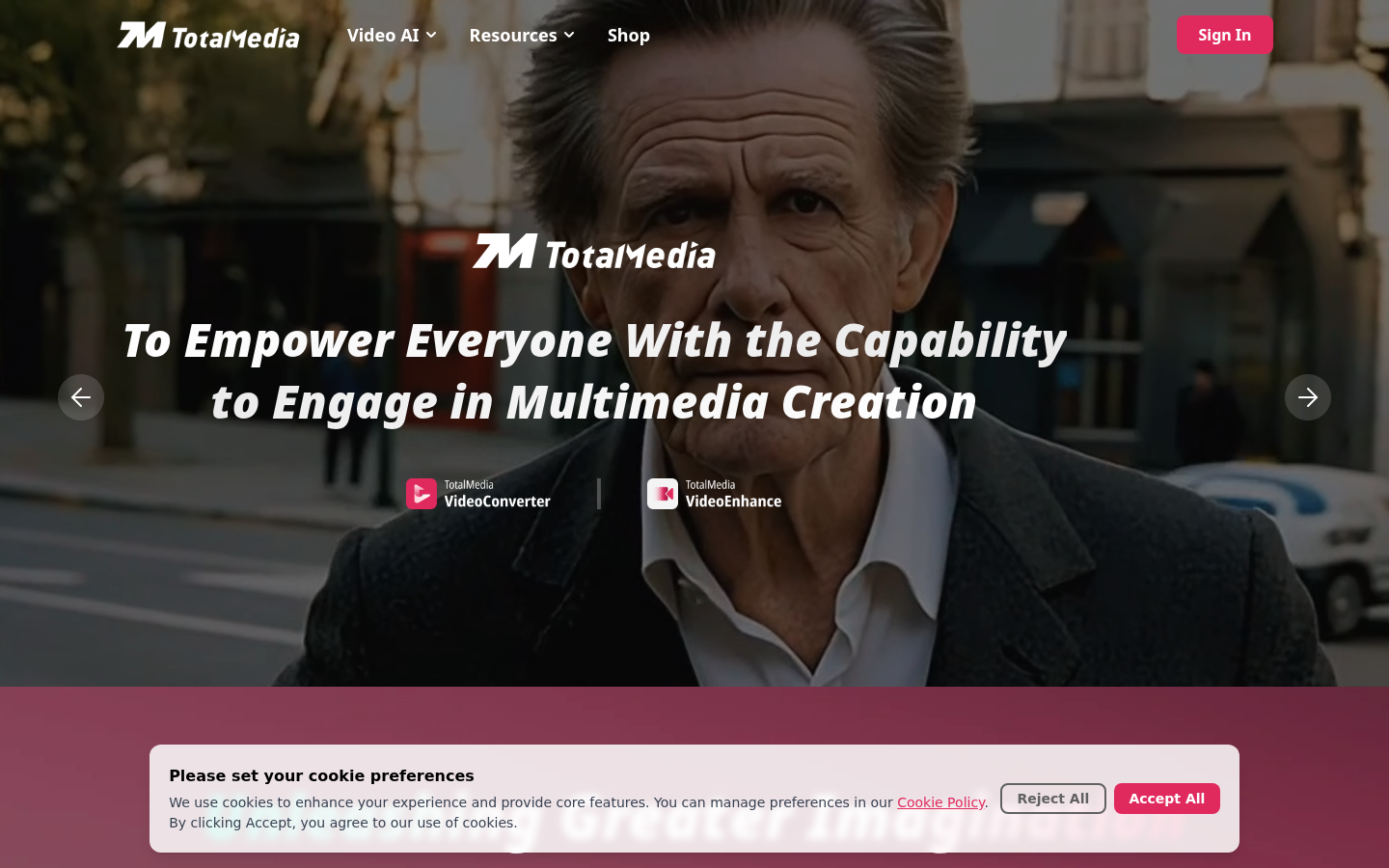
Screenshot archived from the listing page, for preview only.











