
Topview 2.0 Product Avatar
AI product avatar video generatorTurn product photos into avatar videos
Highlights
What you can do with it
- Create product videos in several languages for new markets
- Make product videos without shooting equipment
- Build brand-aligned avatar videos for social ads
How to use it
- 1 Visit the Topview Product Avatar page
- 2 Choose a virtual avatar template
- 3 Upload your product image
- 4 Click Generate to create the video
- 5 Add text or audio for voice and lip sync, then download or share
Who it is for
Pros
- No shoot or models required
- Multilingual voiceover with lip sync
- Free version with watermark-free output on paid tiers
Limitations
- More templates and customization need a paid plan
- Avatar realism and lip sync quality can vary
- Results depend on your product image quality
What Topview 2.0 Product Avatar is
Topview 2.0 Product Avatar is an online tool that uses AI to help you create product display videos quickly. You upload a product image, choose a virtual avatar template, and the tool pairs them through smart algorithms to produce high-quality, customizable video content. This removes the need for real models, a studio, or a costly shoot. It suits businesses of many sizes that want to show products in a more attractive and personal way while saving time and money. A free version is available, with paid plans for more templates and control.
What you can do with it
- Turn a product photo into an avatar-led display video
- Add multilingual voiceover with lip sync for global reach
- Pick from over 1,000 templates or request a custom design
- Export watermark-free video for e-commerce and social platforms
Who it is for
- E-commerce sellers who need product videos fast
- Brands marketing across multiple languages
- Marketers making social media and ad content
What to watch out for
More templates, longer exports, and deeper customization sit behind the paid plans, and pricing can change. Avatar realism and lip sync quality vary by template and language, so preview before you publish. The final look depends heavily on your product image, so use clean, well-lit photos for the best result. Check the commercial use terms before you run the videos in paid advertising. Run one full task end to end first, then expand once you are comfortable with the workflow and the result quality. Behavior may vary across browsers and devices, so test before production use and consult the help docs if errors appear.
FAQ
Is there a free version?
Yes. Topview offers a free version with paid upgrades for more customization.
Do I need a real model?
No. You upload a product image and the AI pairs it with a virtual avatar.
How long does generation take?
Videos are usually generated within minutes after you upload and pick a template.
Why it is free
What the official page says: free version
Free limits, trial length and features are decided by the official site and can change at any time.
Product preview
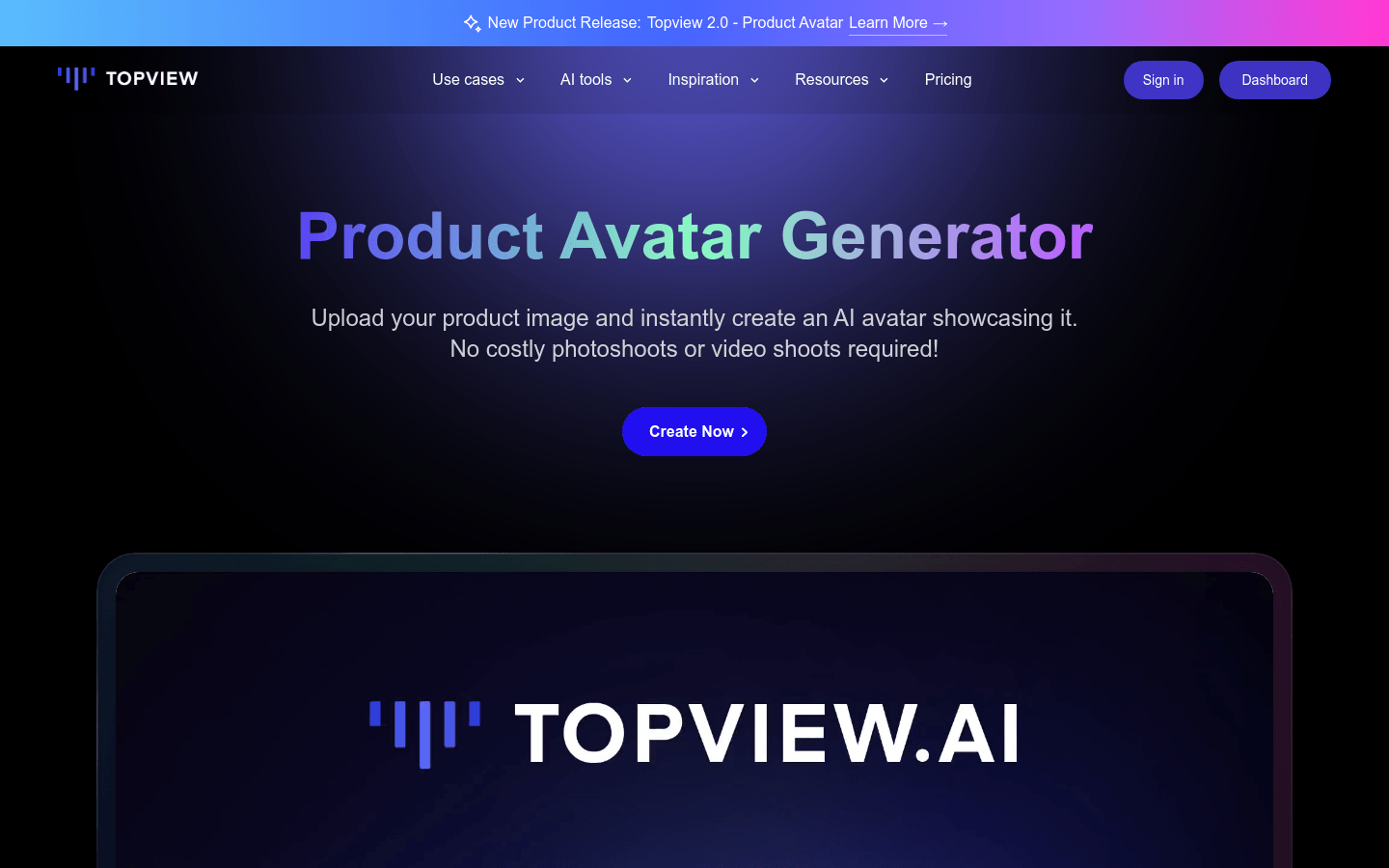
Screenshot archived from the listing page, for preview only.











