
TopMaker AI
All-in-one AI image and video generator with free usage limitsTurn text and images into video with many AI models, free to try
Highlights
What you can do with it
- Create product showcase videos
- Make music videos
- Generate social media UGC videos
How to use it
- 1 Visit topmaker.ai and register or start a free trial
- 2 Pick a mode such as text-to-video or image-to-video
- 3 Add your text, image, or video and choose a model
- 4 Edit the result for motion, camera, and style
- 5 Save or export the final video
Who it is for
Pros
- Many models available in one place
- Free generations each month to test it
- Both text-to-video and image-to-video
Limitations
- Free plan has limited generations and standard quality
- Paid features and credit rules can change
- Generated video still needs review before publishing
What TopMaker AI is
TopMaker AI is an all-in-one platform for creating images and video with AI. It brings together more than 20 models, including names such as Seedance 2.0, Kling 2.6, and Sora 2, so you can choose one that fits your needs and budget. You can turn text into video, turn an image into video, and even process an existing video into a new style. After a first draft, AI editing lets you adjust motion, camera angle, style, and visual detail. There are free usage limits so you can try it first, and the site says uploaded and generated content is encrypted and not used for training without consent.
What you can do with it
- Turn a text prompt into a video
- Turn an uploaded image into a video
- Edit motion, camera, and style with AI
- Pick from more than 20 models for your task
Who it is for
- Content creators who need visual media fast
- Marketers making ads and product showcase videos
- Social media bloggers producing short clips
- Corporate publicity staff creating demos
What to watch out for
The free plan gives a limited number of generations each month at standard quality. Higher generation limits, advanced models, 4K output, priority processing, and commercial use rights are tied to paid plans, and those features and credit rules can change. Each generation consumes credits based on model quality and duration, so long or high-quality clips cost more. Generated video is a draft, not final work, so review frames, text, and motion before you publish. If you use output commercially, confirm you have the right plan, and follow platform rules about how AI-generated video may be labeled or shared.
FAQ
Is TopMaker AI free?
It offers free usage limits each month at standard quality. Higher limits, advanced models, 4K, and commercial rights need a paid plan.
How does pricing work?
Generation uses a credit system. Each output costs credits based on the model quality and duration, and you can check usage in your account.
What can I create?
You can make text-to-video, image-to-video, and video-to-video content, then edit motion, camera, style, and visual detail.
Why it is free
What the official page says: 免费额度免费免费用户
Free limits, trial length and features are decided by the official site and can change at any time.
Product preview
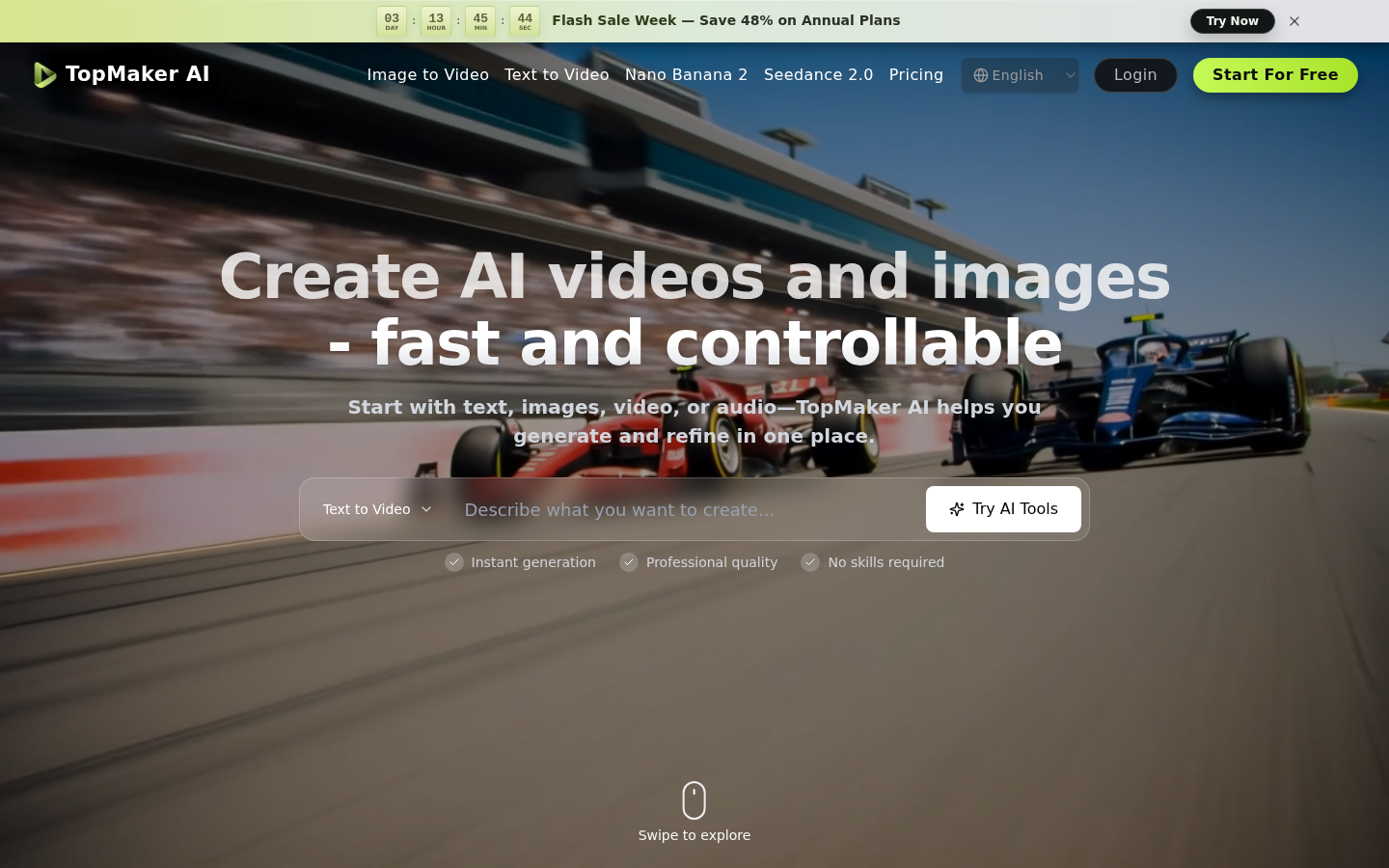
Screenshot archived from the listing page, for preview only.











