
ToolBaz
Free AI writing toolkitOne site for text, image, and voice
Highlights
What you can do with it
- Draft creative copy for social media ads
- Write blog posts and longer articles
- Synthesize natural-sounding voiceovers for a video
How to use it
- 1 Open the ToolBaz website in your browser.
- 2 Pick the tool you need, such as writing, image, voice, or chat.
- 3 Enter your prompt or content and let the AI generate a result.
- 4 Adjust the prompt and regenerate until the output fits.
Who it is for
Pros
- Free to use as described on the site
- Many AI features in one place instead of several subscriptions
- Covers text, image, voice, code, and chat
Limitations
- Free status can change, and the page does not list paid plans or limits
- Output quality varies by task and still needs review
- A single site holding many features may be less deep than specialist tools
What ToolBaz is
ToolBaz is a free AI writing tool that also carries a wider set of AI features. On the writing side it generates stories, emails, and lyrics, and it is pitched at producing human-like content quickly for many different needs. The same site also offers AI image generation, voice synthesis, voice-to-text conversion, code generation, and an AI chat assistant, which means several tasks can happen in one tab instead of across several subscriptions. The site describes the tool as free, so there is no payment step described before you start. Common uses include social media ad copy, blog posts, and natural-sounding voiceovers for video work.
What you can do with it
- Generate stories, emails, lyrics, and other written content.
- Create images with the AI image generator in the same interface.
- Turn text into speech with voice synthesis, or speech into text.
- Write code and hold conversations with the AI chat assistant.
Who it is for
- Writers who need fast drafts of stories, emails, or lyrics.
- Marketers producing ad copy and blog articles.
- Creators who want voice or image output without separate tools.
What to watch out for
The site describes ToolBaz as free, but free terms can change and the page does not list paid plans, quotas, or usage limits, so treat availability as provisional. A site that bundles many features will usually be less specialized than a dedicated tool for any one job, so compare output when a task matters. Generated text, code, and voice should be reviewed before you publish, since mistakes are easy to miss. Because it runs in the browser, a slow connection can make long generations feel sluggish.
FAQ
Is ToolBaz free?
The site describes ToolBaz as a free AI writing tool. Free terms can change, so check the current page.
What can it generate?
It covers stories, emails, lyrics, images, voiceovers, code, and chat replies.
Is the output ready to publish?
Treat it as a draft. Review and edit generated text, code, or voice before you publish.
Why it is free
What the official page says: 免费
Free limits, trial length and features are decided by the official site and can change at any time.
Product preview
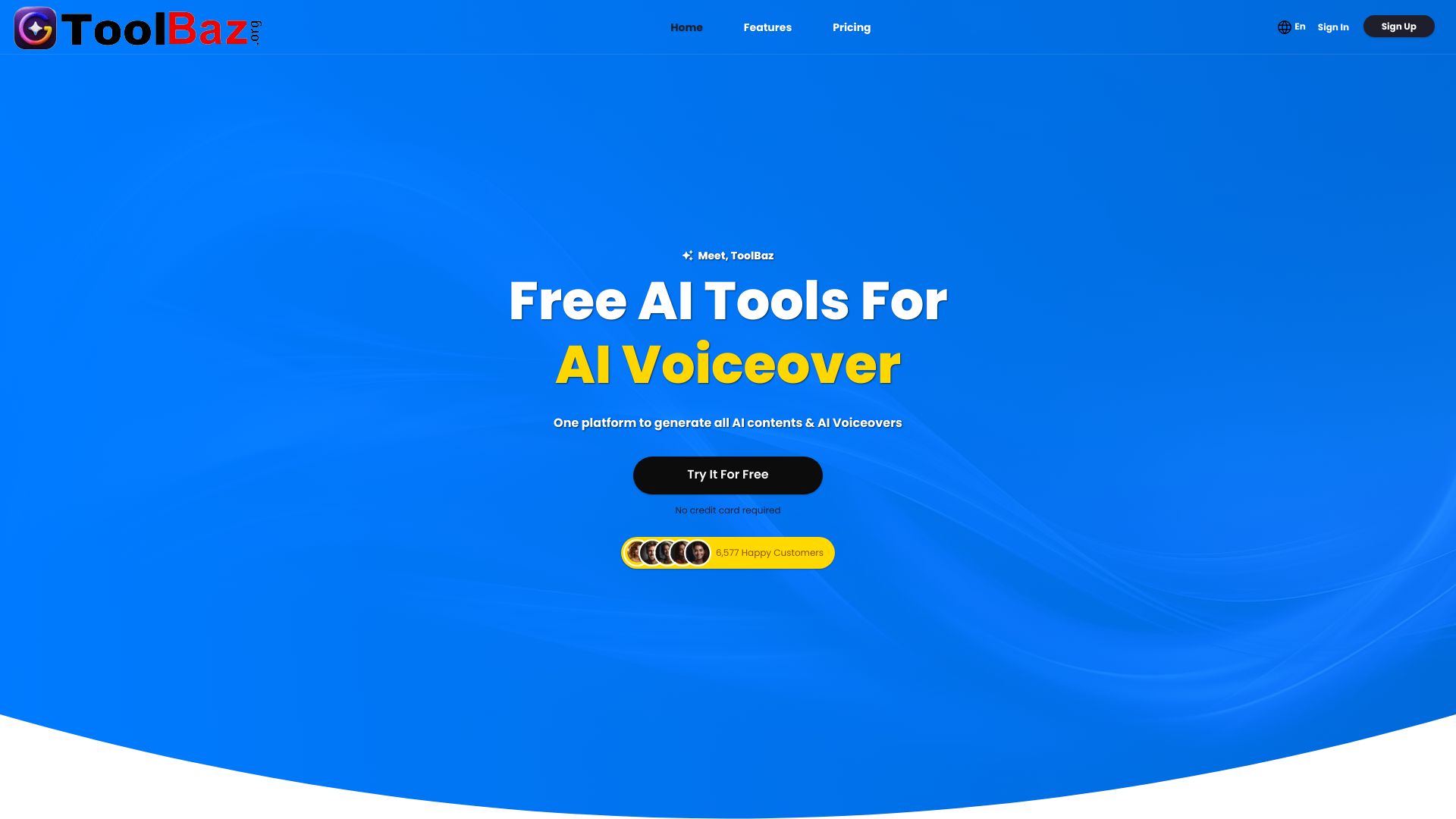
Screenshot archived from the listing page, for preview only.











