
Toolable
Collection of free AI content generatorsFree AI generators for every content job
Highlights
What you can do with it
- Teachers building lesson plans for a grade and subject
- Social media managers drafting platform specific posts
- Marketers producing blog and email copy quickly
How to use it
- 1 Visit the Toolable website and choose a category.
- 2 Open the generator that fits your task.
- 3 Enter the parameters or requirements it asks for.
- 4 Generate the draft, then review and adjust it.
- 5 Use the result in your teaching, social, or marketing work.
Who it is for
Pros
- Free to use according to the listing
- No coding needed for custom tools
- Wide template coverage across content types
Limitations
- Generated drafts need editing for accuracy and tone
- Free availability can change over time
- SEO claims depend on your own keywords and competition
- Output quality varies by template and input
What Toolable is
Toolable is a platform that collects a set of free AI content generators in one place. Each generator targets a specific job, such as a blog post, a social media update, a lesson plan, an email, or a speech, and you work by entering the requirements it asks for and letting the AI produce a draft. The feature the listing highlights most is that custom tools can be built without coding, so a repeated content need can become a reusable generator rather than a one off prompt. Output is described as SEO oriented, aimed at search visibility rather than filler text. It is positioned for creators, businesses, and educators who need drafts quickly.
What you can do with it
- Generate blog posts, social updates, emails, and speeches.
- Build lesson plans and educational material.
- Create custom generators without writing code.
- Produce marketing and communication copy at volume.
Who it is for
- Content creators publishing on a schedule.
- Teachers preparing classroom material.
- Small business marketers without a dedicated copywriter.
What to watch out for
Generated drafts need editing for accuracy, tone, and anything factual, since AI output can be generic or wrong. Free availability can change, so confirm current terms before building a workflow around it. SEO claims depend on your own keywords, competition, and site authority rather than the tool alone. Output quality also varies by template and by how specific your inputs are, so vague briefs tend to return vague drafts. For team use, agree on naming and editing conventions in advance to avoid version conflicts or duplicated work. Name and archive exported files consistently so you can find and reuse them, and keep a backup copy of key data.
FAQ
Is Toolable free?
The listing describes the generators as free to use.
Can I make my own tool?
Yes, custom tools can be created without coding skills.
What can it generate?
Blog posts, social posts, lesson plans, emails, speeches, and other educational or marketing content.
Why it is free
What the official page says: free to use
Free limits, trial length and features are decided by the official site and can change at any time.
Product preview
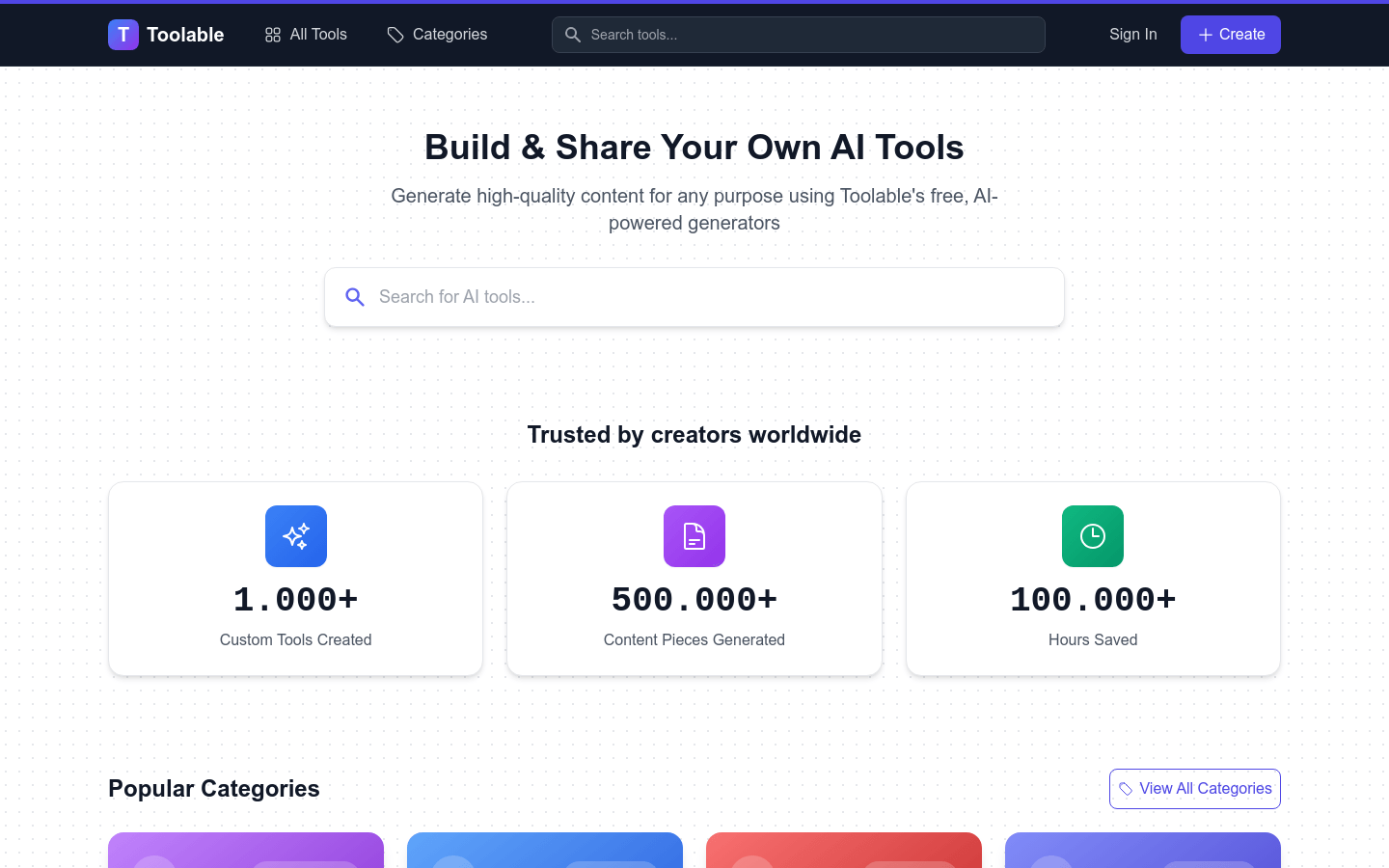
Screenshot archived from the listing page, for preview only.











