
W
Free online AI watermark and subtitle removal for videos and images.Clean watermarks, subtitles, and logos from your media in the browser.
Highlights
What you can do with it
- Clean up your own exported videos that carry unwanted subtitle or logo overlays
- Remove text overlays from images before redesigning them for a new layout
- Prepare presentation material where old captions or stamped marks get in the way
How to use it
- 1 Open the W Agent website in your browser, no installation needed
- 2 Upload the video or image you want to clean
- 3 Let the AI automatically identify the areas to remove, or mask them manually
- 4 Start the processing and let the background restoration rebuild the covered areas
- 5 Preview the result and download the cleaned file
Who it is for
Pros
- Free and works directly in the browser
- Combines automatic detection with manual masking for better control
- Tries to preserve the original resolution, color, and motion of the material
Limitations
- Removing watermarks from content you do not own may violate copyright or platform rules, and any consequences are your responsibility
- Complex backgrounds may not rebuild perfectly after a large area is removed
- Free rules and availability may change over time, so verify current terms on the official site
What W is
W Agent is a free online tool built on AI technology for removing watermarks, subtitles, logos, and text overlays from videos and images. Its main appeal is convenience: everything happens in the browser, with no software to install and no complex settings to learn. The tool can automatically detect the areas that need cleaning, or you can mask them manually when you want more control. Under the hood it uses AI assisted background restoration, which tries to rebuild whatever was behind the removed element while preserving the resolution, color, and dynamic effects of the original material. The operation is designed to be simple and fast, so even users without professional editing knowledge can get a usable result. It is positioned as a free, safe, and efficient content cleaning service for anyone who processes videos and images regularly.
What you can do with it
- Strip unwanted subtitle or logo overlays from your own video exports before re-editing them.
- Remove stamped text or marks from images so you can redesign them with a fresh layout.
- Use manual masking when the automatic detection misses a subtle overlay or includes too much area.
- Clean up media quickly without downloading or installing any editing software.
Who it is for
- Video creators and editors who need to tidy up their own footage before a new cut.
- Designers who receive images with old captions or logos and need clean source material.
- Casual users who want a one off cleanup without paying for or learning a full editing suite.
What to watch out for
This kind of tool has a real legal edge. Removing watermarks from content you do not own can violate copyright law, platform terms, or the rights of the original creator, and any consequences from doing so are entirely your responsibility. Use it on your own material, or on material you have explicit permission to modify. On the technical side, background restoration works best on simple or moderately complex areas; large removals over detailed textures may leave visible artifacts. Finally, free rules and service availability may change over time, so check the current terms on the official site before making it part of a regular workflow.
FAQ
Do I need to install anything?
No. W Agent runs online in your browser, so there is no software to install.
Can it remove both watermarks and subtitles?
Yes. The tool handles watermarks, subtitles, logos, and other text overlays on both videos and images.
Is it free?
The service is described as free. As with any free online tool, terms can change, so check the site for current details.
Why it is free
What the official page says: 免费
Free limits, trial length and features are decided by the official site and can change at any time.
Product preview
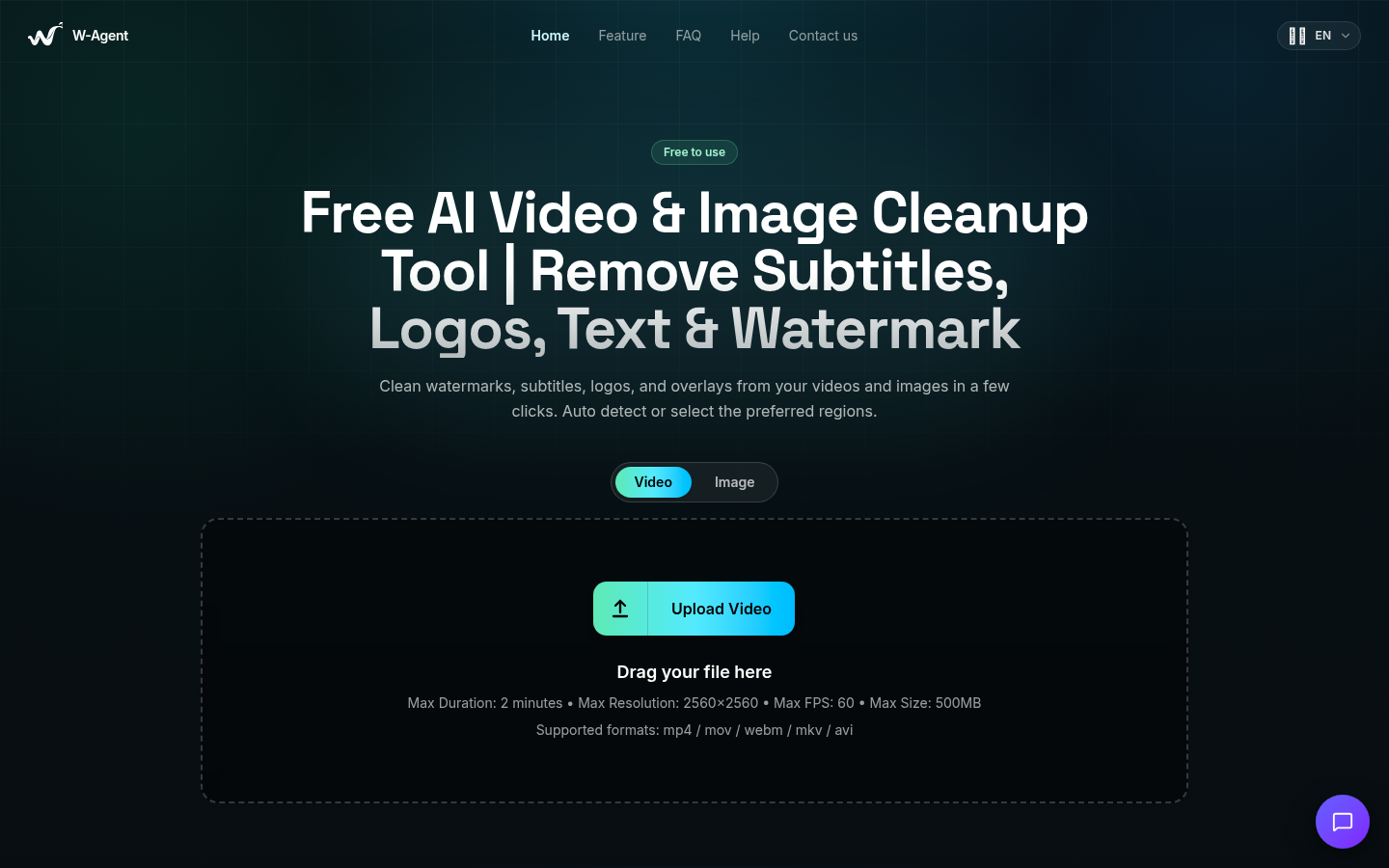
Screenshot archived from the listing page, for preview only.