T
AI workspace with custom agents and searchDocs, agents, and cross-app search in one workspace
Highlights
What you can do with it
- Keeping docs, projects, and knowledge in one workspace
- Automating repetitive work with custom agents
- Finding information scattered across other apps
How to use it
- 1 Create a workspace and start on the free version
- 2 Set up pages for docs, projects, and knowledge
- 3 Build a custom agent for a repetitive task
- 4 Connect other apps for cross-app search
- 5 Use AI meeting notes after each meeting
Who it is for
Pros
- One workspace replaces several separate tools
- Custom agents cut repetitive manual work
- A free version allows evaluation before paying
Limitations
- Free version limits and enterprise pricing may change
- Setting up agents and connections takes time
- AI output still needs human review before it is trusted
What Notion is
Notion is a workspace that combines document editing, project management, and knowledge management in one product. In its AI form, the site highlights three capabilities that matter for teams: custom agents that automatically handle repetitive tasks, search across all connected apps so you can find information without remembering where it lives, and AI meeting notes that generate usable records of a meeting. The product offers a free version and a paid enterprise version, aimed at businesses and individuals of different sizes. The stated positioning is to become the central hub for work and AI, so the tools you already use sit next to your documents instead of in separate tabs and disconnected silos.
What you can do with it
- Keep documents, projects, and knowledge in one workspace
- Build a custom agent to take over repetitive work
- Search across connected apps from a single box
- Turn meetings into notes without writing them by hand
Who it is for
- Teams that want one hub instead of several disconnected tools
- Organizations whose information is spread across many apps
- Anyone who spends too much time writing meeting records
What to watch out for
The free version is a starting point, and free limits and enterprise pricing may change over time, so check current terms before committing a team. Setting up agents, connections, and a knowledge structure takes real effort, and the payoff shows up only after the workspace is organized. AI meeting notes and agent output should be reviewed, since automated summaries can miss context or make mistakes. Treat the workspace as a long-term investment rather than a quick fix, and give the team time to move existing material in.
FAQ
What is Notion used for here?
It is an AI workspace covering document editing, project management, and knowledge management.
What AI features are listed?
Custom agents for repetitive tasks, cross-application search, and AI meeting notes.
Is there a free version?
Yes, there is a free version, plus a paid enterprise version for different team sizes.
Why it is free
What the official page says: 免费版免费
Free limits, trial length and features are decided by the official site and can change at any time.
Product preview
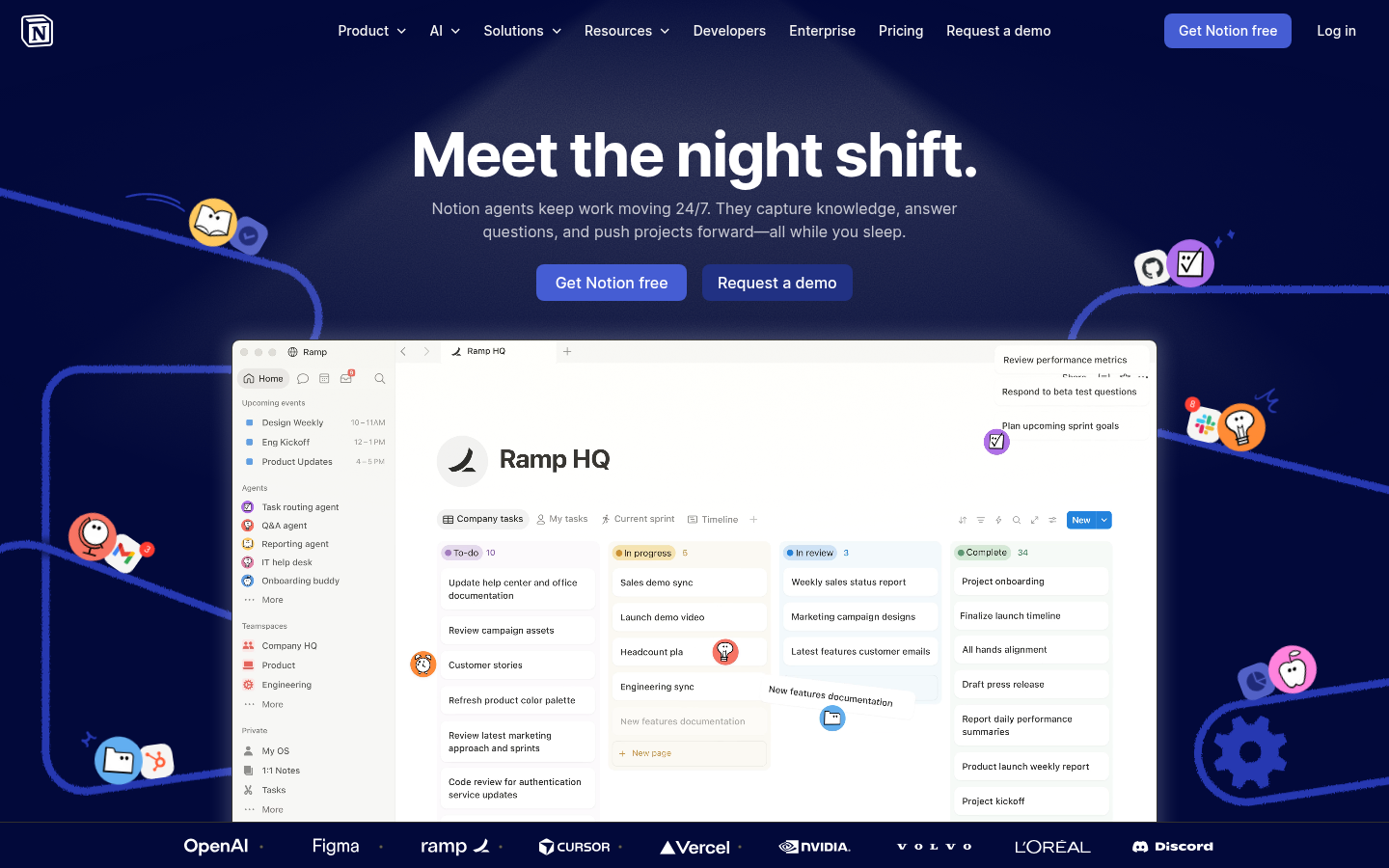
Screenshot archived from the listing page, for preview only.