
Op
Ask questions, get data analysis codeThe simplest way to analyze data with code
Highlights
What you can do with it
- Get code for a Python data analysis problem by asking a question
- Watch visualizations update in step with your dataframes
- Simplify a slow analysis workflow and get more done in less time
How to use it
- 1 Start the free trial; no credit card is required.
- 2 Load the data you want to work with.
- 3 Ask a question about the data in plain language.
- 4 Take the generated Python code and adjust it if needed.
- 5 Check the visualization that stays in sync with the dataframe.
Who it is for
Pros
- Free trial with no credit card required
- Code generation from plain questions
- Visualizations stay tied to the data in your code
- One place for spreadsheets, notebooks, and generated code
Limitations
- It is a free trial rather than a permanently free product, and trial terms can change
- Generated code still needs review before you trust it on real data
- It is aimed at Python analysis, so other languages are not the focus
- You need to understand enough about your data to judge the answer
What Op is
Op is a tool that combines the features of spreadsheets, code notebooks, and AI code generation in one place. Its pitch is that it is the simplest way to analyse data with code: instead of writing pandas from scratch, you ask a question and Op gives you the relevant code for the problem. That makes it approachable for people who know what they want to find out but do not want to spend the afternoon remembering library syntax. The other central idea is that visualizations are synchronised with the dataframes in the code, so as the data changes you can see the effect immediately rather than re-running and re-checking everything by hand. Op is available as a free trial and no credit card is required to start.
What you can do with it
- Ask a question about your data and get Python analysis code back
- Work with dataframes in code while visualizations stay in sync
- Move between a spreadsheet view and code without switching tools
- Simplify a slow analysis workflow and get answers faster
Who it is for
- Analysts who want generated code as a starting point instead of a blank file
- People who find pandas too heavy for quick day to day questions
- Anyone exploring a dataset who wants to see charts change as the data changes
What to watch out for
Op is offered as a free trial rather than a permanently free product, and trial terms can change, so check the current conditions and what happens when the trial ends. Generated code is a starting point, not a guarantee: you still need to read it, check it against your data, and confirm the result means what you think it means. The focus is Python data analysis, so if your work sits in another language or in a database engine, this may not cover it. You also need to understand your own data well enough to judge whether an answer is sensible, because the tool can only work with what you give it. Finally, the value shows up most clearly on real analysis tasks, so give it a genuine dataset rather than a toy example when you evaluate it.
FAQ
What is Op?
It is a tool that combines spreadsheets, code notebooks, and AI code generation for data analysis.
How do I get the code I need?
You ask a question about your Python data analysis problem and Op returns relevant code.
Do visualizations update with the data?
Yes, visualizations are synchronised with the dataframes in the code so you can see data changes.
Is there a free trial?
Op offers a free trial and no credit card is required.
Why it is free
What the official page says: free trialno credit card
Free limits, trial length and features are decided by the official site and can change at any time.
Product preview
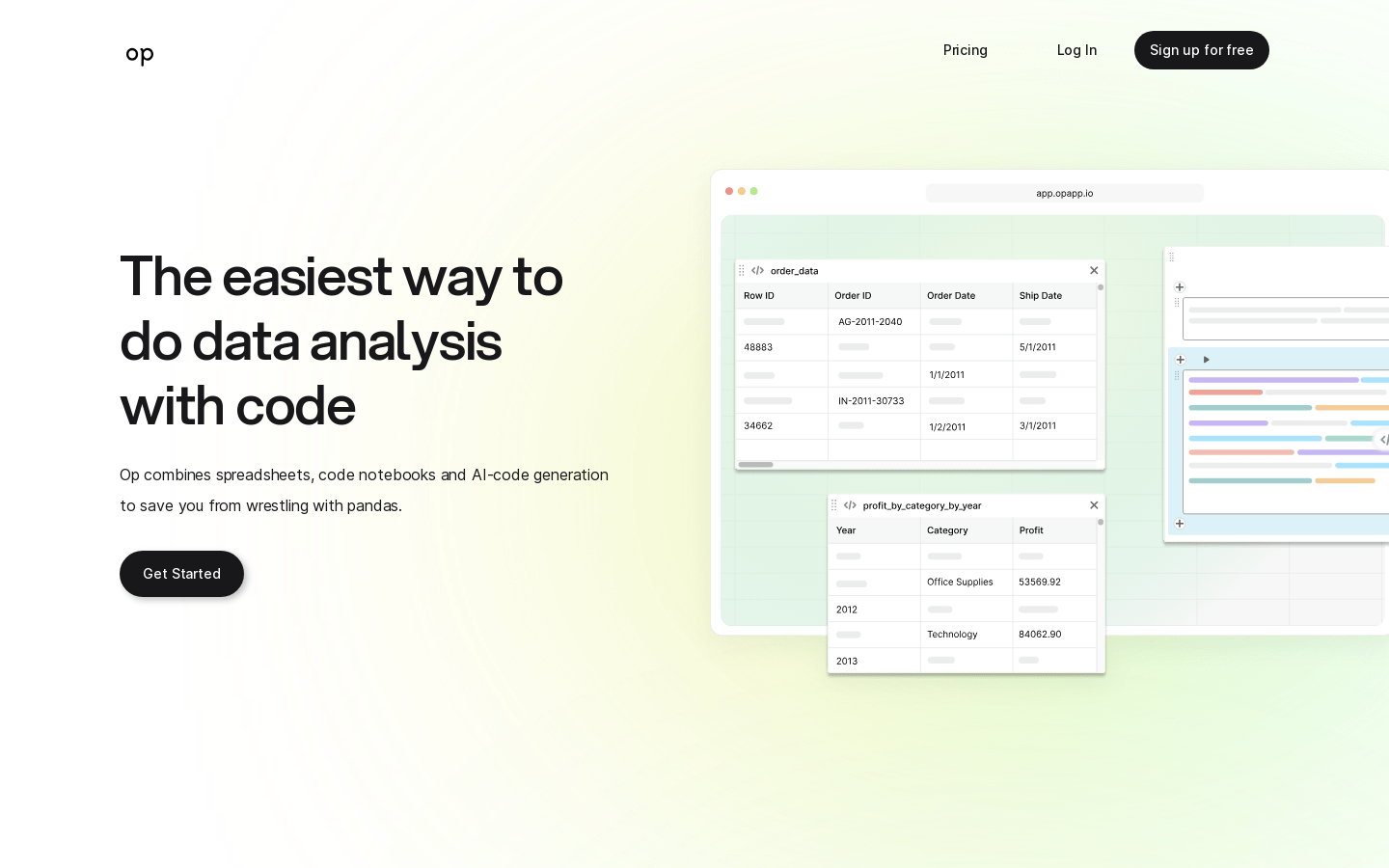
Screenshot archived from the listing page, for preview only.











