
Tonkotsu
AI coding agent team for developersPlan, code, verify with an agent team
Highlights
What you can do with it
- A software company coordinating coding work across several repositories
- A startup shipping a product with a small team
- An independent developer managing a complex project alone
How to use it
- 1 Download Tonkotsu for Windows or macOS
- 2 Install it and register an account
- 3 Describe the project and let the tool draft a plan
- 4 Delegate coding tasks in batches
- 5 Review the diffs, give feedback, and approve only what is right
- 6 Use multi repository planning and symbol search to stay organized
Who it is for
Pros
- You approve every change before it is committed
- Local, isolated execution keeps code on your machine
- Passed a SOC 2 Type I audit
Limitations
- Early access means features and terms can change
- Free trial length and paid pricing are not stated on the page
- Agents still need clear instructions and careful review
What Tonkotsu is
Tonkotsu is a coding assistant from Tonkotsu AI Inc aimed at professional developers. Instead of chat only help, it manages a team of coding agents through documents: you make the project decisions, the tool drafts a detailed plan, and then runs the coding tasks on its own. The workflow is called Plan, Code, Verify. You can delegate dozens of tasks at once without micromanaging each one, and no code is committed until you review the diff and approve it. The product has passed a SOC 2 Type I audit, and it writes and runs code inside an isolated repository clone on your own machine. It is currently in an early access program and can be tried for free.
What you can do with it
- Turn a project idea into a detailed plan you can review
- Delegate many coding tasks in one batch
- Inspect diffs, leave feedback, and approve only the changes you want
- Plan work across multiple repositories
- Search symbols and set task dependencies to keep order
- Let automatic verification flag problems before you merge
Who it is for
- Professional developers who want routine coding handed off
- Project managers coordinating work across repositories
- Small teams and independent developers with limited time
What to watch out for
This is early access software, so expect rough edges, changing features, and shifting terms. The page mentions a free trial but does not state its length or the paid pricing, so confirm both before you plan around it. Autonomy is not a substitute for review: you are the one approving commits, so read the diffs and keep your own tests running. It also assumes you are comfortable working with repositories and command line style workflows, and it writes code on your local machine, so keep backups and version control habits in place.
FAQ
What is the workflow?
Plan, Code, Verify. You decide, Tonkotsu plans and runs tasks, and nothing commits until you approve.
Where does the code run?
In an isolated repository clone on your own development machine.
Is it available now?
It is in an early access program with a free trial.
Why it is free
What the official page says: for free
Free limits, trial length and features are decided by the official site and can change at any time.
Product preview
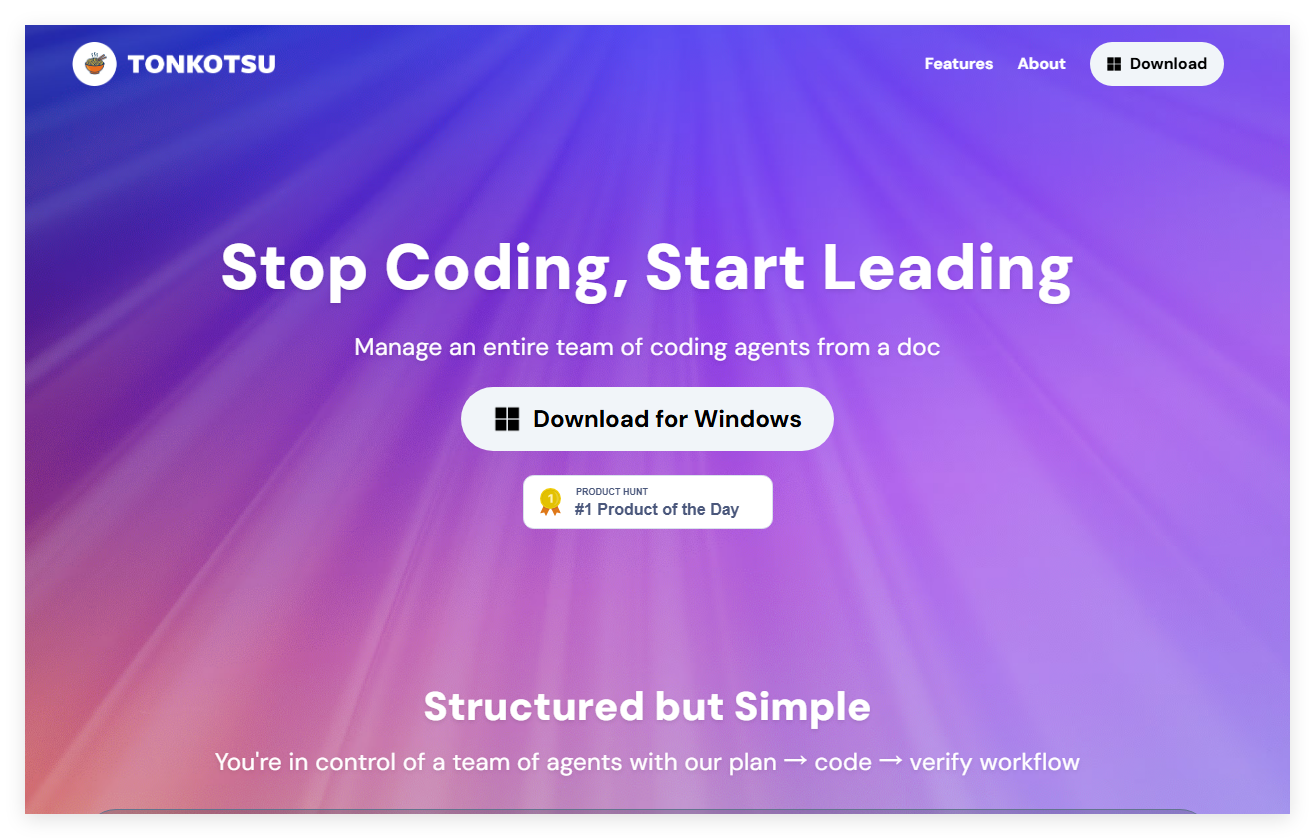
Screenshot archived from the listing page, for preview only.











