TonesMatch
AI guitar tone matching for your gearMatch any song's tone to your guitar and amp
Highlights
What you can do with it
- Recreate a Metallica tone on your own guitar and amp.
- Convert a Kirk Hammett tone for a Squier and Boss Katana rig.
- Get the bass tone from a Pink Floyd track on your bass gear.
How to use it
- 1 Browse the song library for free and pick a song.
- 2 Add your guitar, amplifier, and pedal details from 4,000-plus devices.
- 3 Read the amp settings, pickup position, and pedal chain it returns.
Who it is for
Pros
- Free browsing plus a 7-day free trial with no credit card.
- Settings are grounded in real device data, not model guesses.
- Large song and device library across many styles.
Limitations
- After the trial a subscription is needed to research new songs.
- It matches tone only; it will not teach playing or song structure.
- Accuracy depends on how closely your gear matches the profiled devices.
What TonesMatch is
TonesMatch is an AI guitar tone matching tool designed to recreate the sound of any song on your own equipment. Rather than guessing, it analyzes the original recording's equipment chain and matches the tone to the specific guitar and amplifier you own. To do that it draws on real-world device data for more than 2,000 guitars, 1,500 amplifiers, and 879 pedals. When you set up your profile, the adaptive AI calibrates the settings to your pickup type, whether you use single-coil or humbucker pickups, your amp type, tube or solid-state, and your cabinet choice from 12 options. The result is a precise set of amp controls plus pickup position and pedal chain, with tips for gain, EQ, reverb, and presence. The library lists more than 13,000 community-researched tones across classic rock, metal, blues, and indie. You can browse songs and see the tone breakdown for free, and there is a 7-day free trial with no credit card.
What you can do with it
- Match a song's guitar tone to your own guitar and amp.
- Get exact amp settings, pickup position, and pedal chain.
- Calibrate results to your pickup, amp, and cabinet type.
- Browse 13,000-plus community tones across many styles.
- Use the same tool for bass tones on bass gear.
Who it is for
- Guitarists who want to copy a specific song's sound.
- Bassists looking for matched bass tones and settings.
- Learners who use tone matching to train their ear.
What to watch out for
After the free trial, researching new songs needs a subscription, so ongoing use is a recurring cost. The tool matches tone only; it will not teach you the parts, timing, or song structure, so you still need to learn to play. Accuracy depends on how closely your gear lines up with the profiled devices, and real rooms, cables, and playing style also change the final sound. Treat the settings as a strong starting point that you fine-tune by ear, and confirm current pricing and library limits before subscribing.
FAQ
Is there a free trial?
Yes. You can browse songs and view tone breakdowns for free, and there is a 7-day free trial with no credit card.
How does it avoid wrong settings?
The page says it uses real-world device data for over 2,000 guitars, 1,500 amps, and 879 pedals instead of model guesswork.
What settings do I get?
You get amp settings, pickup position, pedal chain, and tips for gain, EQ, reverb, and presence.
Does it support bass?
Yes. It supports bass tone matching and includes profiles for bass guitars and amplifiers.
Why it is free
What the official page says: for freefree trial
Free limits, trial length and features are decided by the official site and can change at any time.
Product preview
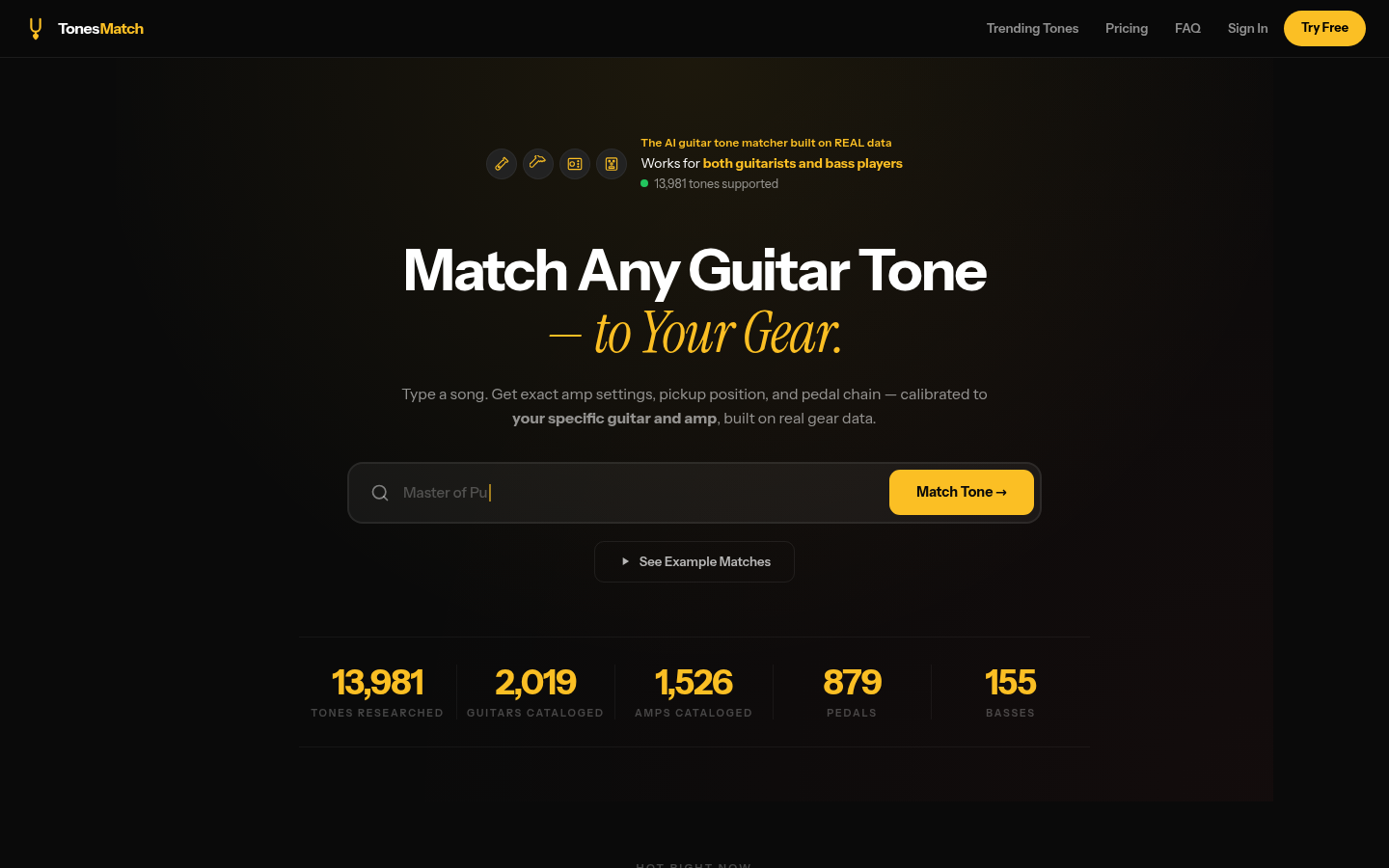
Screenshot archived from the listing page, for preview only.











