
Tome AI Presentation Maker
AI presentation maker for fast slidesTurn ideas into professional slides in minutes
Highlights
What you can do with it
- A marketing team quickly generating a product promotion presentation
- A teacher turning a course outline into a teaching presentation with speech notes
- A researcher converting a research report into a conference presentation
How to use it
- 1 Visit the Tome App AI website at tomeapp.ai
- 2 Sign in to your account or register a new one
- 3 Choose AI-generated PPT and describe your theme, or upload a file to beautify
- 4 Wait for the AI to process and generate the presentation
- 5 Preview in the browser, make edits, and export as PPTX
Who it is for
Pros
- Free PPT tool available alongside paid credits
- Generates complete slides from a short description
- Supports multiple input formats for conversion
Limitations
- Free usage limits apply and credits cost money
- Site is relatively new with a short domain history
- Generated layouts may need manual adjustment for specific branding
What Tome AI Presentation Maker is
Tome AI Presentation Maker is an AI presentation-making tool that turns ideas into complete slide decks. It handles design, layout, and content structure so users can focus on delivering their message rather than fighting with formatting. The tool can generate a full presentation from a short theme description, beautify an existing deck, and produce speech notes for each slide. It targets business, educational, and academic users who need professional-looking slides without hiring a designer. A free PPT tool is available, with an additional pricing option of 200 Credits for heavier use.
What you can do with it
- Generate a complete presentation from a simple theme description
- Upload an existing deck and let AI improve the design and layout
- Create automatic speech notes to help present with confidence
- Convert PDF, Word, web pages, and text files into editable slides
Who it is for
- Business people preparing project or product presentations
- Teachers and educators building course materials
- Researchers and marketers who need polished slides quickly
What to watch out for
The free tool comes with usage limits, and the 200 Credit option costs money beyond that. Because the site is relatively new, long-term reliability is still unproven. Generated layouts are a starting point and may need manual edits to match a specific brand or institutional template. Speech notes and slide content should always be reviewed for accuracy before presenting to an audience. Generated suggestions are for reference only, so verify anything that affects professional judgment or important data. Start with a small sample to confirm the output meets your expectations before processing the full batch.
FAQ
Is there a free version of Tome AI?
Yes, there is a free PPT tool available, with an additional pricing option of 200 Credits.
Can it convert other files into presentations?
Yes, it supports converting PDF, YouTube videos, web pages, Word documents, and plain text into PPT.
Does it generate speaker notes?
Yes, Tome AI automatically generates detailed speech notes and key points for each slide.
Why it is free
What the official page says: 免费
Free limits, trial length and features are decided by the official site and can change at any time.
Product preview
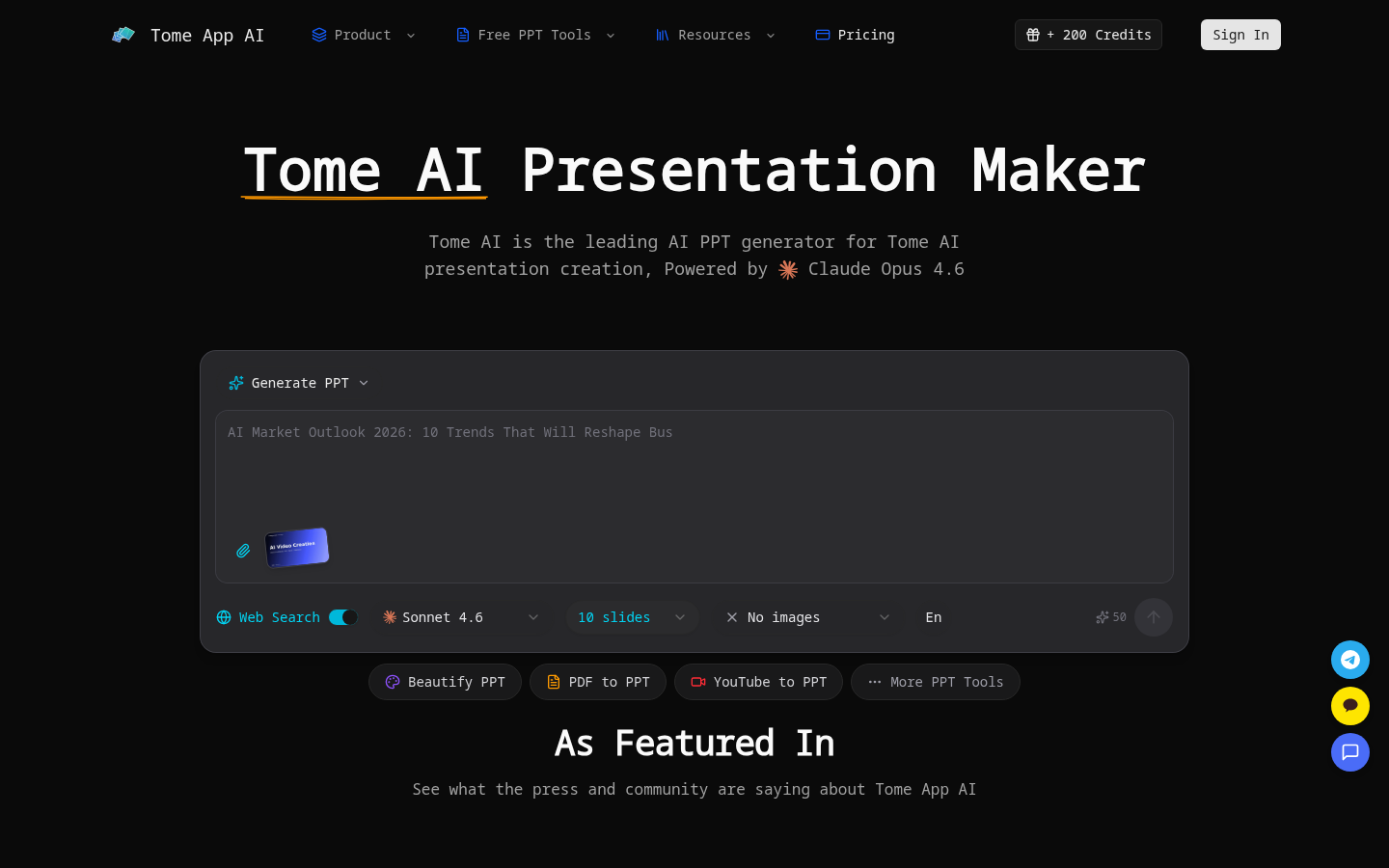
Screenshot archived from the listing page, for preview only.











