
Toki
Free AI scheduling assistantTell it once, it plans your calendar
Highlights
What you can do with it
- Coordinate a cross-department review automatically
- Turn a voice note about tomorrow into two reminders
- Get an alert when a stock price drops below a level
How to use it
- 1 Open Toki or download the app and register
- 2 Connect Google Calendar, iCloud, or Outlook
- 3 Give a command in text, voice, or a screenshot
- 4 Let Toki create the schedule and handle conflicts
- 5 Set working hours, reminder style, and triggers
Who it is for
Pros
- Core features are free to use
- Understands voice, images, and email, not just text
- Triggers add monitoring beyond plain reminders
Limitations
- Free core features may change over time
- Needs calendar access to work well
- Automation can misfire, so review suggestions
- Some integrations and features vary by platform
What Toki is
Toki is a free AI scheduling assistant that acts more like an executive assistant than a plain calendar. It captures your intent from text, voice notes, images, and emails, then automatically creates meetings, schedules, and reminders. Unlike a normal reminder app, Toki plans ahead: it protects deep work periods before they are booked over, offers suggestions when your calendar has a conflict, and makes sure important things are not missed through adaptive reminders, push notifications, alarms, and even phone calls. It also has a trigger feature that watches conditions and alerts you.
What you can do with it
- Create meetings and reminders from text, voice, images, or email
- Protect deep work time and resolve calendar conflicts
- Receive adaptive reminders by push, alarm, or phone call
- Set triggers for prices, deadlines, and other conditions
- Sync with Google Calendar, iCloud, and Outlook
Who it is for
Busy professionals who are overwhelmed by meetings and deadlines, founders and managers whose schedules change constantly, and students and freelancers who juggle classes, clients, and projects all benefit from Toki. It is aimed at individuals and teams who want their calendar handled with less manual effort. Anyone who lives inside their calendar and wants proactive help will find the planning features useful.
What to watch out for
Toki's core features are free, but free terms can change and some advanced features may be limited, so check the site before relying on it. It needs access to your calendar and, for some features, your email or phone, which means trusting the app with sensitive data. Automation can misfire, so review suggested schedules and reminders rather than accepting them blindly. Availability of certain integrations and call features can vary by platform and region.
FAQ
Is Toki free?
Its core features are free, according to the site.
What can it schedule?
Meetings, schedules, reminders, and tasks from text, voice, images, or email.
Which calendars does it support?
Google Calendar, iCloud, and Outlook, along with Apple Watch and Siri.
What are triggers?
Conditions such as a price or a deadline that prompt Toki to alert you when met.
Why it is free
What the official page says: 免费
Free limits, trial length and features are decided by the official site and can change at any time.
Product preview
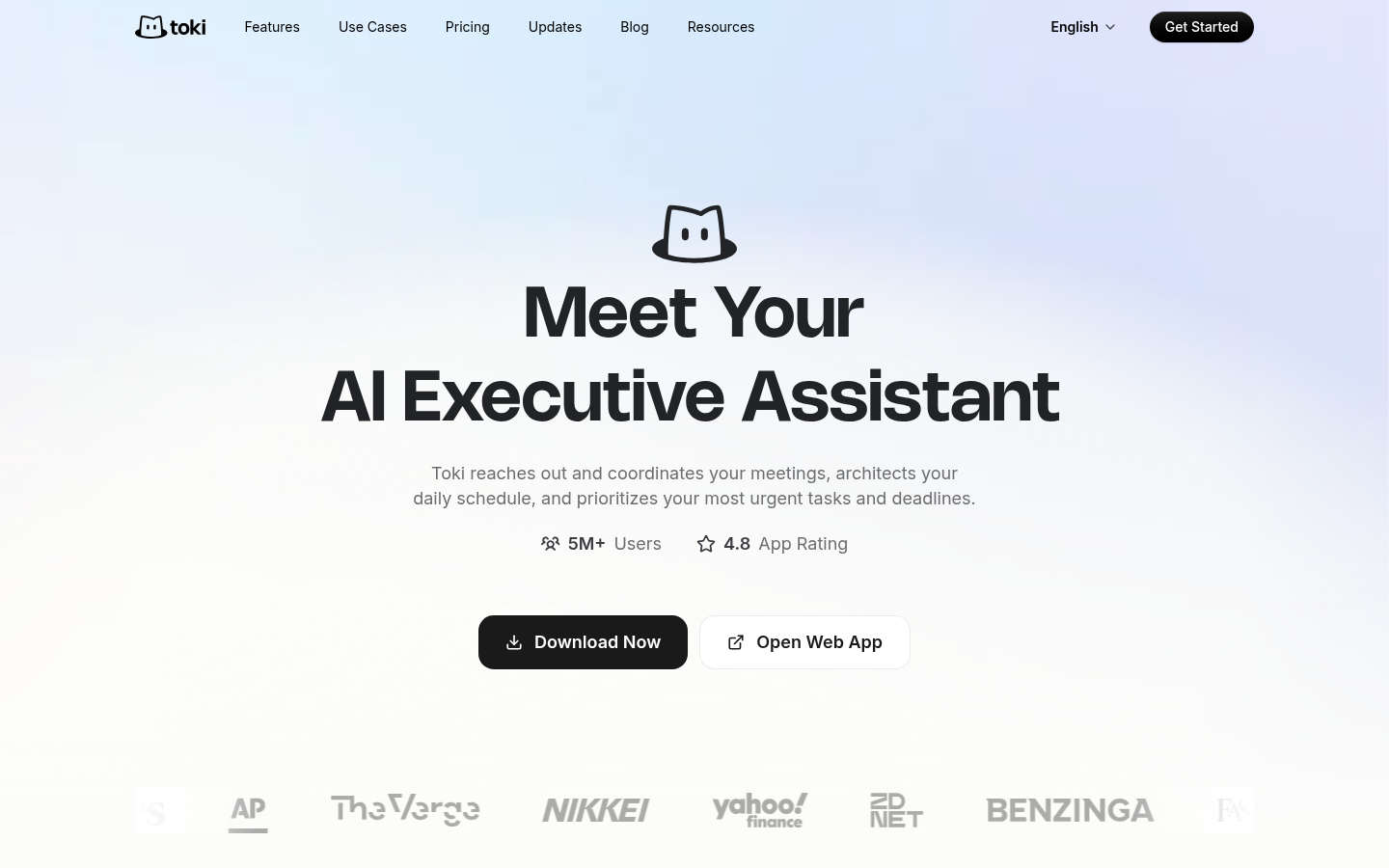
Screenshot archived from the listing page, for preview only.











