tldraw
Free collaborative canvasDraw together on a free canvas
Highlights
What you can do with it
- Plan a project with a remote team
- Sketch a flowchart or mind map
- Prototype an interface and test the code demo
How to use it
- 1 Open tldraw.com in your browser.
- 2 Start a canvas and share the link with others.
- 3 Draw using the shape and pen tools.
- 4 Use comments and version history to track changes.
Who it is for
Pros
- Free with nothing to install
- Collaboration works in the browser
- The UI to code demo is a quick way to test an idea
Limitations
- It is a whiteboard, not a full design or documentation tool
- The code demo depends on external models that may change
- Large canvases with many people get messy without rules
What tldraw is
tldraw is a free, real-time collaborative drawing tool that runs in the browser. You get a canvas, a set of shapes, and drawing tools, and several people can work on the same board at once. Version control and comments are included, so a session does not turn into chaos. There is also a demo feature where you sketch a user interface by hand and the tool produces a working website built on real code, using GPT-4 Turbo and Vision. Nothing needs installing, which is the main reason people reach for it in a meeting.
What you can do with it
- Sketch diagrams, flowcharts, and mind maps with a full shape library.
- Collaborate live with teammates, with comments on the canvas.
- Roll back through version history to an earlier state.
- Draw a rough UI and watch it become running code.
Who it is for
- Remote teams that need a shared whiteboard in seconds.
- Students and teachers mapping ideas in a lesson.
- Designers and product people sketching interface concepts.
What to watch out for
tldraw is a whiteboard, not a design suite or a documentation system, so detailed production work still belongs elsewhere. The code demo relies on external AI models, which means its behaviour, availability, and output quality can change without notice, and the generated code should be reviewed before use. A free tool can also change its terms or add limits, and because boards are shared by link, be careful who you send that link to if the content is sensitive. Name and archive exported files consistently so you can find and reuse them, and keep a backup copy of key data.
FAQ
Is tldraw free?
The description presents it as a free, real-time collaborative drawing tool.
Can several people draw at once?
Yes. Real-time collaboration between multiple users is listed as a core feature.
What is the code demo?
You draw a user interface on the canvas and it generates a functional website using real code, via GPT-4 Turbo and Vision.
Why it is free
What the official page says: 免费
Free limits, trial length and features are decided by the official site and can change at any time.
Product preview
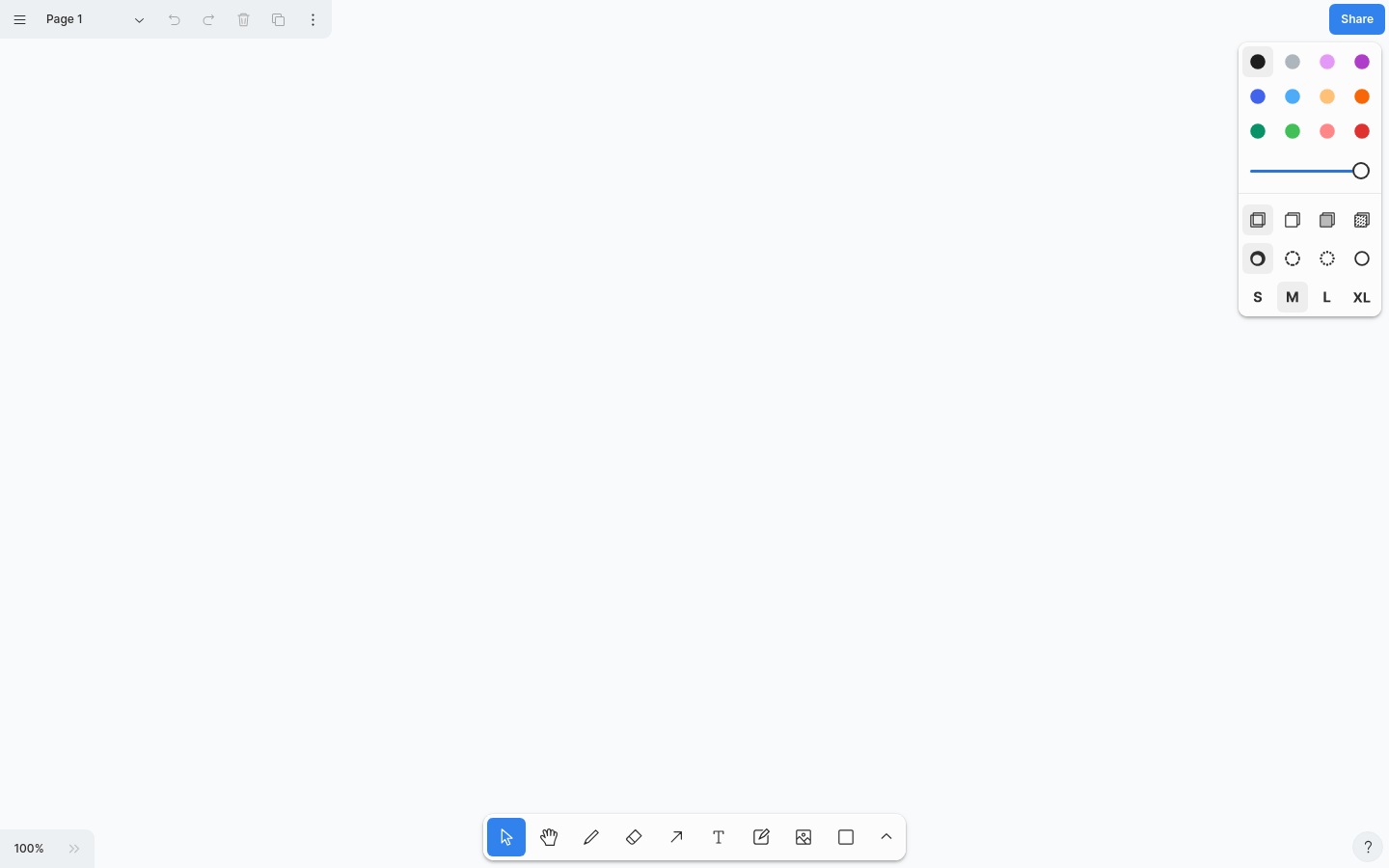
Screenshot archived from the listing page, for preview only.











