
TinyWow
Free online tools suite, no registrationPDF, image, AI writing, and video tools together
Highlights
What you can do with it
- Edit and convert PDF files
- Process images without installing software
- Draft or rewrite text with AI writing tools
- Trim or convert video files
How to use it
- 1 Visit TinyWow in your browser
- 2 Pick the tool category you need
- 3 Upload your file or paste your text
- 4 Apply the edits or conversion
- 5 Download the finished result
Who it is for
Pros
- Free and no registration needed
- Covers PDF, image, AI writing, and video
- Runs in the browser
- No stated usage limits
Limitations
- Free rules may change over time
- Uploading files means trusting the service with your data
- Online tools depend on your connection and browser
What TinyWow is
TinyWow is a website that provides a suite of free online tools. It covers four main areas: PDF editing, image processing, AI writing, and video processing. The idea is to let users deal with many everyday work and life tasks from one place. You do not need to register an account, and the site says there are no usage restrictions, which makes it easy to open a tool and get started right away. Everything runs in the browser, so there is nothing to download or install before you begin.
What you can do with it
- Edit, convert, and work with PDF files
- Process images such as resizing or format changes
- Draft, rewrite, or clean up text with AI writing tools
- Handle basic video processing tasks
- Move between different tools without an account
Who it is for
- People who need a quick file edit on the spot
- Users who want to avoid installing extra software
- Students and office workers handling mixed file types
- Anyone looking for a free, all-in-one toolbox
What to watch out for
Since TinyWow is free and needs no registration, its rules and the exact tools it offers may change over time, so confirm the current features before you rely on it. When you upload a file, you are trusting the service with your data, so be careful with sensitive documents and images. Because the tools run online, you need a steady internet connection and an up-to-date browser. Results and supported formats can differ from one tool to another, so test with a sample file first if the job matters. For best results, start with a small test file and review the output carefully before working on anything important.
FAQ
Is TinyWow free?
Yes, it provides free online tools.
Do I need to register?
No, you can use it without registration.
What kinds of tools are included?
PDF editing, image processing, AI writing, and video processing.
Are there usage limits?
The site states that no registration or usage restrictions are required.
Why it is free
What the official page says: 免费无需注册
Free limits, trial length and features are decided by the official site and can change at any time.
Product preview
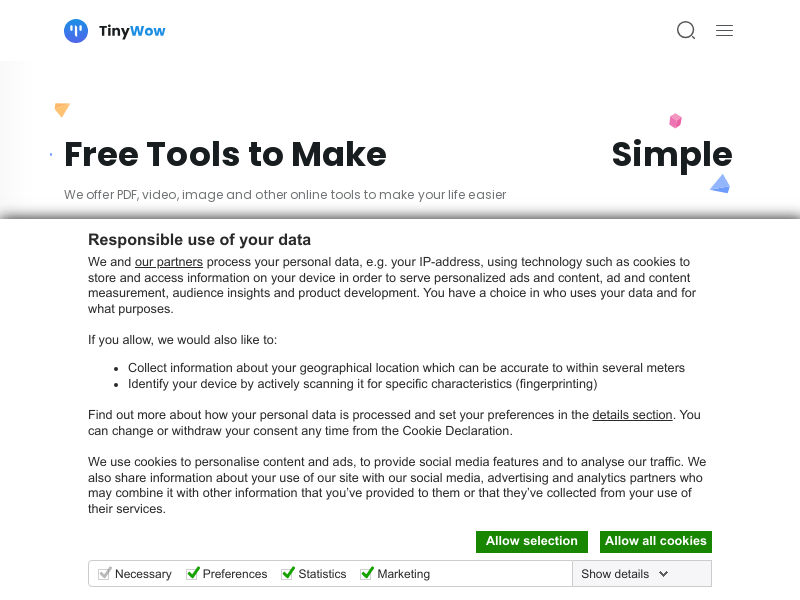
Screenshot archived from the listing page, for preview only.











