
TinyEraser
One-click batch background removal toolRemove backgrounds in bulk, no editing skills needed
Highlights
What you can do with it
- Batch cleaning product photos for a store
- Adding a new background to a set of images
- Preparing e-commerce listings with clean cutouts
How to use it
- 1 Download and install the TinyEraser desktop client
- 2 Select the images or folder you want to process
- 3 Run the one-click background removal
- 4 Add a new background if you need one
- 5 Export in high definition and save the results
Who it is for
Pros
- Batch processing saves time on large sets
- Simple workflow with no editing skills required
- Free core features for background removal
Limitations
- Premium features require a paid upgrade
- A desktop install is required
- Fine edges such as hair may need manual touch-up
What TinyEraser is
TinyEraser is a background removal tool that supports one-click background removal and replacement, with batch processing for many images at once. The site says it is free to use, exports standard formats without limits, and runs on Windows and Mac M-series machines. There are personal and team editions, and the steps mention a premium version that unlocks more features, so some capabilities sit behind a paid upgrade. It is aimed at designers, small business owners, and e-commerce sellers who need clean product images quickly. It is a desktop client, so you install it first and then point it at a folder of images.
What you can do with it
- Remove backgrounds from single images or whole folders
- Add a new background with one click
- Export processed images in high definition
- Process product shots for a store in one pass
Who it is for
- E-commerce sellers who need clean product shots
- Designers processing batches of illustrations
- Small business owners editing their own images
What to watch out for
Some features sit behind the premium version, so check what the free tier actually covers before you plan a shoot around it. It is a desktop install rather than a web tool, which means updates are on you. Automatic cutouts can struggle with fine edges such as hair or transparent objects, so budget time for manual touch-up on the hardest images. For team use, agree on naming and editing conventions in advance to avoid version conflicts or duplicated work. Name and archive exported files consistently so you can find and reuse them, and keep a backup copy of key data.
FAQ
Is TinyEraser free?
The site describes free batch background removal, with a premium version that unlocks more features.
Does it support batch processing?
Yes, you can select multiple images or a folder and process them together.
Which systems are supported?
It works on Windows and Mac M-series machines.
Can I add a background?
Yes, there is a one-click add background function for the processed images.
Why it is free
What the official page says: 免费
Free limits, trial length and features are decided by the official site and can change at any time.
Product preview
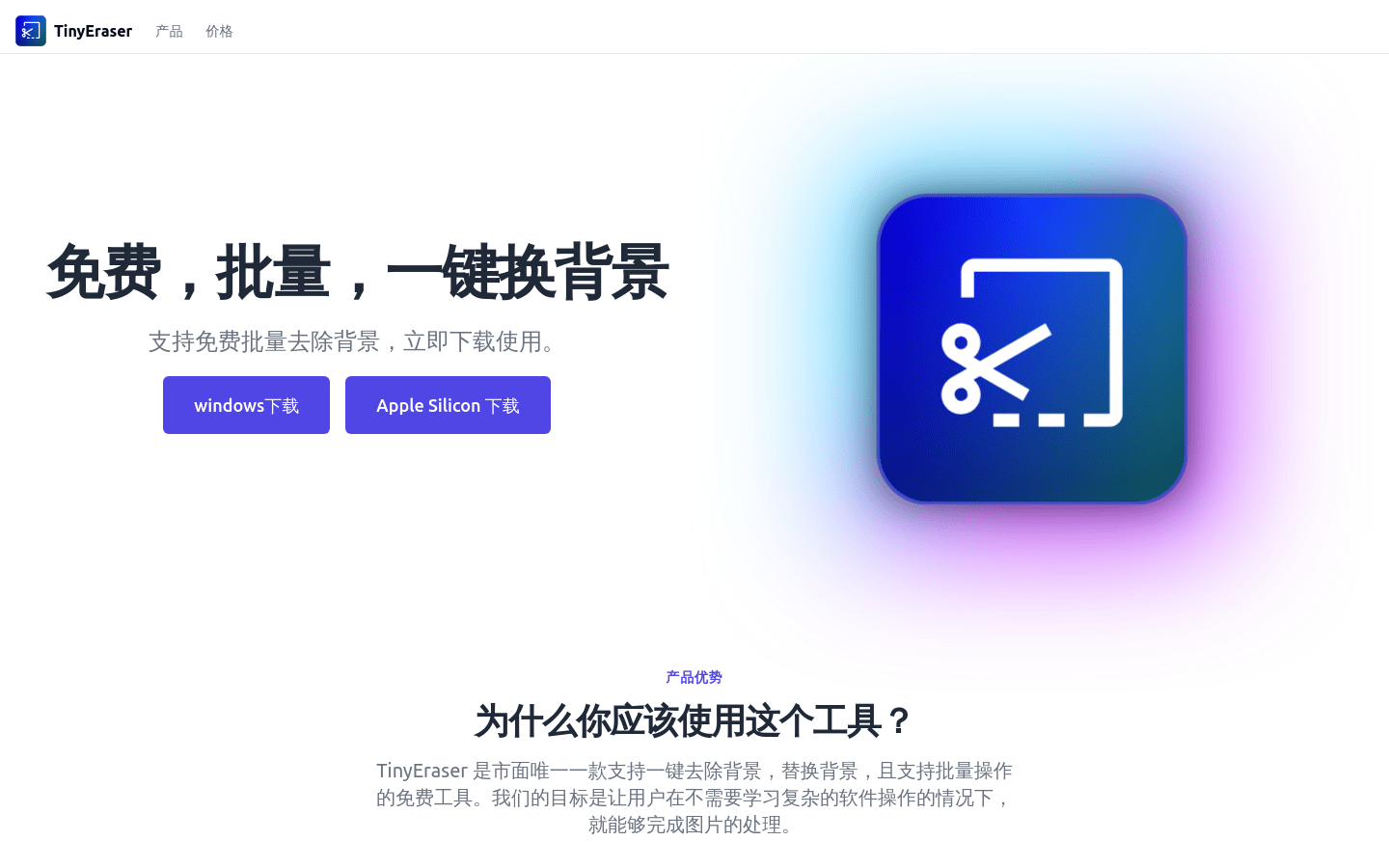
Screenshot archived from the listing page, for preview only.











