
Tiny Music
AI music generator for creators and brandsRoyalty-free music made for real production work
Highlights
What you can do with it
- Producing background music for videos, streams, and social posts
- Generating original tracks for games and apps
- Creating music for brand campaigns without commissioning a composer
How to use it
- 1 Open Tiny Music and start a new track
- 2 Describe the mood, genre, or use case you need
- 3 Generate the track and review how it fits your project
- 4 Check the license tier attached to your plan before you publish
Who it is for
Pros
- Royalty-free commercial licensing is stated up front
- A free version lets you judge quality before paying
- Multi-platform authorization covers different release channels
Limitations
- The free version is a trial tier; advanced features and stronger licensing sit on paid plans
- Pricing and plan rules can change, so confirm current terms
- AI music may still need a human pass for timing and mood
What Tiny Music is
Tiny Music is an AI music generation platform built for real production workflows rather than quick experiments. It targets creators, brands, and game developers who need original tracks on a deadline and who care about how those tracks can be used afterwards. The platform advertises royalty-free commercial licenses, high-fidelity music generation, and multi-platform authorization, which means a track can move from a video to a campaign to a game without renegotiating rights each time. High-fidelity output matters because music that will sit under dialogue or gameplay has to hold up in a mix, not just sound fine on laptop speakers. There is a free version you can use to try the product, and creator, professional, and commercial tiers above it that add more advanced features and stronger licensing support.
What you can do with it
- Generate original music tracks from a description of what you need
- Use tracks commercially under the royalty-free licensing it advertises
- Cover several release channels through multi-platform authorization
- Try the platform on the free version before committing to a paid tier
Who it is for
- Content creators who need usable music on a deadline
- Brands that want original tracks with clear commercial rights
- Game developers looking for music for their projects
- Teams that want to cut production costs while keeping copyright clear
What to watch out for
The free version is a trial tier. Advanced features and stronger licensing support sit on the paid plans, so check what your tier actually allows before you publish anything. Pricing and plan rules can change, so confirm the current terms when you sign up. AI music can also need a human pass for timing, mood, and how it sits under dialogue or gameplay, so leave room in your schedule to review what the model returns. If your project depends on a very specific emotional arc, plan on generating several options rather than accepting the first result, and keep a note of which license tier covered each track you release.
FAQ
Can I use the music commercially?
Tiny Music advertises royalty-free commercial licenses, but the exact terms depend on the plan you are on.
Is there a free option?
Yes, there is a free version for trying the product, with creator, professional, and commercial tiers above it.
Who is it built for?
Creators, brands, and game developers who need original music quickly and with clear licensing.
Why it is free
What the official page says: 免费版免费
Free limits, trial length and features are decided by the official site and can change at any time.
Product preview
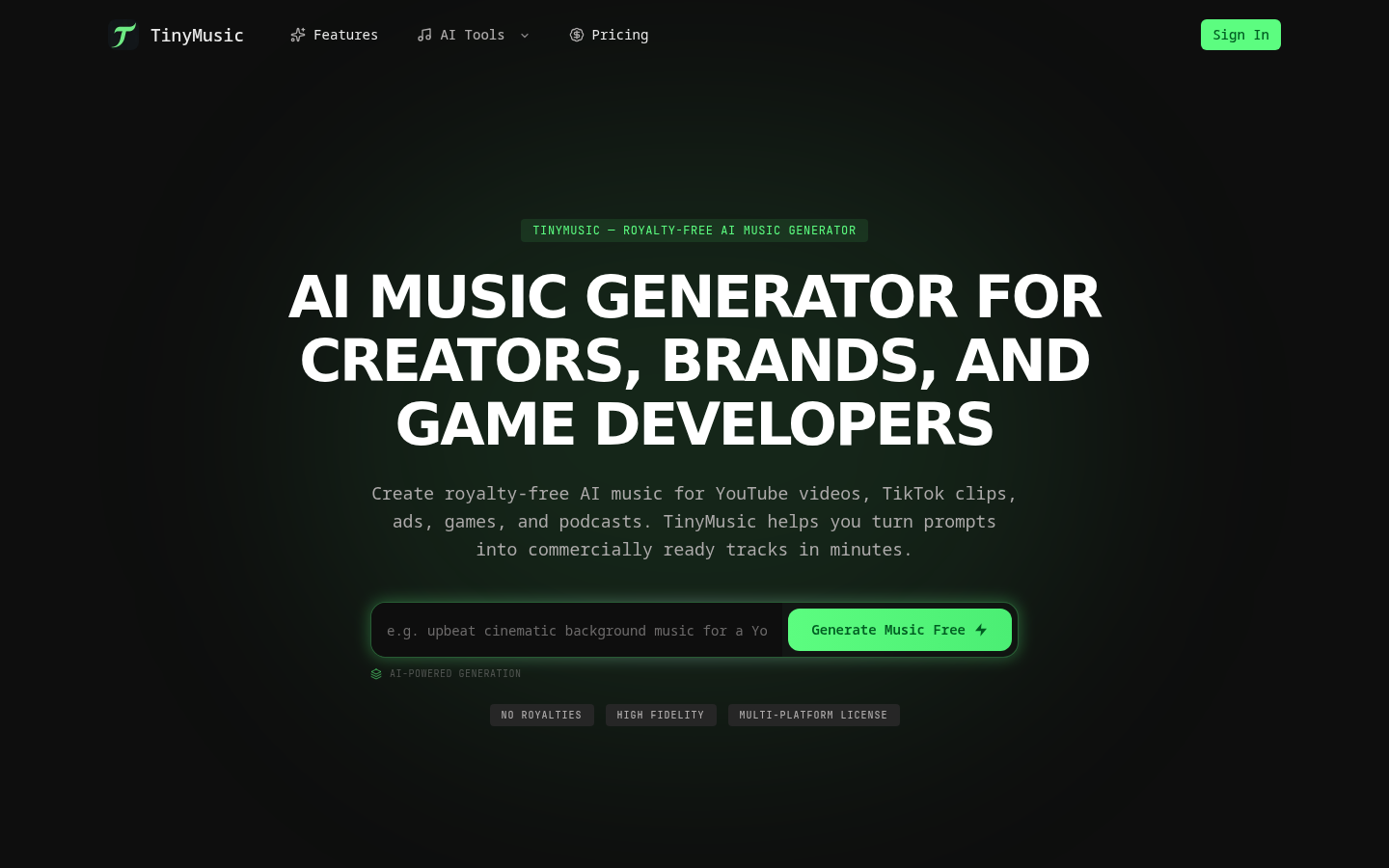
Screenshot archived from the listing page, for preview only.