
TicNote Cloud
AI meeting transcription workspaceRecord, transcribe and summarise meetings
Highlights
What you can do with it
- Capturing a department meeting as notes and action items
- Recording interviews for later write-up
- Archiving teaching and academic meetings
How to use it
- 1 Open the TicNote Cloud site and sign up free
- 2 Log in and enter the workspace
- 3 Click Recording before the meeting starts
- 4 Let the system transcribe and summarise afterwards
- 5 Use Shadow AI chat to draft reports or emails
- 6 Invite teammates to collaborate on the record
Who it is for
Pros
- No meeting robot required
- 120 language coverage
- Summaries and action items arrive automatically
- Team collaboration on the same record
Limitations
- Free trial only; ongoing use needs a paid plan or the device
- Transcription accuracy varies with audio quality
- Recording meetings raises consent and privacy questions
What TicNote Cloud is
TicNote Cloud is an AI workspace built around meetings. You start a recording, and afterwards you get a transcript, a summary, a mind map and extracted action items, with translation available across 120 languages. Beyond the transcript it adds an AI chat that drafts reports and emails, a podcast generator that turns meeting content into audio, task automation and shared team workspaces. Registration for a free trial is offered.
What you can do with it
- Record a meeting without a dedicated robot in the room.
- Get a transcript, summary and mind map automatically afterwards.
- Translate the record into other languages.
- Ask the Shadow AI chat to draft reports or emails from the meeting.
- Convert meeting content into a podcast for later review.
- Collaborate with teammates on the same notes and files.
Who it is for
Financial and professional services staff who live in meetings, product teams that need clean action items, entrepreneurs and educators, and journalists recording interviews for later write-up.
What to watch out for
The free trial is a trial; sustained use means a paid plan or buying the hardware. Transcription quality still tracks audio quality, so noisy rooms produce messy records. Recording conversations also carries consent and privacy obligations that vary by jurisdiction, and those sit with you rather than the tool. Generated suggestions are for reference only, so verify anything that affects professional judgment or important data. Start with a small sample to confirm the output meets your expectations before processing the full batch. Features and interface details may change between versions, so review the latest notes on the page before you start.
FAQ
Is there a free trial?
Yes, you can register for free. Continued use involves a paid plan or purchasing the TicNote device.
How many languages does it transcribe?
The site says 120 languages.
What does it produce after a meeting?
A full transcript, a summary, a mind map and extracted action items, plus optional translation.
Can teams use it together?
Yes. It is a collaborative workspace where members can jointly edit and share meeting records and files.
Why it is free
What the official page says: free trial
Free limits, trial length and features are decided by the official site and can change at any time.
Product preview
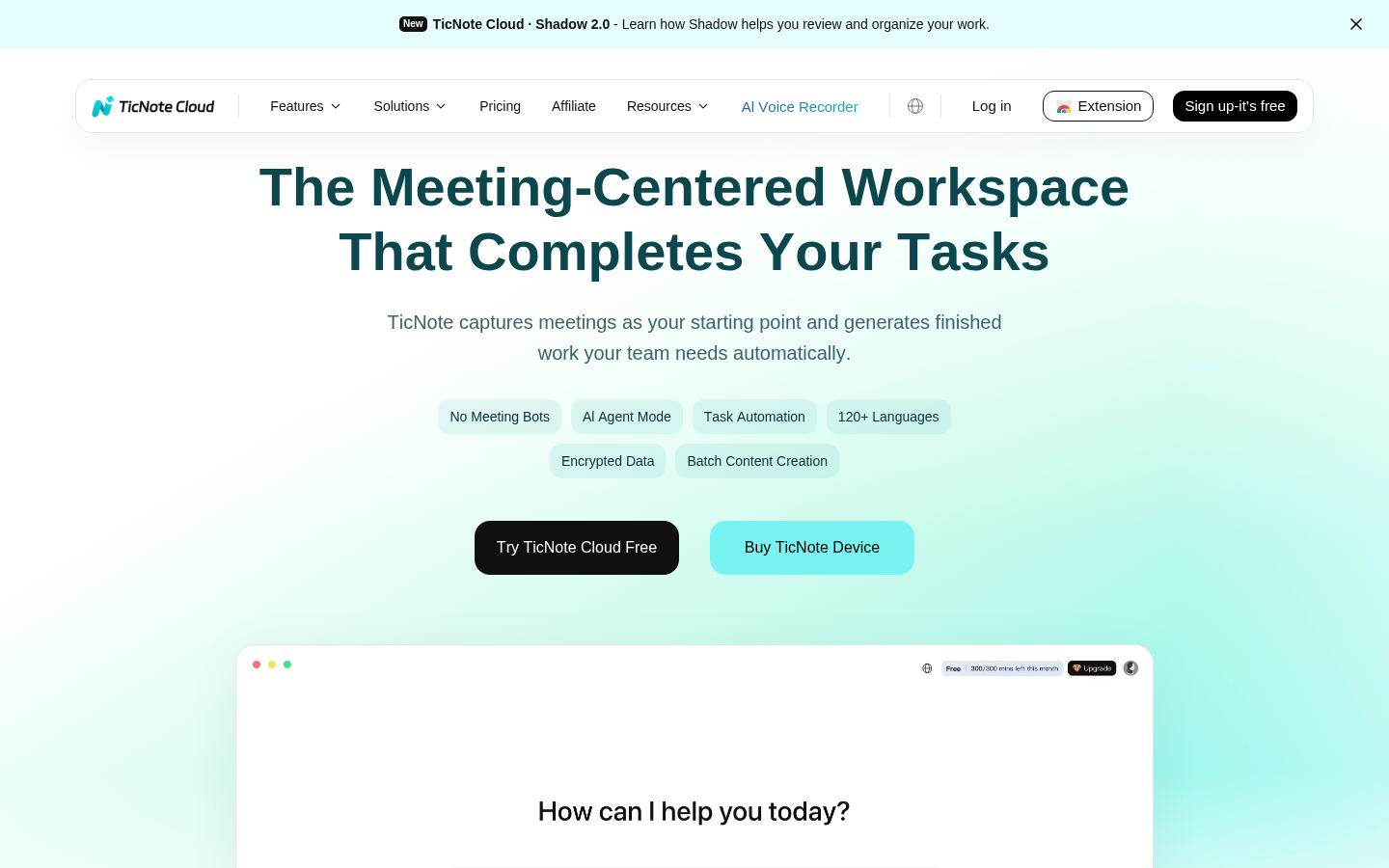
Screenshot archived from the listing page, for preview only.











