
ThumbnailCreator
AI thumbnail maker for YouTube creatorsYouTube thumbnails made in seconds
Highlights
What you can do with it
- Making thumbnails for new YouTube uploads without opening an editor
- Producing several variants of one thumbnail to compare click performance
- Rebuilding a channel's visual style so uploads look consistent
How to use it
- 1 Open ThumbnailCreator in your browser and start a new thumbnail
- 2 Upload the frame or still you want to use for the video
- 3 Pick a style or clone a style you already like
- 4 Generate options and download the one that fits the video
Who it is for
Pros
- Free to use, so you can test the workflow before spending money
- Face-aware generation and style cloning handle the slow parts
- Instant variations make quick comparisons possible in one sitting
Limitations
- The free offering and its limits can change over time
- Output quality still depends on the source frame you upload
- It only makes thumbnails, so you still need an editor for the video
What ThumbnailCreator is
ThumbnailCreator is an AI powered tool made for YouTube content creators. It targets the part of upload day that usually eats the most time: designing a thumbnail that people actually want to click. Instead of opening an editor and laying out text, faces, and effects by hand, you let the tool generate options in seconds. It is described as free to use, so you can run the full workflow before you spend anything. The tool pitches itself on speed: thumbnail design should not eat hours, and a creator without a designer should still be able to produce something that looks deliberate. Its feature set is built around the things that usually decide whether a thumbnail works, such as how faces are handled, whether a style can be reused, and whether you can produce more than one option for the same video.
What you can do with it
- Generate eye-catching thumbnail options in seconds
- Use face-aware generation so faces stay clear and usable in the frame
- Clone a visual style that already works for your channel
- Produce instant variations of the same thumbnail so you can compare looks
Who it is for
- YouTube creators who publish on a regular schedule and need thumbnails fast
- Channels with no designer and no budget to hire one
- Creators who want to test several thumbnail variants for the same video
What to watch out for
ThumbnailCreator only handles thumbnails, so you still need a separate editor for the video itself. The free offering and its limits can change over time, so check the current terms before you build a workflow around it. Output quality also depends on the frame you upload: a blurry or badly lit still will not turn into a strong thumbnail just because AI touched it. Review every generated option before publishing, because the thumbnail is the first thing a viewer judges you on, and a misleading one can hurt trust in the long run. If your channel has an established look, also check that cloned styles still read as your brand rather than a generic template.
FAQ
Is ThumbnailCreator free to use?
Yes, the tool is described as free to use. Limits may change, so check the site for current details.
Can it keep faces looking natural?
It includes face-aware generation, which is designed to handle faces inside the thumbnail frame.
Can I reuse one style across videos?
Style cloning lets you apply a look you like to new thumbnails for a more consistent channel feel.
Why it is free
What the official page says: 免费使用免费
Free limits, trial length and features are decided by the official site and can change at any time.
Product preview
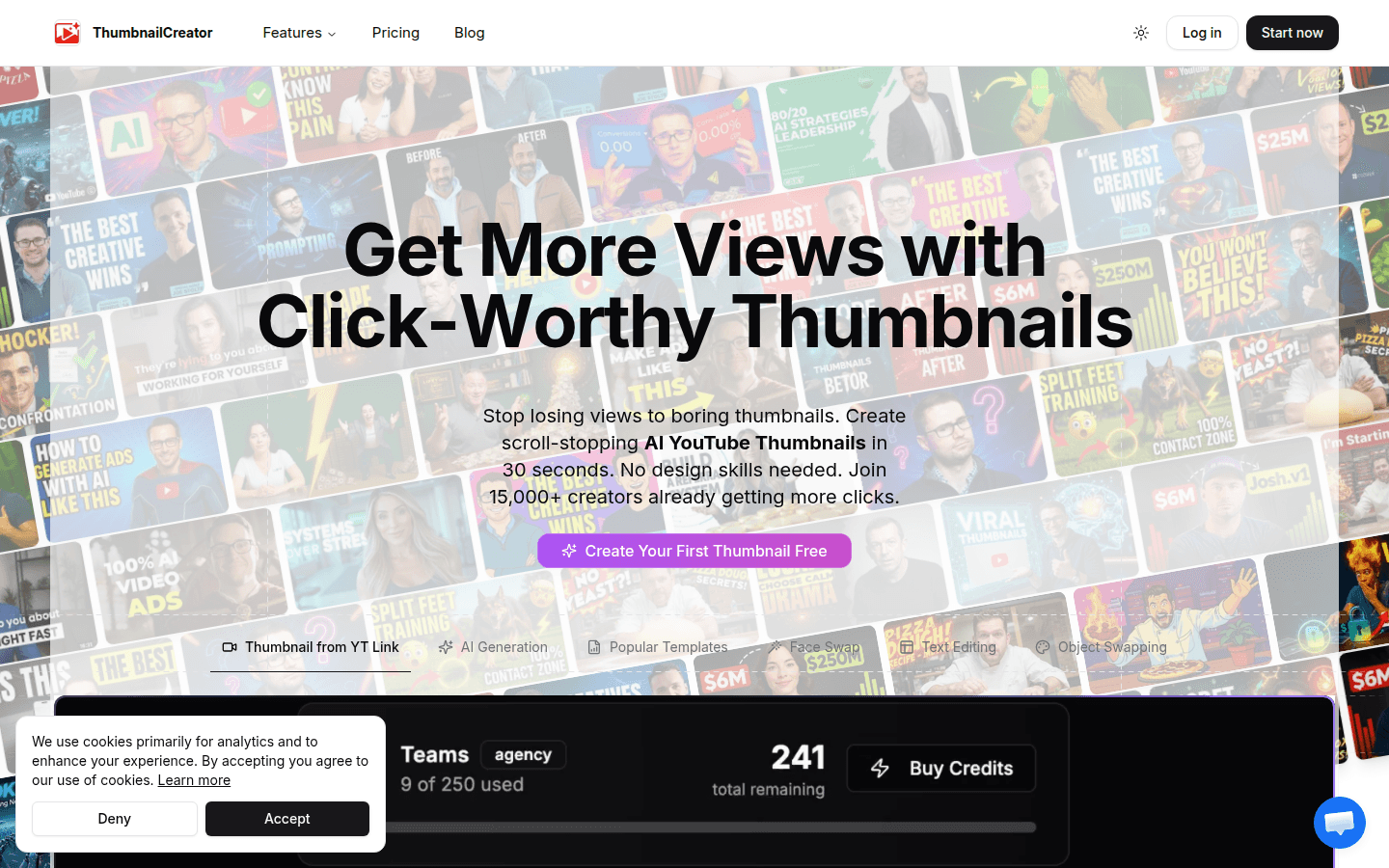
Screenshot archived from the listing page, for preview only.