
Thumbfa.st
AI YouTube thumbnail design for creatorsProfessional YouTube thumbnails in about a minute
Highlights
What you can do with it
- Alex So Yes, a content creator, found the tool very interesting after using it.
- Alex Paris, a YouTuber, subscribed to the professional plan after two weeks.
- Creators used it to fix slow design and inconsistent faces, then raised their click-through rate.
How to use it
- 1 Open thumbfa.st and upload one clear photo of yourself to use as your face reference.
- 2 Describe the thumbnail you want, or paste a YouTube link to copy a style you like.
- 3 Click generate to create 1 to 4 variations at once.
- 4 Compare the variations, pick the one to A/B test, and download the 1280x720 PNG.
Who it is for
Pros
- Keeps your face consistent across thumbnails, so subscribers recognize you
- Copies any style you like from a YouTube link
- Fast: a finished thumbnail in about a minute
- Generates multiple variations for A/B testing before you publish
- Meets YouTube's 1280x720 standard and saves your version history
Limitations
- The 5 free thumbnails are only a starting point: after that each variation costs 1 credit or you move to the professional subscription, and those free and credit terms can change
- Results depend on your uploaded photo and your description, so a poor reference photo or vague prompt gives weaker thumbnails, which is a small learning cost
- The built-in pixelation tool works around the tool's own AI refusing a request, not around platform rules, and using any tool to get past content policies can still put your account at risk
- You still need a clear idea of the message you want the thumbnail to send
What Thumbfa.st is
Thumbfa.st is an AI thumbnail design tool made specifically for YouTube creators. The idea is to remove the usual headaches of thumbnail design: slow editing, faces that do not look the same from video to video, and not knowing which style to pick. You upload one photo once and the AI keeps your face consistent across thumbnails. When you see a thumbnail you like, you paste its YouTube link and the tool copies its style, colors, and composition. You can generate 1 to 4 variations in one click to test before publishing, and the output is a 1280x720 PNG that meets YouTube's standard. It offers 5 free thumbnails, each variation costs 1 credit, and there is a professional subscription.
What you can do with it
- Upload one photo and keep your face consistent on every thumbnail.
- Paste a YouTube link to copy a thumbnail's style, colors, and layout.
- Generate 1 to 4 variations at once for A/B testing before you publish.
- Cut design time from about an hour to about a minute, then download a YouTube-ready PNG.
- Scroll through saved versions and history to revisit old ideas.
Who it is for
- YouTube creators who spend too long on thumbnails.
- Creators without graphic design skills who still want a professional look.
- Anyone who wants several variations fast to test what gets clicks.
What to watch out for
The 5 free thumbnails are only a starting point: after that each variation costs 1 credit, or you move to the professional subscription, and those free and credit terms can change. Results depend on your uploaded photo and your description, so a poor reference photo or vague prompt gives weaker thumbnails, which is a small learning cost. The built-in pixelation tool is meant to work around the tool's own AI refusing a request, not to override platform rules, and using any tool to get around content policies can still put your account at risk, so keep thumbnails within YouTube's terms.
FAQ
What is Thumbfa.st?
It is an AI thumbnail design tool for YouTube creators that keeps your face consistent and outputs YouTube-ready files.
How many free thumbnails do I get?
It offers 5 free thumbnails; each variation uses 1 credit, and there is a professional subscription.
Can it copy another thumbnail's style?
Yes, paste the YouTube link and it extracts the style, colors, and composition.
What resolution does it output?
1280x720 PNG, which meets YouTube's thumbnail standard.
Why it is free
What the official page says: 免费
Free limits, trial length and features are decided by the official site and can change at any time.
Product preview
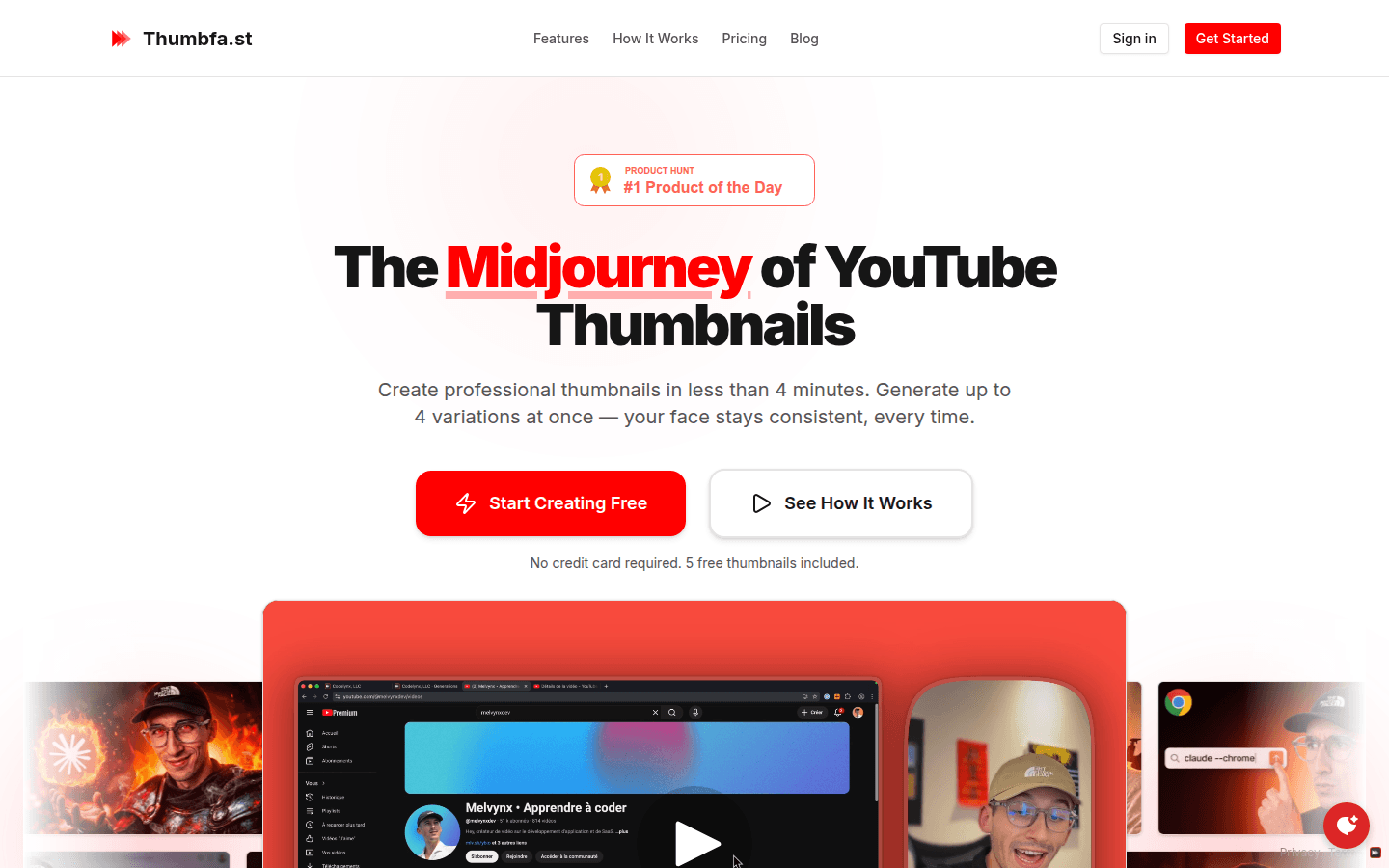
Screenshot archived from the listing page, for preview only.











