
Thinking Line
AI vector and explainer video toolTurn prompts into editable SVG and videos
Highlights
What you can do with it
- Create a maths explainer video that makes a theorem easier to follow
- Produce a safety training video for staff
- Turn a story idea into an animated video for an audience
How to use it
- 1 Register and log in on the Thinking Line website
- 2 Pick a plan, starting with the free tier if you want to test it
- 3 Enter the topic, style, voice and language parameters
- 4 Click generate and wait for the video or vector graphic
- 5 Edit the result, refining movement and rhythm
- 6 Export the video or SVG for teaching, display or sharing
Who it is for
Pros
- Output is editable, so the SVG and video are starting points rather than fixed files
- Voice choices and language settings make it usable for different audiences
- A free tier exists alongside professional and enterprise plans
Limitations
- The free tier is limited, and professional and enterprise pricing is not published
- Hand-drawn style is a specific aesthetic and may not suit formal corporate material
- Generated explanations still need an educator to check for accuracy before classroom use
What Thinking Line is
Thinking Line is an AI tool aimed at educators and creators, built around two outputs: editable SVG vector graphics and short graffiti-style explainer videos. You give it a topic, such as a mathematical theorem or a scientific concept, and it produces a video with voice-over and hand-drawn animation, along with vector artwork you can keep editing. There is a voice library to choose from, domain support for areas such as science, finance, mathematics and biology, and customisable parameters covering video mode, maximum beats and language. The pricing structure includes a free tier, a professional tier and enterprise customisation, so the free plan is the sensible place to start.
What you can do with it
- Turn a topic prompt into an explainer video with narration and hand-drawn animation
- Generate editable SVG graphics instead of flat raster images
- Convert an existing plain video into an annotated explainer with voice-over
- Choose a voice, language and beat count to fit the audience
Who it is for
- Teachers and lecturers who need visual explanations of abstract topics
- Content creators turning an idea into a short animated video quickly
- Enterprise teams producing internal training material such as safety briefings
- Anyone who wants a doodle-style explainer without animating frame by frame
What to watch out for
The free tier is a starting point with limits, and professional and enterprise pricing is not published on the page, so plan for a paid step if you need volume. The hand-drawn graffiti style is a deliberate aesthetic; if your material is formal or regulated, it may not fit. And because the tool writes the explanation itself, anything used in a classroom or a compliance training needs a human check for factual accuracy before it reaches an audience.
FAQ
Is Thinking Line free?
There is a free plan alongside professional and enterprise-customised plans. Paid pricing is not published on the page.
What can it generate?
Explanatory videos with voice-over and hand-drawn animation, plus editable SVG vector graphics from text prompts.
Which subjects does it cover?
It lists domain support for science, finance, mathematics and biology, among others.
Can I control the voice?
Yes. There is a voice library with several styles, and you can also set language and video parameters.
Why it is free
What the official page says: 免费
Free limits, trial length and features are decided by the official site and can change at any time.
Product preview
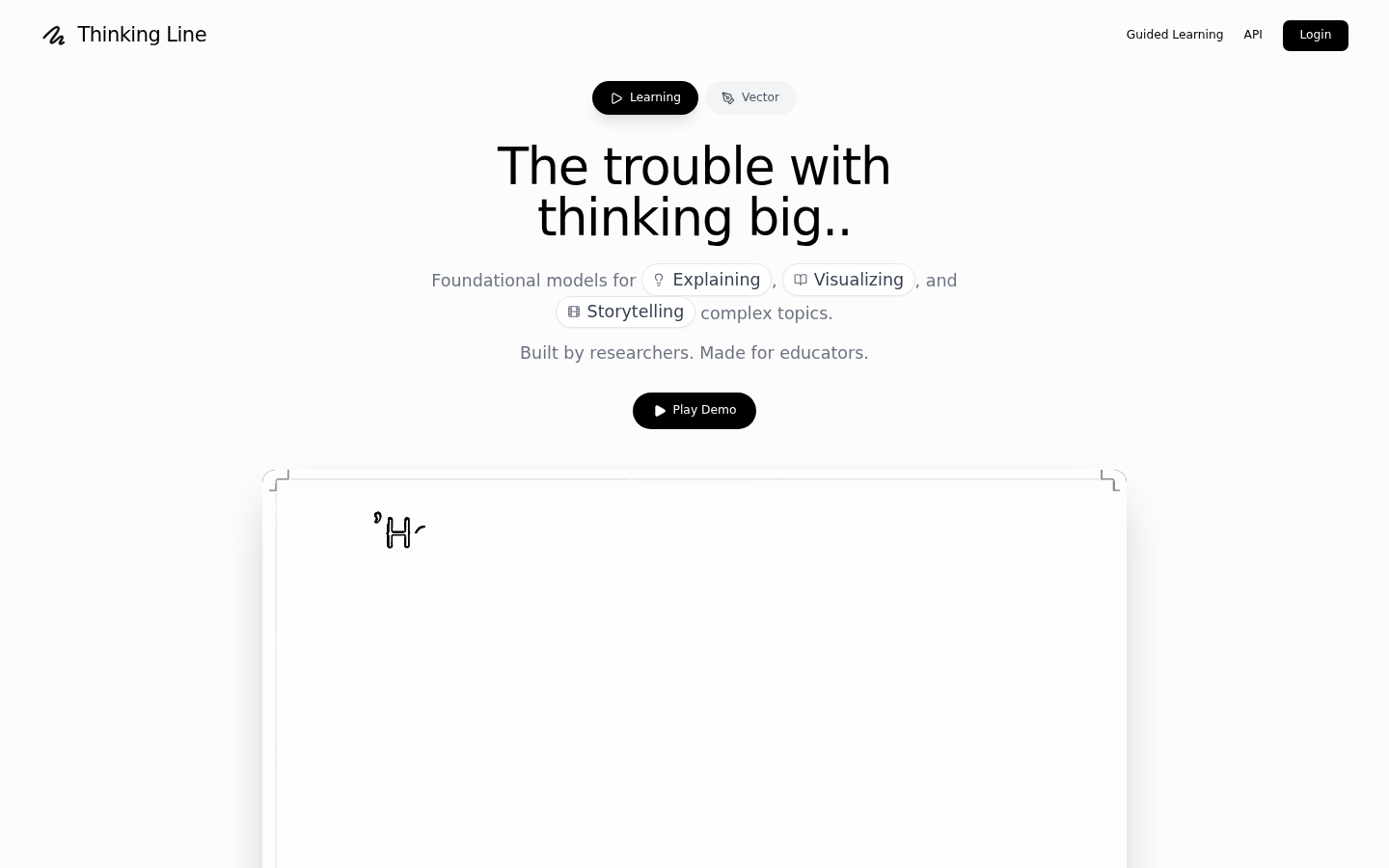
Screenshot archived from the listing page, for preview only.











