The Multiverse AI
AI headshots from one selfieLinkedIn-ready photos without a shoot
Highlights
What you can do with it
- Refresh a LinkedIn profile picture
- Add a professional photo to a resume
- Create consistent headshots for a remote team
How to use it
- 1 Open The Multiverse AI site
- 2 Upload a selfie, using the cropping tools to frame it well
- 3 Wait for the generated set of professional pictures
- 4 Choose and download the headshots you want
Who it is for
Pros
- Many options from a single upload
- No registration to start
- High-resolution output available
Limitations
- Quality depends on the selfie you upload
- AI headshots can look synthetic in some cases
- The no-registration flow may come with usage limits
What The Multiverse AI is
The Multiverse AI is a headshot generator for professional use. You upload a single selfie, and the site says its algorithms produce around 100 high-quality profile pictures within a few hours. The styles lean business and LinkedIn, which is the point: a presentable photo for a resume, a professional network profile, a portfolio, or a remote team page. The site advertises that no registration is needed to get started, and the tooling includes cropping to help you frame the upload well plus high-resolution output. It is aimed at people who want a credible professional photo without booking a photographer.
What you can do with it
- Turn one selfie into many professional headshots
- Choose business and LinkedIn style options
- Crop the source photo for better results
- Download high-resolution images
Who it is for
- Job seekers updating profiles and resumes
- Remote workers who need a business photo
- Teams that want consistent headshots without a shoot
What to watch out for
The result is only as good as the selfie: lighting, angle, and resolution all matter, and a poor source photo produces poor headshots. AI-generated images can look slightly synthetic, which matters if you plan to use them where authenticity is scrutinized. The no-registration flow is the current offer and may come with limits, and if you use the images professionally, review the site's terms on ownership and permitted use. Start with a small sample to confirm the output meets your expectations before processing the full batch. Free tiers and usage limits can change, so check the current rules on the official page before relying on it long term.
FAQ
How many pictures does it generate?
The site says around 100 professional profile pictures from one selfie.
Do I need to register?
The site advertises that no registration is required.
How long does it take?
The site says a few hours.
Why it is free
What the official page says: 无需注册
Free limits, trial length and features are decided by the official site and can change at any time.
Product preview
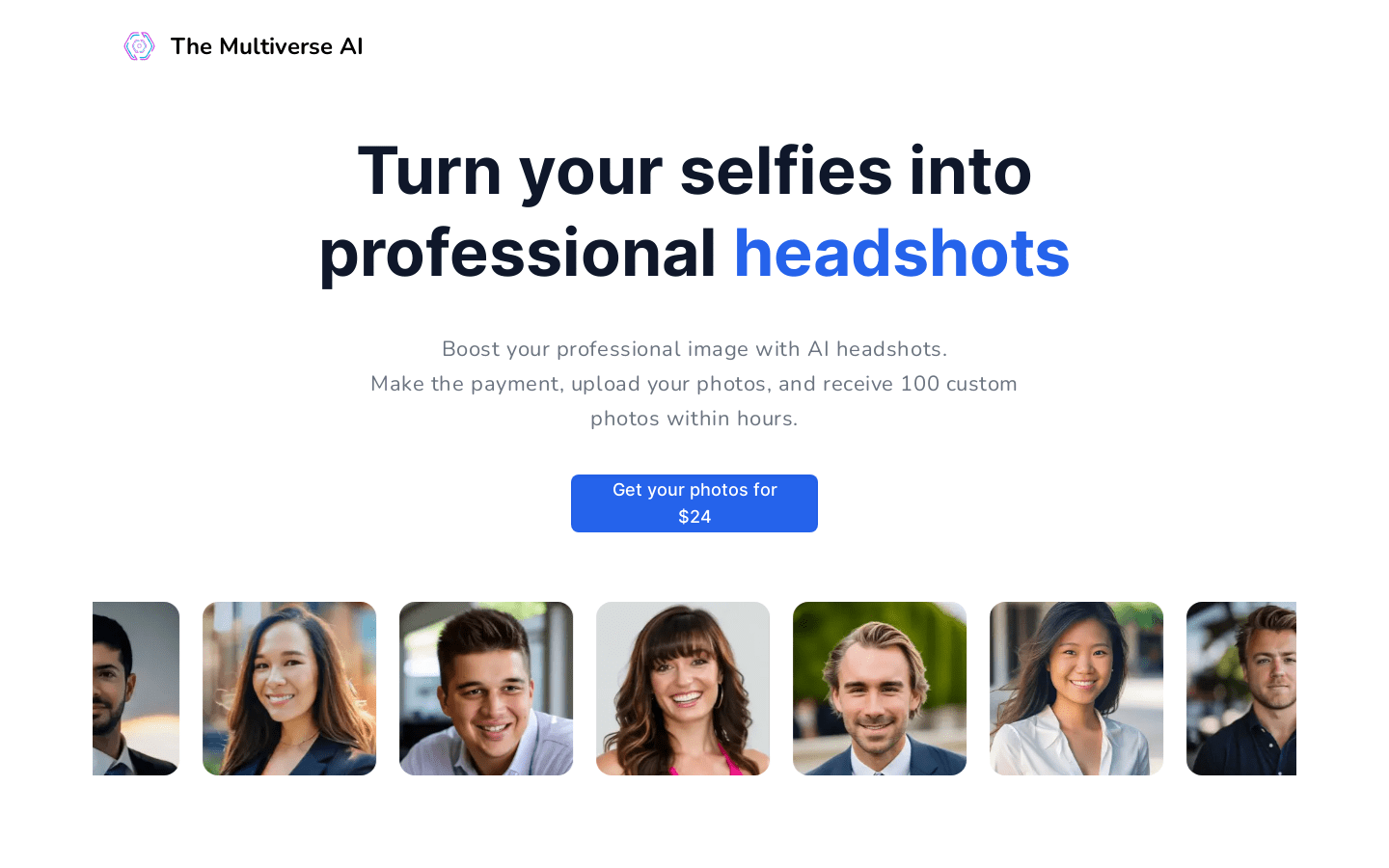
Screenshot archived from the listing page, for preview only.











